

Beschreibung
Fixed baggage loading and configuration for the catering truck to only load at door 2R.
To instal, copy the folder fnx320 and past in the path below:
C:\Users\"your_user"\AppData\Roaming\virtuali\Airplanes
If the folder "fnx320" doesn't exist, paste it anyway (creating it), it will work.
Don't forget to perform backup
Fenix A320 GSX Profile
Customize your ground services experience with the Fenix A320 GSX Profile, ensuring fixed baggage loading and catering truck configuration at door 2R. Simply copy the fnx320 folder to the specified path and enjoy a more realistic aircraft operations environment. Remember to back up your files before installation.


Nutzerbewertungen
1 Bewertungen
Versionsgeschichte
Keine Versionsgeschichte verfügbar.
Ähnliche Addons
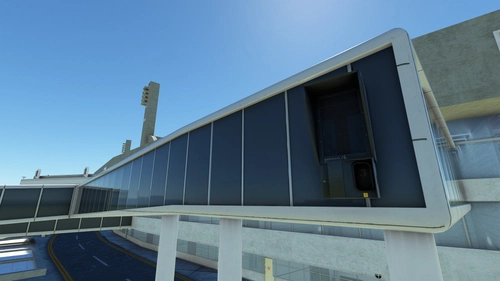
GSX Profile - Galeão Airport (SBGL) Improvement - WIP
Enhance GSX experience with this WIP Galeão Airport (SBGL) improvement profile by stefanocosta9. Copy the file to C:Users{your_username}AppDataRoamingvirtuali for installation. Explore the scenery link for more details and updates.
von marlonfalcaoc152
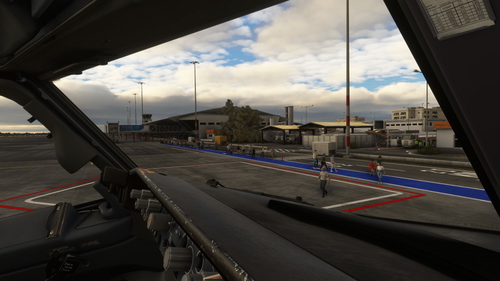
GSX Profile - SBCY (Bruno_Reichert)
Enhance ground operations at SBCY airport with this GSX profile by Bruno_Reichert. Simply copy and paste the file into the specified directory for easy installation.
von marlonfalcaoc152
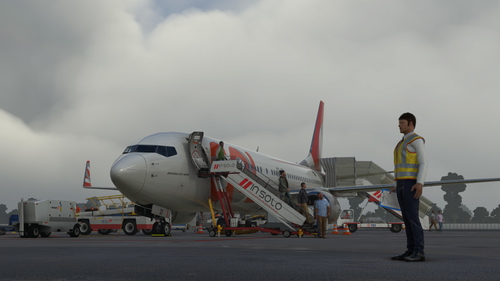
GSX Profile - SBLO (Brazil Land Games)
Enhance your ground handling experience at SBLO airport with this GSX profile by Brazil Land Games. This add-on offers support for parking positions 01 and 05, allowing for more realistic airport operations. Simply install the file in the specified directory to enjoy improved ground services at this Brazilian airport.
von marlonfalcaoc152
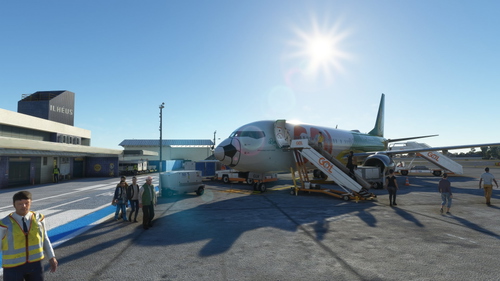
GSX Profile - SBIL (Brazil Land Games)
Enhance your GSX experience at SBIL airport with this profile developed by Brazil Land Games. Simply install the file in the specified directory for a more immersive ground handling simulation.
von marlonfalcaoc152
Melden Sie sich an, um an der Diskussion teilzunehmen
AnmeldenKommentare(10)
about 2 years ago
Fenix has changed their door IDs in the latest update, which means you must remove any custom aeroplane profile you either made or downloaded because they were made based on door IDs for the previous version which are no longer valid. Since user profiles always prefer internal or developer-provided profiles, you must remove the custom ones from %APPDATA%\Virtuali\Airplanes.
Info only for folks who are having issues, the post was tilted - Problems - Catering and baggage not loading
The last update/Initial File Release - for this add-on Aug 21 - 2023.
but hey thx for ya efforts!!
about 2 years ago
Could you add the 319/321 too please?
over 2 years ago
over 2 years ago
about 3 years ago
about 3 years ago
about 3 years ago
about 3 years ago
thanks for the profile, but in "my"Virtuali no Airplanes
I've create one , is it OK??
about 3 years ago
about 3 years ago