
Beschreibung
Sim Soaring Club presents:
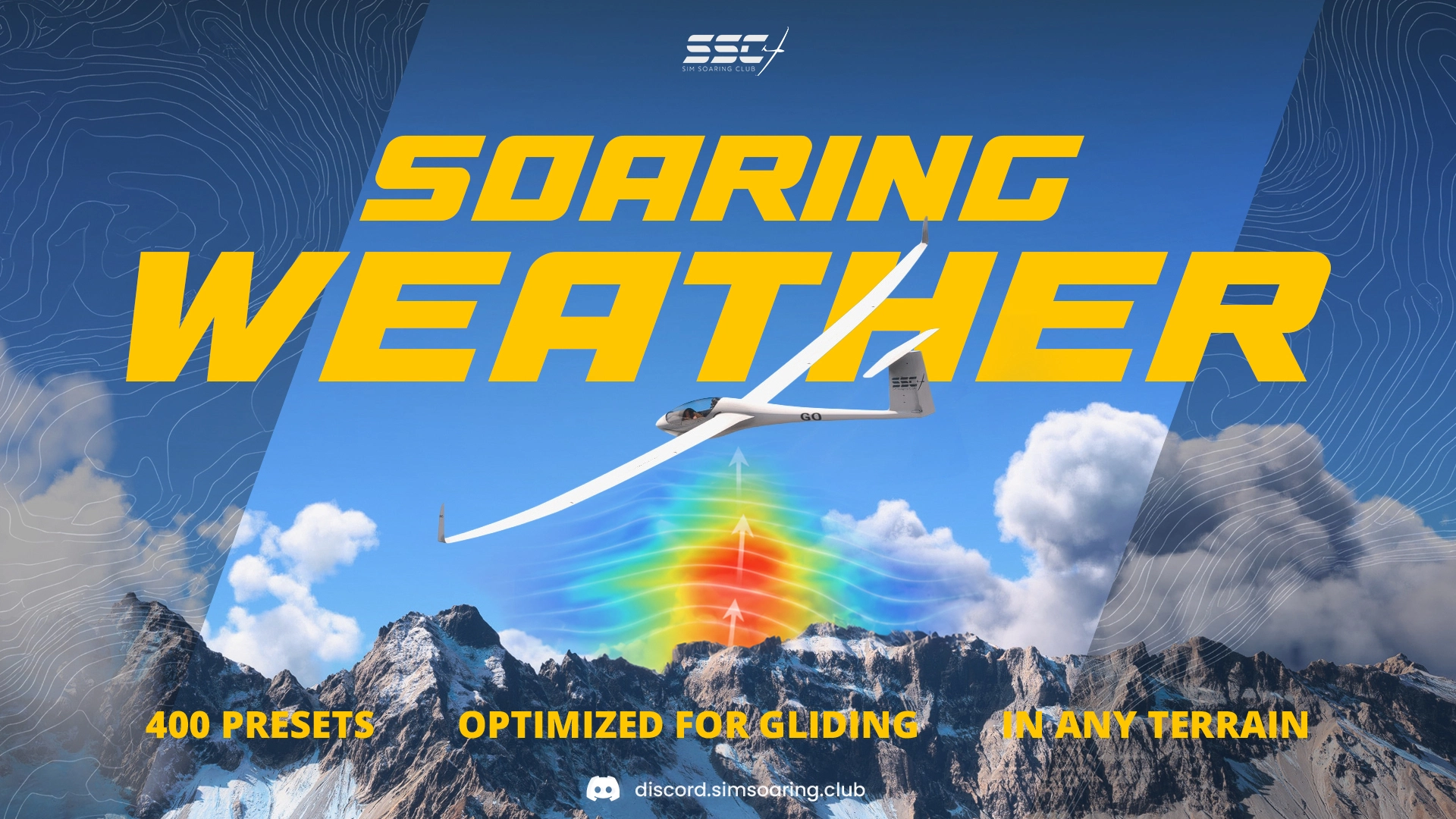
Soaring Weather for MSFS
This is a comprehensive weather-preset package created specifically for glider flying in Microsoft Flight Simulator 2024/2020.
It provides a structured range of thermal, ridge, overcast, and high-wind conditions designed for cross-country tasks, ridge flying, training, group flights, and immersive soaring adventures.
How to install (MSFS 2024):
Download the Main File and unzip the "SSC-Weather-MSFS_2024_v2" folder into your MSFS 2024 Community Folder!
How to install (MSFS 2020):
Download the MSFS 2020 file unzip the "SSC-Weather-MSFS_2020_v2" folder into your MSFS 2020 Community Folder!
To keep your in-game presets selection organized, it's recommended to delete any older versions!
Why two separate downloads for MSFS 2020 and 2024?
There's subtile differences in the weather simulation between the two titles, with MSFS 2024 generally offering slightly weaker lift on the ridges but increased cloud coverage at the same values as in MSFS 2020. These presets attempt to compensate for this, by adjusting wind speeds and cloud coverage in a way where the same preset number (ie 017 Few Cu) should feel as close as possible in both sims, allowing cross-title multiplayer soaring.
Understand the weather in MSFS
Watch the Video Tutorial
The SSC Soaring Weather features 2 sources of lift for glider pilots:
1. Thermals (rising air associated with clouds)
2. Ridge lift (created by wind flowing over mountains)
Prerequisites:
In order to find decent thermals, flights should be done in summer around noon hours.
Time of Day and Season play a big role in determining the thermal strength.
These factors are not part of the presets and have to be set by the pilot himself.
Thermals:
Presets feature a range of thermal strengths, indicated by the "T0 - T14" prefix included in their name.
Due to how msfs works, these thermals can be found a little offset to the windward side of the cloud (not directly below the cloud). The larger, higher and denser the cloud is looking, the bigger is the chance to find good lift.
MSFS also simulates hot air rising from the sun heating terrain, but this is completely independent from cloud formation, and cannot be controlled by a weather preset, as it solely depends on the time of day, season and wind speed among other things.
Ridge lift:
MSFS is doing an ok job at simulating air flowing over mountains, with the exception of the fact that under many circumstances lift can be found at altitudes high above the ridges, which is quite unrealistic.
To work around this fact, the presets are set up in AGL mode, featuring several wind layers at different altitudes above ground level (as opposed to altitude above sea level).
You will find wind speeds of 5 - 20 kt close to the surface (be it in a valley or on a mountain peak). As in real life this lift only reaches a couple of 1000 ft above the terrain, due to the addition of multiple wind layers of decreasing wind speeds in the preset, meaning you have to fly pretty close to the mountains in order to benefit from the ridge lift.
Weather Types Overview:
Clear ☀️
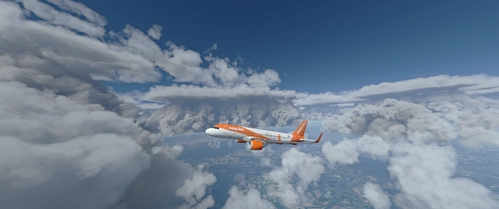
Blue soaring conditions with no cumulus markers. Great for ridge flying, clean-sky navigation, performance testing, and practicing real thermal hunting without obvious cloud clues.
- Type: Ridge + Blue Thermals
- Thermals: Very light
- Wind: 5, 10, 15, 20 kt
- Cloud base: None
- Use: Ridge flying, blue thermal practice, clean visuals
Low Cu 🌤️
Classic cross-country soaring with cumulus markers and a lower cloud base. Best for flatlands, lower mountains, and shorter tasks where climbs are easy to reach.
- Type: Ridge + Thermal
- Thermals: Light to Very Strong
- Wind: 5, 10, 15, 20 kt
- Cloud base: ~6000 ft AGL
- Use: Default XC flying, lower terrain, group flights
High Cu ⛅
Higher cloud base for bigger terrain and longer glides. Ideal for mountains, high plains, and stronger cross-country days where extra working altitude matters.
- Type: Ridge + Thermal
- Thermals: Moderate to Maximum
- Wind: 5, 10, 15, 20 kt
- Cloud base: ~10000 ft AGL
- Use: Mountains, high terrain, long transitions
Overcast ☁️
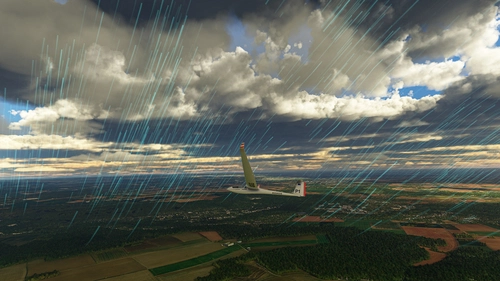
Stable, fully covered skies with no authored thermals. Best used for ridge-focused flying, atmospheric conditions, or deliberately tricky low-lift days.
- Type: Ridge focused
- Thermals: None
- Wind: 5, 10, 15, 20 kt
- Cloud base: Overcast layer
- Use: Ridge soaring, poor soaring days, moody visuals
High Winds 🌬️
Special wind-gradient presets with light wind near the surface and stronger wind higher up. These can feel wave-like in high terrain, even though it is still MSFS ridge lift doing MSFS things.
- Type: High-altitude wind gradient
- Thermals: None / limited
- Wind: Increases with altitude
- Profiles: 1000 m, 2000 m, 3000 m, 4000 m. Choose at which AMSL the wind speed reaches 10 kt
- Use: High terrain, wind-gradient training, wave-like ridge flights
Note: With the High Winds presets the lift is noticeably weaker at low AGL due to MSFS cutting the lift near the ground. So try to stay above 1000 ft AGL
New SSC Weather in-game panel- Select weather type
- Select thermal strength
- Select wind direction and wind speed
- Enter a preset number manually
- Set local date and time
- Apply everything directly from inside the sim
The Surprise Me button randomly selects and applies:
- Weather preset
- Date
- Time
This lets you discover new soaring scenarios with one click. You might get an early morning overcast winter scene, a snowy mountain challenge, a clear summer sunset with blue thermals, or a booming cumulus day with strong lift. Each click creates a different challenge, making it a fun way to explore the full range of SSC Soaring Weather v2.
Tips:
- For best conditions fly during summer at noon.
- Pick a preset with a favorable wind direction depending on your flight plan.
- Find thermals on the windward side of clouds (not directly under clouds).
- For best lift in the mountains fly between 500 - 1500 feet above the ground.
- Fly over terrain easily heated by the sun (cities, rocks, beaches)
- Set the Turbulence option in Assistance Settings to low to avoid unrealistic turbulence.
Note:
These weather presets control the lift by manipulating the wind so you will see wind speeds reducing significantly as you rise above slopes but this seems the optimal compromise to get realistic ridge-lift conditions. They were designed to work universally for thermal- and ridge soaring.
The Sim Soaring Club is a friendly community of over 3000 pilots, flying gliders in MSFS and hosting multiple group flights every week.
Join us on discord.simsoaring.club
Contributing pilots:
Alexandre, B21, Biggles, CallMeJo, Georg, MajorDad, MountainManVR & all active members of the Sim Soaring Club.
Happy Soaring!
Soaring Weather
Enhance your gliding experience in Microsoft Flight Simulator with Soaring Weather by Sim Soaring Club. This package includes 400 weather presets, designed for thermal soaring, ridge flying, cross-country tasks, group flights, and atmospheric glider adventures. Choose from clear skies, low and high cumulus, overcast conditions, standard ridge winds, and high-altitude wind profiles. The MSFS 2024 version also includes a new in-flight toolbar panel with preset filtering, manual preset selection, date and time controls, and a Surprise Me button for instant soaring scenarios.

Mitwirkende

Nutzerbewertungen
13 Bewertungen
Versionsgeschichte
- Completely rebuilt the SSC Soaring Weather preset collection - Added Clear, Low Cu, High Cu, Overcast, and High Winds preset families - Added thermal-strength ranges from T2-6 Light through T12-16 Maximum - Added eight wind-direction variants across the standard preset range - Added 5, 10, 15, and 20 kt standard wind variants - Added altitude-based High Winds profiles - Tuned wind layers to improve ridge-soaring behavior within MSFS limitations - Tuned cloud coverage, density, scattering, base, and thickness for clearer progression between thermal strengths - Added custom weather-family preview images with wind direction and speed information - Added simulator-specific tuning to provide comparable conditions in MSFS 2020 and MSFS 2024 - Added an in-game SSC Weather toolbar panel to the MSFS 2024 package (thanks MajorDad)


Melden Sie sich an, um an der Diskussion teilzunehmen
AnmeldenKommentare(34)
about 1 month ago
about 1 month ago
3 months ago
The random feature is nice.
I've encountered one issue with practically all of the presets. The temp deviation is at max. Is this a known choice? I've read somewhere about a bug related to this.
3 months ago
4 months ago
4 months ago
GFKsim
4 months ago
about 1 month ago
5 months ago
5 months ago
8 months ago
10 months ago
The Main File is the MSFS 2024 version.
The MSFS 2020 version is the second download option.
over 1 year ago
almost 2 years ago
Dieser Kommentar wurde gelöscht
about 2 years ago
%appdata%\..\Local\Packages\Microsoft.FlightSimulator_8wekyb3d8bbwe\LocalState\Weather\Presets
You can copy/paste the above line in a Windows File Explorer and it should get you to the correct location.
about 2 years ago
Dieser Kommentar wurde gelöscht
about 2 years ago
about 2 years ago
about 2 years ago
about 2 years ago