
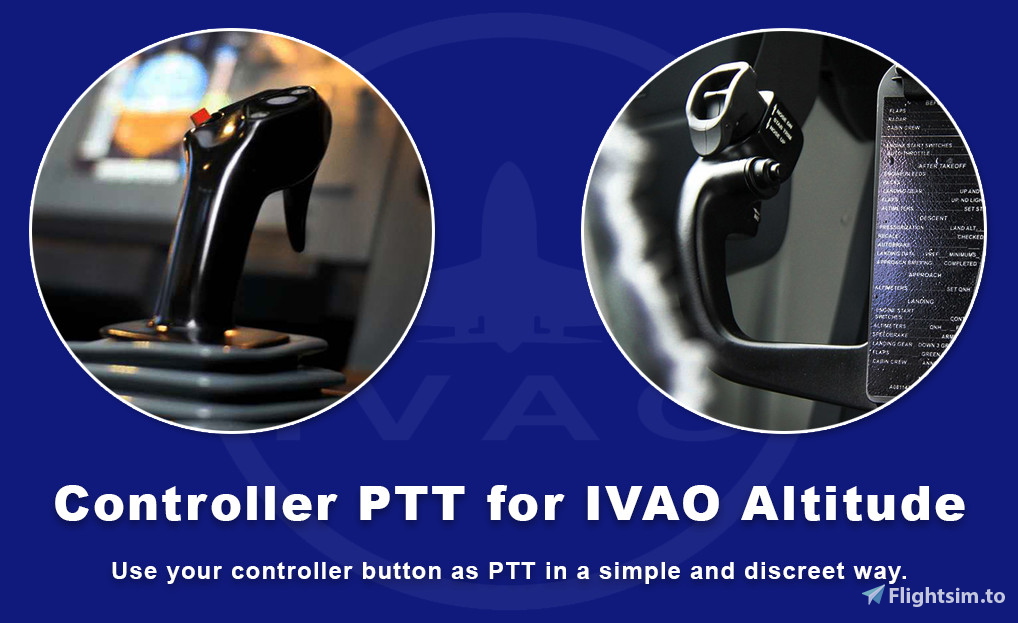
Beschreibung
Finally, use your joystick trigger to talk to ATCs easily on IVAO with Altitude!
This script replace the non-existent function of the IVAO's Altitude client, a controller's button for Push-to-Talk.
Tired of multiple softwares you need for flightsiming? This script run hidden, in the notification tray. The only thing you can see is a little icon.
In addition, you can use it easily into batch, Powershell, other AHK scripts, Stream Deck and other tools how can run command lines or files.
(Tools or other scripts are not given and i do not make personnal custom scripts.)
HOW TO USE IT?
- To use this script, install first AutoHotkey (AutoHotkey website), an open-source scripting language for Windows.
To Click-to-Run script files, *.ahk files must be associate with the application (normally is associated by default after installation but if isn't, do it manually). - Install IVAO Altitude (Download IVAO's Altitude client) then launch the simulator you using and start the Altitude client.
Into Altitude, open settings and click on the button "Set Push-To-Talk key" then press the keyboard key you want to use as PTT. - Edit the script "Controller PTT for IVAO Altitude.ahk" :
- Edit variable "Key" with the same keyboard key as you have defined into Altitude.
More informations about key names used by AHK here: AutoHotkey : List of Keys - Edit variables "ControllerNumber" and "ButtonNumber" relative to the controller button you want to use as a PTT key.
To know the controller number and the controller button number, use the script "Controllers Status Display.ahk" given with this script.
- Edit variable "Key" with the same keyboard key as you have defined into Altitude.
- Launch the script by double-clicking on it, script icon will appear into Windows's Notification Bar.
To stop the script, right-click on the icon in the notification bar and select "Exit".
Controller PTT for IVAO Altitude
Finally, use your joystick trigger to talk with ATCs on IVAO! This script replace the non-existent function of the IVAO's Altitude client, a controller's button for Push-to-Talk. This simple script run hidden (not an another visible window...) and can be used into automations.


Nutzerbewertungen
7 Bewertungen
Versionsgeschichte
Keine Versionsgeschichte verfügbar.
Ähnliche Addons
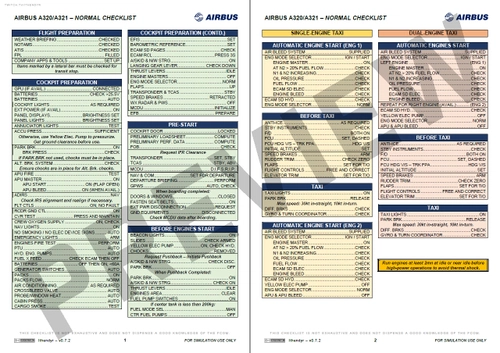
Airbus A320/A321 - Normal Checklist
Enhance your Airbus A320/A321 flying experience with this comprehensive Normal Checklist add-on. Created by Ithendyr, this checklist is based on official Airbus documents and is compatible with FBW A32NX and Fenix A320. Please note this is a work in progress, focusing on simplifying and streamlining the checklist for ease of use during normal operations.
von Ithendyr
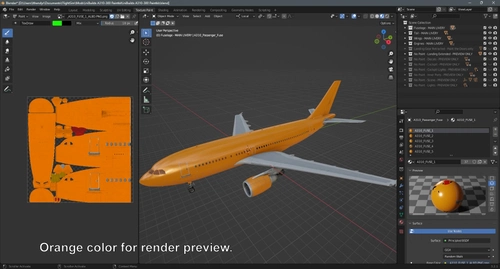
iniBuilds A310-300 - Complete Paintkit (Blender)
Create custom liveries for the iniBuilds A310-300 with this comprehensive paintkit designed for Blender and Photoshop. Includes Blender model, PSD files for texture editing, and livery templates for easy customization. Perfect for adding a personal touch to your aircraft in Microsoft Flight Simulator.
von Ithendyr
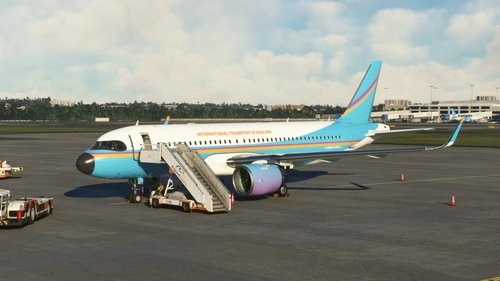
ITH livery for FBW A32NX (Fictional) (8K)
"Fly with the fictional International Transport & Hauling (ITH) livery designed for the FlyByWire A32NX. Representing a virtual company managed by Ithendyr on FsHub and Discord."
von Ithendyr
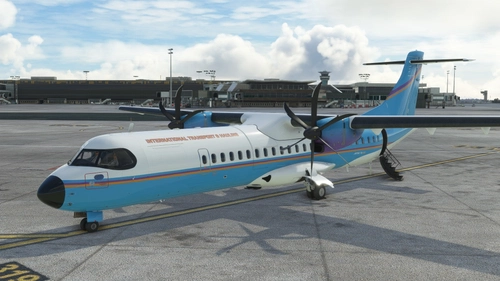
ITH livery for Asobo ATR 72-600 (Fictional)
Introducing the ITH livery for the Asobo ATR 72-600! Explore this fictional livery designed for International Transport & Hauling, a company managed by Ithendyr on FsHub and Discord. Check out the company hub and Discord server for more information.
von Ithendyr
Melden Sie sich an, um an der Diskussion teilzunehmen
AnmeldenKommentare(11)
about 4 hours ago
12 days ago
3 months ago
7 months ago
12 months ago
for people wondering, it works with every simulator that is using ivao !!!!!
LIFE SAVER MAN
over 1 year ago
about 2 years ago
How to select the front button of the tca stick (normally assigned as break) for the ptt?
Can any1 support here?
over 2 years ago
over 2 years ago
Thank you so much.
over 2 years ago
i got message that saying ( can`t find the file ... ) and i sent for u image for that !!
about 3 years ago