

Beschreibung
Hi!
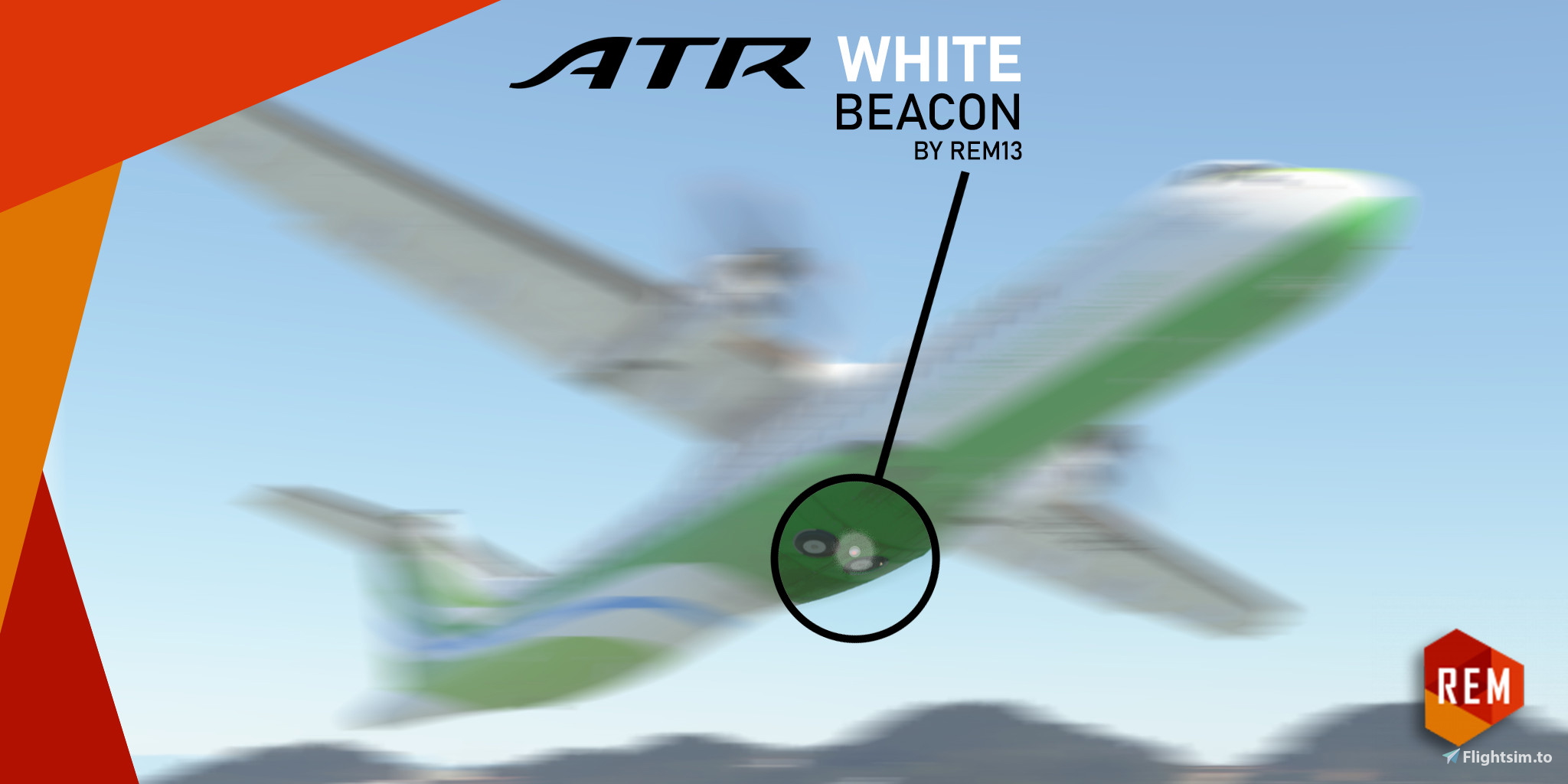
This is a small mod to change the default red beacon from Hans/Asobo´s ATR to white, many frames out there have white beacons insted of red.
To install just extract the ATR White Beacon by REM13 folder into your community folder and thats it.
Do take into account that it will apply the mod to all of your liveries.
If you like my work consider helping out to keep going and buy me a beer.
Enjoy!
Asobo ATR 72/42-600 White Beacon MOD
Enhance your ATR 72/42-600 experience with this mod that changes the default red beacon to white, a common feature on many real aircraft. Simply extract the mod into your community folder to apply the change to all liveries. Support the creator by buying them a beer if you appreciate their work. Happy flying!

Nutzerbewertungen
2 Bewertungen
Versionsgeschichte
Keine Versionsgeschichte verfügbar.
Ähnliche Addons
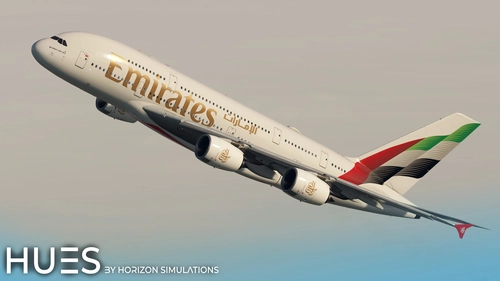
[8K/4K] Emirates A6-EOG | FlyByWire A380X
This add-on features the Emirates A6-EOG livery for the FlyByWire A380X, showcasing an accurate representation of the airlines design with a new tail. It includes high-quality 8K textures and custom dirt effects to enhance realism. Installation is straightforward, requiring users to extract the files into their Community folder.
von REM13

[8K/4K] Etihad Airways A6-API | FlyByWire A380X
This add-on features the Etihad Airways A6-API livery for the FlyByWire A380X, providing a detailed and accurate representation of the airlines branding. It includes high-resolution textures available in both 8K and 4K, along with custom dirt effects to enhance realism. Installation is simple—just extract the chosen version into your Community folder.
von REM13
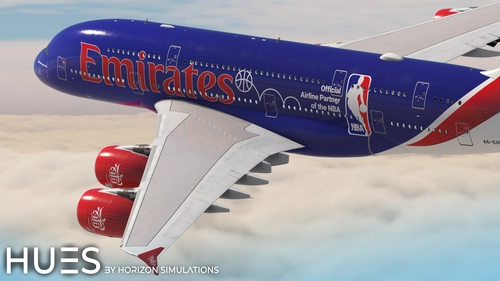
[8K/4K] Emirates A6-EOD "NBA" | FlyByWire A380X
This add-on features the Emirates A6-EOD "NBA" special livery for the FlyByWire A380X in Microsoft Flight Simulator. It includes accurate 8K textures along with custom dirt effects, enhancing the visual realism of the aircraft. Installation is straightforward, requiring extraction into the Community folder. This livery adheres to copyright and licensing terms, ensuring respect for creators intellectual property.
von REM13

[8K+4K] Vueling EC-MVN | Fenix A320 V2
Experience the accurate Vueling scheme with this high-quality EC-MVN livery for the Fenix A320 V2 IAE variant. Featuring 8K textures, Spanish and English decals, and custom dirt effects. Installation is easy - just extract the file into your Community folder. Contact the creator for project requests and consider donating to support their work.
von REM13
Melden Sie sich an, um an der Diskussion teilzunehmen
AnmeldenKommentare9
thanks
Thanks for this, I wondered why they made it red, most of the new ATRs have white beacons.
And that is true both EASA and FAA approve Red/white beacons.
Why? the red beacon is supposed to make it easier to identify when an aircraft is running engines, why would you change it into a white strobe? I'm just curious.
No idea... I supose EASA/FAA lets the operators choose.
Most of ATR are using white beacons in real life.