
Beschreibung
IMPORTANT NOTICE:
THIS SCENERY STARTED ACTING WEIRD AFTER SU6 THEREFORE ONLY DOWNLOAD AND INSTALL IF YOU REALLY WANT TO TRY IT IN YOUR SET-UP.
You need to have these libraries installed in your Community folder in order to see the objects used from those packages:
Windy Things - Scenery Enhancements for MSFS | Flightsim.to
Wombiiactual ENxx Asset pack - Scenery Enhancements for MSFS | Flightsim.to
Changelog v1.2.3 - IT SEEMS THAT THERE IS A PROBLEM WITH EITHER SU6 OR WITH THE NEWLY RELEASED SDK as this scenery initially did not work after SU6, then after re-packing with the new SDK it did work but this morning (Aug. 19) it caused a CTD several times. If this is happening to you, please switch back to 2020 package or use the outdated payware or stock scenery. I will try once every day until ASOBO pushes a new update to correct what they have messed!
- Something must be changed with SU6 causing a CTD when attempting to start at Antalya and so I had to re-built the package with new SDK.
- Populated the car park of Terminal 2 to make sure changes can be saved with the new SDK.
Changelog v1.2.2
- New revised parking positions on Aprons 1, 2 and 5 based on official Jeppesen charts dd 17-04-2026
- New ground markings based on Google Earth Pro imagery dated 21-05-2026 and some YouTube videos
- Added hold short lights, runway stop lights and high speed exit lights including amber/green taxi lights
- Added Blue and Orange taxi lines where appropriate.
Changelog v0.8.7
- Added new Terminal1 and Terminal2 models
- Changed jetway placemets accordingly.
- Added new pier models to Domestic terminal (converted from an old scenery)
- Made various corrections and adjustments to taxi lights and taxi lines.
Changelog v0.8.1
- Added more ground traffic routes to avoid vehicles following taxi routes as much as possible.
- Added missing apron lights.
- Revised vegetation polygon to avoid trees popping up between taxiways.
- Added VOR and Localizer models.
Changelog v0.7.4
- Added new aprons, taxiways and all new/revised park positions visible on Google Earth and Jeppesen ADC chart dated 12 April 2024.
- Mostly stock assets are used to simulate the surrounding buildings. Also some models are used from UK2000 library.
- ATC routes are complete based on above mentioned chart.
- New terminals will be added as soon as new visuals and charts are available.
- This version is only tested with MSFS 2024.
- Includes Google Earth base files.
Changelog v0.6.0
- Ground markings for Apron 2 mostly completed, only Terminal surrounding is pending.
- Custom terminal building added (Terminal 2) - I know, my SU skills still suck!
- All taxiways are covered with default Asobo materials.
- All taxiway signs are completed.
- Custom Military bunkers added.
Changelog v0.5.0
- Completed parking spots and ramps for all 3 aprons as per most recent ADC charts.
- Completed ATC routes and connected all ramps to the network.
- All taxiway edge lines with lights are completed.
- Ground markings completed for Apron 3 - now only Apron 2 is missing as there are a lot to place.
- All lights changed to "white" (cold) apron lights rather than yellow (warm but dull) ones and mostly placed where visible in the satellite images.
- Most taxiways and aprons are now covered with default Asobo materials but tried to match the color as much as possible based on the sat imagery.
Changelog v0.4.0
- Added fuel farm.
- Added more lights to Aprons.
- Completed ground markings for Apron 1
- Connected parking positions to ATC routes on Apron 1.
- Covered more aprons and taxiways with Asobo materials and added missing (new) taxiways.
Changelog v0.3.0
- Added new jetway piers to Domestic terminal (thanks to M. Ali Oguducu).
- Corrected all ramp/gate numbers on Apron 1 and 2 based on actual charts. Apron 3 to follow.
- Added ground markings over Apron 2 (still a WIP) Apron 1 and 3 to follow.
- Removed all default ramp starts.
- Removed all painted lines.
- Added apron asset to cover Apron 2 as per real life.
Changelog v0.2.0
- Added custom (basic) piers to the terminal (my SU skills suck, I know).
- Asobo Jetways added to piers.
- Gates/Ramps added as per recent ADC charts but left the stock ones as well for the time being. Gates/Ramps 112 thru 132 are new.
- Added custom ground markings and ramp numbers for certain parking spots.
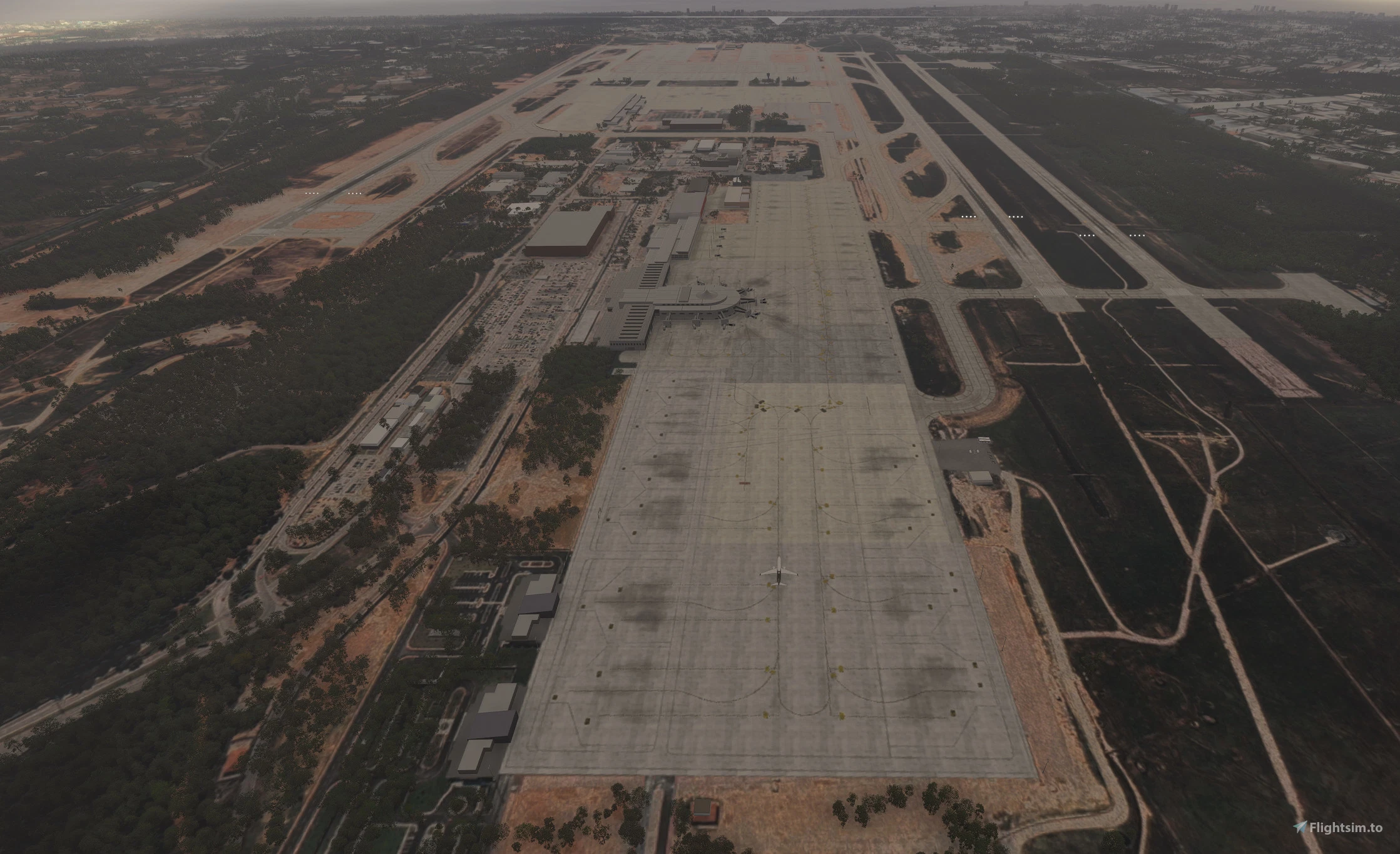
This is a "very basic" enhancement of the default LTAI Antalya Intl. Airport scenery.
- Added some apron lights
- Corrected Runway details, removed crosses along Runway 18C/36C as it is an active runway for takeoffs and landings.
- All ramp starts except for Runway starts are default, they will be corrected when time permits.
- Corrected Approach lights and added ILS antennas (not functional)
All the rest is default and I will try to make it more attractive in time.
To install, just drag the "argaeus-ltai-antalya" folder to your Community folder.
Enjoy.
Location
LTAI Antalya Intl Airport (MSFS 2024 ONLY) v1.2.3
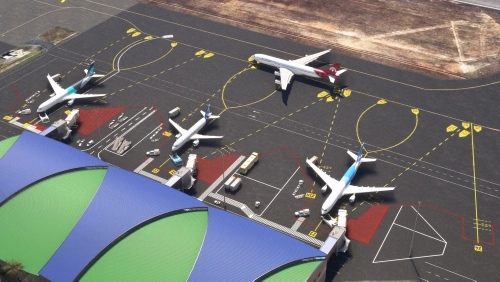
Enhance your Antalya airport experience with this add-on featuring custom terminals, ground markings, and taxiway details. Explore updated aprons, ATC routes, and military bunkers in this scenery refresh. Experience improved apron lights, jetway piers, and accurate ramp numbers based on real charts. Upgrade your default LTAI Antalya Intl. Airport with added features and visual enhancements.

Nutzerbewertungen
13 Bewertungen
Versionsgeschichte
SU6 problem solved.
In Sammlungen enthalten(2)

Ähnliche Addons
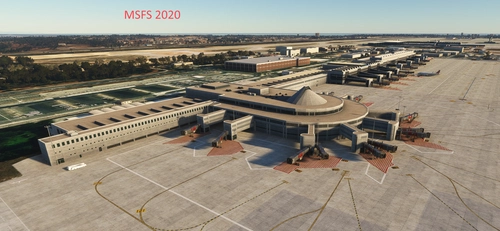
LTAI Antalya Intl. Airport MSFS2020 (W.I.P) v1.2.7
LTAI Antalya International Airport is a work-in-progress scenery add-on for Microsoft Flight Simulator 2020. This project features detailed representations of the international and domestic terminals, complete with piers, jetways, and parking spots based on current official charts. Key areas, including taxiways, ground markings, and the ATC network, are being developed, while certain sections remain transparent to provide guidance as they undergo updates. The final package will incorporate detailed reference imagery from Google.
von Argaeus
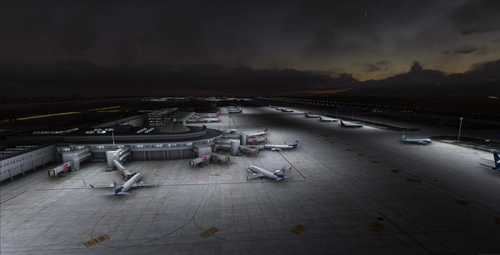
LTAI Light-Enhancement (JustSim)
Enhance the lighting at LTAI Antalya airport with this light enhancement add-on by JustSim. Simply extract to your community folder and elevate your flight sim experience. Special thanks to "dominik.krh" for their help and testing contributions.
von Segelflieger98
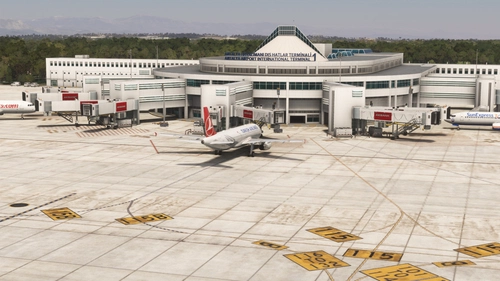
LTAI Antalya FSLTL Static Aircraft
Enhance your Antalya airport experience with StaticSceneries! This add-on utilizes FSLTL models to bring static aircraft to the payware Antalya airport by JustSim. Please note that these enhanced models are stationary and do not impact FPS, providing a more lively atmosphere without the need for FSLTL Injector. Remember to disable in-sim traffic for optimal performance.
von StaticSceneries
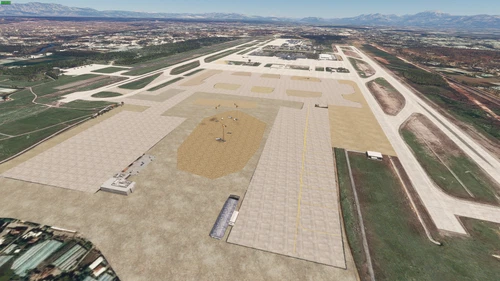
LTAI Antalya MEGA Update
Enhance your Antalya Airport with this MEGA update featuring a new big apron, improved runway markings, and Google Earth accurate aircraft models and buildings. Experience overall scenery enhancement for JustSim LTAI Antalya Airport. Simply unzip the folder in the "Community" folder to enjoy these updates.
von TRA_Official
Melden Sie sich an, um an der Diskussion teilzunehmen
AnmeldenKommentare(69)
about 1 month ago
about 1 month ago
about 2 months ago
about 2 months ago
about 2 months ago
about 2 months ago
about 2 months ago
about 2 months ago
about 2 months ago
Personally I think the issue is within your texture files. Crashes like that seem to happen whenever there is a corrupted file or non supported file format is tried to be loaded (mdl, bmp, png). Maybe it's something previous versions of the sim were able to just skip while SU6 is more sensitive - however it would still mean there is an issue which previously was just masked.
about 2 months ago
about 2 months ago
about 2 months ago
Also, don't get me wrong here - your service to the community is great, but simply saying it's Asobos fault doesn't work if 99,5% of all sceneries I installed work with yours is causing a CTD. They all even worked when SU6 was in beta (but LTAI).
There simply must be an issue with your scenery you might not have yet discovered an it likely relates to the buildings or their LODs: whenever you slowly zoom into the airport it loads fine until the point the geometry is loaded. The AFCAD loads fine as gates are selectable, any underlying polygon and ground texture seems to load fine too.
Maybe it's just some issue with your naming convention of some texture files as things like "___.PNG.KTX2" or "___1.PNG.KTX2" exist within your \scenery\global\scenery\texture folder (in contrast to Istanbul).
Over at the dev support forums I also cannot find any report from you to try to solve the issue with Asobo (well, not even an account linked to your users name over here) → https://devsupport.flightsimulator.com/
To your point about "what happened to logic?" - Well, nothing directly. My assumption would be that something corrupted or non standard which was either just skipped or "accidentally loading" previously is handled more strict now and causes a CTD. Maybe some leftover MSFS 2020 material that wasn't supported by MSFS 2024 other than in legacy mode and which somehow made it through → a behavior that never was intended to work but which made it through due to a bug within the pipeline.
Whenever I'm in the mood/have time I might check the files, as even if I didn't upload something on my own I'm involved into some other MSFS related freeware projects.
about 2 months ago
about 2 months ago
about 2 months ago
about 2 months ago
about 2 months ago
about 2 months ago
about 2 months ago
about 2 months ago