
Beschreibung
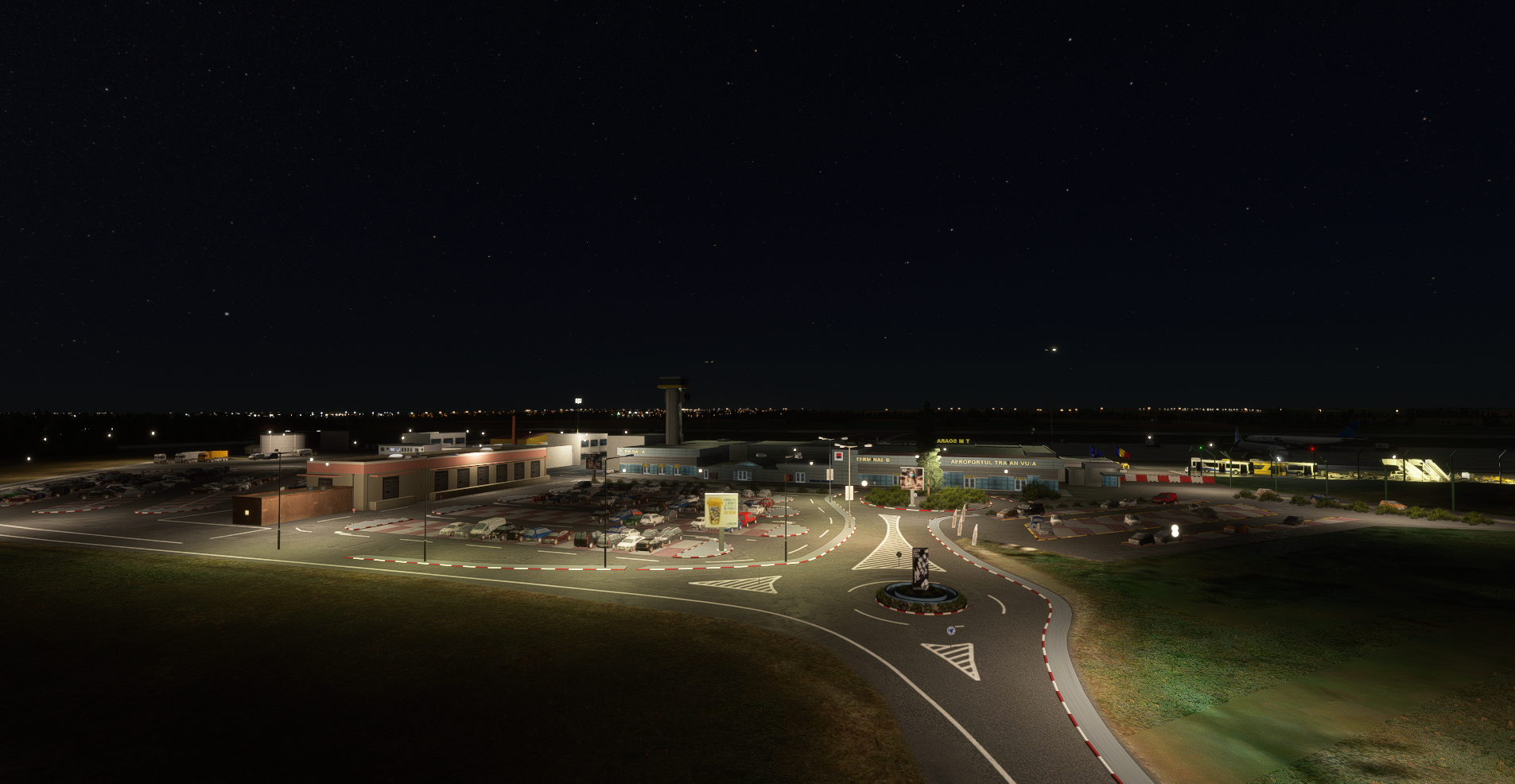
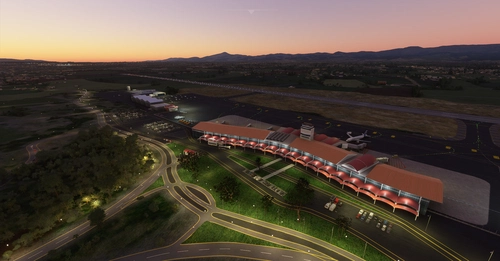
Timisoara - "Traian Vuia" International Airport, ICAO code LRTR.
Hand crafted terminal, some buildings and the aprons (markings, taxiways...)
Installation
Warning: Do not overlap it with other LRTR scenery. Save the previous scenery first.Extract the “luciancristea-lrtr” folder from the “luciancristea-lrtr.zip” file to your Microsoft Flight Simulator “Community” folder.
Depending of your MSFS installation, you may find the “Community” folder:
Microsoft Store edition AND/OR Gamepass edition:
C:\Users\[YOUR USERNAME]\AppData\Local\Packages\Microsoft.FlightSimulator_\LocalCache\Packages\Community
Steam edition:
C:\Users\[YOUR USERNAME]\AppData\Roaming\Microsoft Flight Simulator\Packages\Community
Location
LRTR - Timisoara "Traian Vuia" International Airport
Explore Timisoara - "Traian Vuia" International Airport with ICAO code LRTR in Microsoft Flight Simulator. This add-on features a handcrafted terminal, buildings, aprons, taxiways, and markings for an immersive airport experience. Follow the simple installation instructions to enjoy this detailed scenery without overlapping with other LRTR sceneries.


Nutzerbewertungen
4 Bewertungen
Versionsgeschichte
SU6 update
In Sammlungen enthalten(1)

Ähnliche Addons
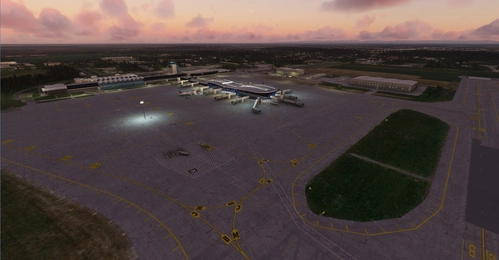
LROP - Otopeni (Bucharest) International Airport
Explore the hand-crafted Otopeni (Bucharest) International Airport, located 7 km North of Bucharest, Romania (ICAO code LROP). This add-on includes meticulously detailed terminals, buildings, and aprons with markings and taxiways. Installation is simple - just extract the provided folder into your Microsoft Flight Simulator "Community" folder.
von Lucian CRISTEA
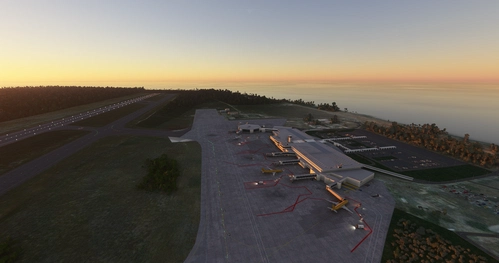
MDSD - Las Americas International
Discover the handcrafted Las Americas International Airport in the Dominican Republic with ICAO code MDSD, located 28 km East of Santo Domingo. Enhance your Microsoft Flight Simulator experience by adding the detailed terminal and scenery to your sim. Installation is simple - just extract the provided folder to your sims "Community" folder based on your installation type.
von Lucian CRISTEA
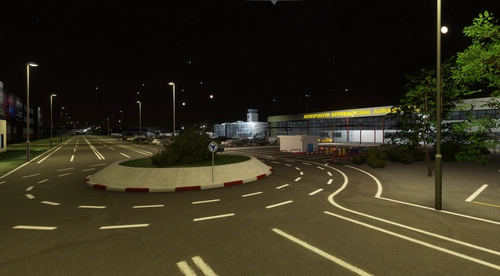
LRCL Cluj-Napoca International Airport
Experience the beauty of Cluj-Napoca International Airport with handcrafted terminals, buildings, and aprons. Note that manual configuration of approach/departure procedures is required due to default MSFS database limitations. For an updated AIRAC database, NAVIGRAPH subscription is recommended. Simply extract the files to your MSFS "Community" folder for installation.
von Lucian CRISTEA
MDST - Cibao International Airport
Experience Cibao International Airport, located in the Dominican Republic with ICAO code MDST, featuring hand-crafted terminal and buildings. Installation is simple by extracting the provided folder to your Microsoft Flight Simulator "Community" folder. Enjoy a detailed and immersive airport experience in the palm of your hands.
von Lucian CRISTEA
Melden Sie sich an, um an der Diskussion teilzunehmen
AnmeldenKommentare(11)
about 7 hours ago
about 4 years ago
Nicely modelled airport. Bit tight turning into gate 11 with other aircraft around. Good job. Well done.
almost 5 years ago
Salutare Luci!
Daca ai nevoie pot sa te ajut cu modelarea 3D a cladirii noi, de la terminalul de arrivals !
Let me know if you need help ! :)
about 5 years ago
Perfect job, except for some ground markings that are still missing, especially for the gates in front of the terminal.
about 5 years ago
Köszönöm!
over 5 years ago
over 5 years ago
over 5 years ago
almost 6 years ago
almost 6 years ago
almost 6 years ago