
Beschreibung
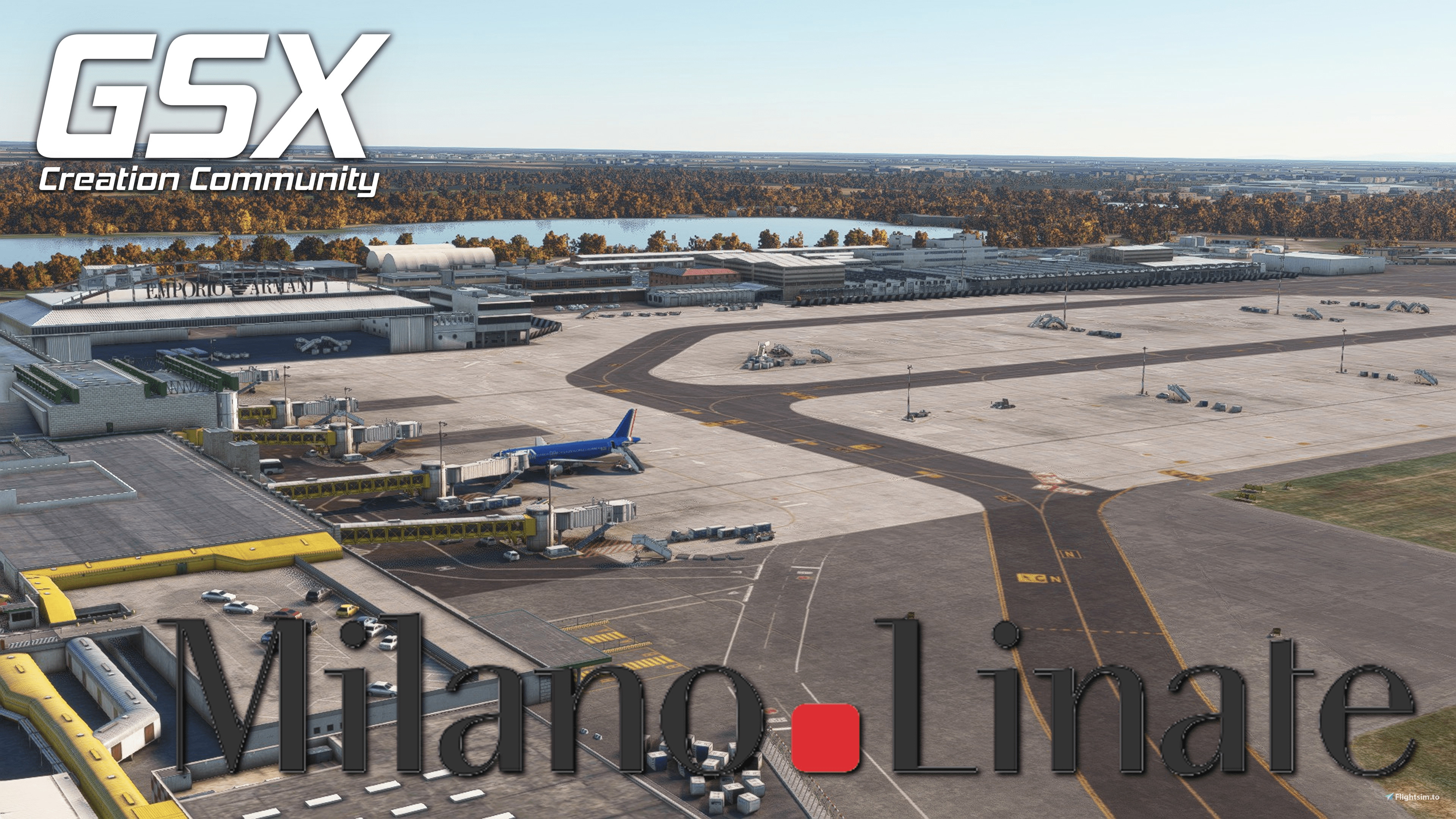
This is my GSX-Profile for Jetstreams LIML.
This Profile is built new from the ground up with all the latest GSX features.
What’s Included?
- Custom vehicle placement
- Custom pushback positioning and naming
- corrected jetway floor height
- .py file adding custom position naming and custom stop positions
- working de-ice pads
How to install?
Simply place the provided .ini file into %appdata%/virtuali/GSX/MSFS
- If any problems arise have a look at the install guide provided with the profile.
For an easy and convenient alternative, you can use the profile installer by FatGingerHead and smatthew. Found >>>here<<<
How to report a problem?
If you have a problem with the installation or there is something wrong with the profile, please let me know either here or on our Community Discord. I will make sure to help in any way I can.
Improvement?
If you know more about the ground operations, I am trying to replicate, please let me know so I can improve my work and bring you the best possible profile.
Discord:
If you´re a Creator or just a Profile User, feel free to join the GSX Creation Community and chat or discuss with other Users or Creators >>>Click Here<<<
Jetstream LIML GSX Profile
GSX Creation Community DISCORD >>> https://discord.gg/ubCkJQS6Mj <<< Me and many other Creators are currently building up a Community exclusively for a better Overview of GSX Profiles. There are many duplicates of GSX Profiles and surely much frustration. This Server is FROM Creators FOR Creators. Here you can ask for help or just have a nice Chat with other GSX Users or Creators. We're waiting for you!


Unterstützer

Nutzerbewertungen
3 Bewertungen
Versionsgeschichte
- updated profile to work with the latest scenery version - updated all pushbacks to reflect real-world procedures - added .py file to add: - custom position starting and naming - per aircraft stop positions
Ähnliche Addons
Simwings EDDM V2 GSX Profile
Enhance your ground operations at Simwings EDDM V2 airport with this custom GSX profile. Enjoy custom vehicle placement, pushback positioning, terminal walkers, and more. Easily install the provided .ini file for seamless integration or use the drag-and-drop installer for convenience. Join the GSX Creation Community to provide feedback and help improve the experience.
von SimonTricks
Aerosoft EDDK GSX Profile
Customize your ground services experience at Aerosofts EDDK with this GSX Profile. Includes custom vehicle placement, pushback routes, and walk-in paths where needed. Easily install by placing the provided .ini file, or use the profile installer for added convenience. Share feedback and join the GSX Creation Community on Discord for further improvements.
von SimonTricks
MK-Studio LIRF GSX Profile
GSX Creation Community DISCORD >>> https://discord.gg/ubCkJQS6Mj <<< Me and many other Creators are currently building up a Community exclusively for a better Overview of GSX Profiles. There are many duplicates of GSX Profiles and surely much frustration. This Server is FROM Creators FOR Creators. Here you can ask for help or just have a nice Chat with other GSX Users or Creators. We're waiting for you!
von SimonTricks
FlyTampa EKCH GSX Profile
Enhance your ground operations at FlyTampas EKCH with this custom GSX profile featuring accurate vehicle placement, pushback positioning, walk-in routes, and more. Simply install the provided .ini file for an immersive experience. Join the GSX Creation Community for feedback and updates on this detailed airport profile.
von SimonTricks
Melden Sie sich an, um an der Diskussion teilzunehmen
AnmeldenKommentare(9)
3 months ago
Ramp 13, in the scenery is not a taxi out gate, but the profile has it set as so. I was wondering if you could change it as the positioning of the GSE make a taxi out impossible
almost 2 years ago
Thank you for the profile!
Is there a way to deactivate the auto jetway function?
Thanks
almost 2 years ago
The jetway automation is not something I can influence via my profile. How to disable it depends probably on the aircraft you are flying
over 2 years ago
over 2 years ago
over 2 years ago
over 3 years ago
Thanks!!
over 3 years ago
The BGL file located under \Community\jetstream-liml\scenery\jetstream-LIML\JSD_LIML_placed_obj.bgl
over 3 years ago
Thank you very much. Will update the file ASAP