
Beschreibung
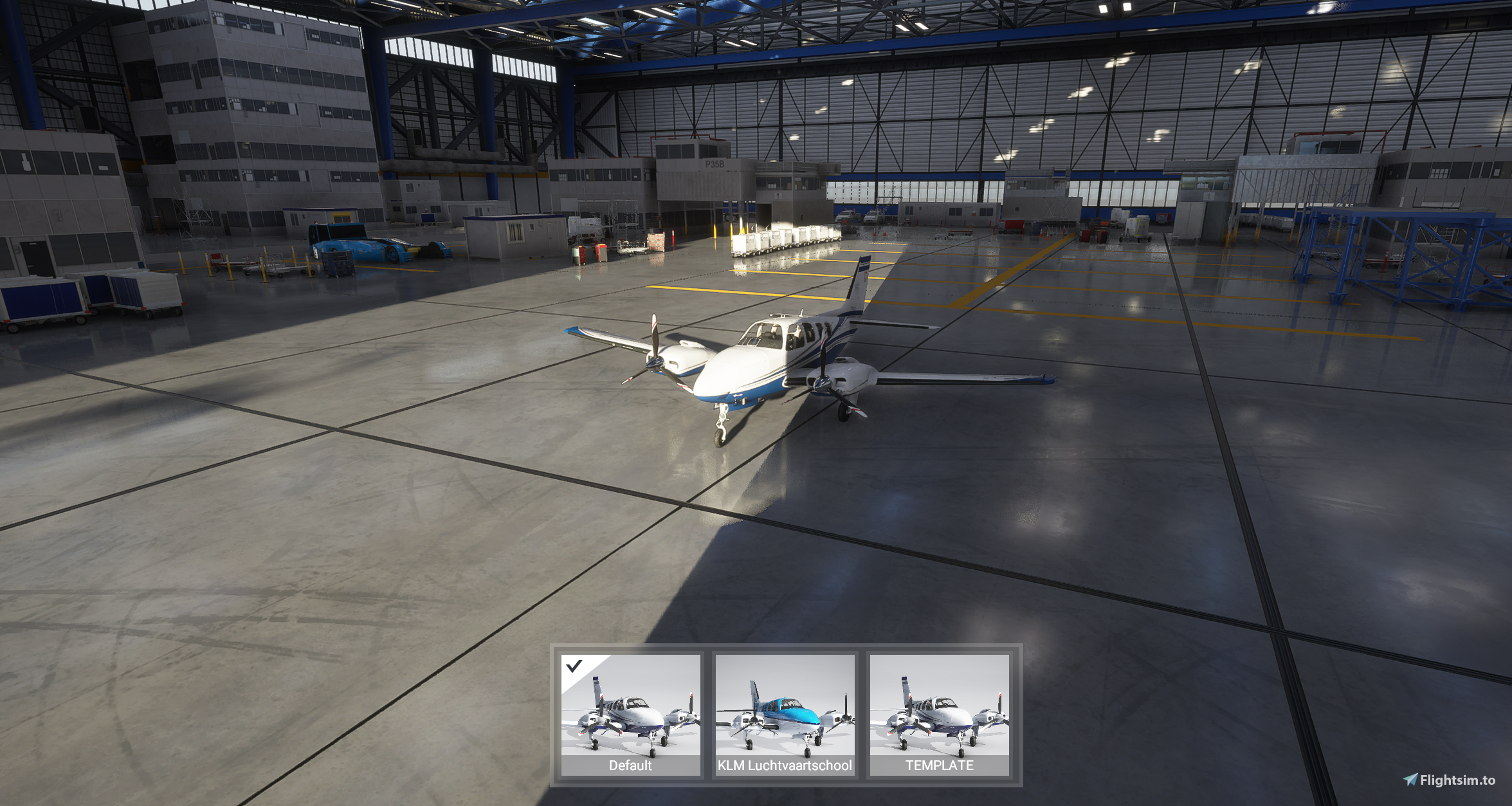
A simple paintkit for the Beechcraft G58 Baron so people can start creating liveries for it!
This paintkit currently includes:
- Original textures for the fuselage, wings, engines & livery
- UV maps for the aforementioned textures (except the livery)
- PDN files which combine these two things into one (will need paint.net to open these, but you can overlap them manually in Photoshop as well)
The included livery-g58-template folder can be dropped in your Community folder to install it. You can just overwrite the textures in that folder. If you are going to rename the livery and texture folder, make sure to update the entries in aircraft.cfg as well as the layout.json!
If you want a sharper texture, you can just resize the textures to 4K and paint over them, this will increase the quality of your livery but also increase the file size by 4 times, so you have been warned!
NOTE: The UV mapping of the G58 is awful, so if you want to create a livery I'd suggest using something like Blender instead to paint on the texture, instead of having to deal with the horrible UV mapping (you can still use this paintkit to get the drag & drop install template).
Please reach out to me if you have any questions.
Kommentare(9)
Melden Sie sich an, um an der Diskussion teilzunehmen
Anmeldenover 5 years ago
over 5 years ago
over 5 years ago
over 5 years ago
over 5 years ago
Oh boy, it seems I have to learn Blender now.
over 5 years ago
over 5 years ago
over 5 years ago
When I open the fuselage dds there is only an white layer.
different to your KLM Paint.
Beechcraft G58 Baron paintkit
Create custom liveries for the Beechcraft G58 Baron with this comprehensive paintkit. Original textures for fuselage, wings, engines & livery, along with UV maps are included. Simply resize to 4K for sharper detailing. Ideal for painters looking to personalize their aircraft on Microsoft Flight Simulator.

Nutzerbewertungen
4 Bewertungen
More Information
Versionsgeschichte
Fixed template for game version 1.12.13.0
Ähnliche Addons
British Airways A32NX
Add a touch of British elegance to your Flight Simulator experience with this British Airways livery for the A32NX. Just unzip the file in your Community folder and take to the skies in style. For the standard A320 version, check out the link provided.
von R1NS3
Ryanair A320
"Add the iconic Ryanair livery to your A320 in Microsoft Flight Simulator with this mod. Easily install by unzipping the file into your Community folder. Stay updated with the latest version for Sim Update 5 compatibility and other improvements. Contact the creator on Discord for feedback and comments."
von R1NS3
British Airways B787-10
Fly the British Airways Boeing 787-10 Dreamliner in MSFS with this add-on. The livery is based on G-ZBLA and includes various updates and fixes such as corrected textures and tail numbers. Simply unzip the file into your Community folder to install.
von R1NS3
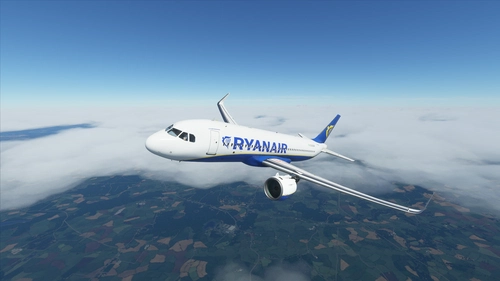
Ryanair A32NX
Add a touch of authenticity to your Microsoft Flight Simulator experience with this Ryanair livery for the FBW A32NX. Simply unzip the file in your Community folder to enjoy the new look.
von R1NS3
about 5 years ago