
Beschreibung
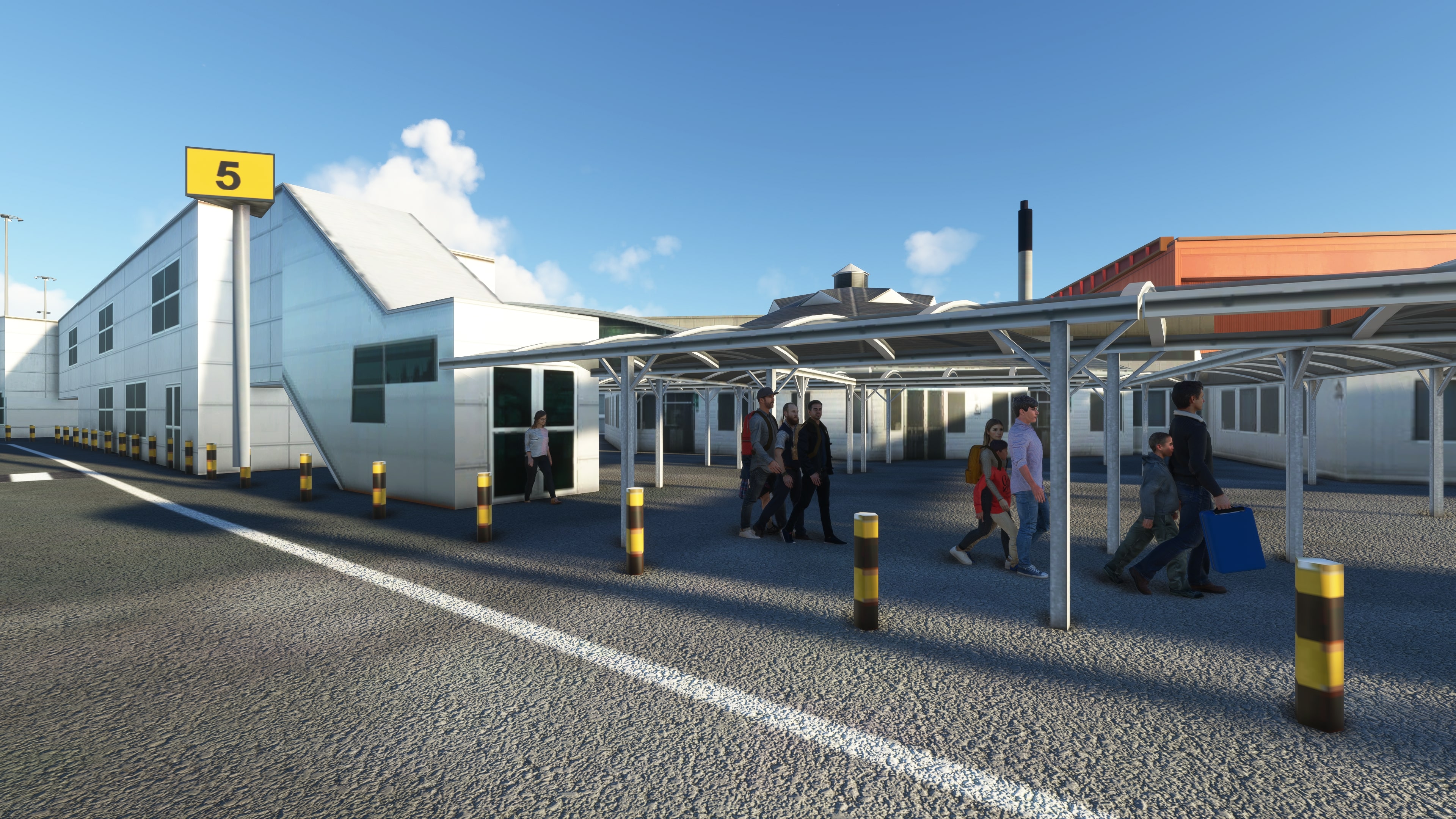
This GSX Pro Profile for Luton has been developed using the UK2000 Scenery addon. I have tried to make equipment placement as accurate as possible and have accurately mapped out passenger pathways from Gate to Aircraft. This is currently a WIP and I'm hoping to update it as regularly as possible, but if you notice anything wrong please letme know and I will look to fix it ASAP.
This is a simple drag and drop file. Jus drag and drop the gsx file into your C:/User/AppData/Roaming/Virtuali/MSFS folder
Version History:
Version 1.0:
- Added stands 1R - 4
- Accurately place GSE around the stand and in correct equipment parking
- Gate placement and passenger pathways set for each gate
- Accurate pushbacks set up
Version 1.1:
- Changed Handling agent to Swissport to be more inclusive of who handles what airlines
Version 2.0:
- Added stands 5-9L + 60
- Implemented Safedock systems for most gates
Version 3.0:
- Added all stands on the Eastern Apron (43-48)
- Adjusted some safedock types and placements
- Added most accurate possible pushbacks for 43 & 46 due to GSX not being compatible with "push and pull" pushbacks, I have tried to implement the "Dog leg" pushback (This is experimental as I am trying to get the most realistic pushback experience)
Version 4.0:
- Added South Apron (Stands 20-23R)
- Edited pushback routes on the Eastern Apron
Version 4.1:
- Replaced safedock system with a marshaller on the Southern Apron
GSX Pro Profile for London Luton (EGGW)
GSX Pro Profile for Luton Airport using the UK2000 Scenery addon. This looks to accurately place GSE in the correct equipment bays and have set up accurate passenger routes from the gate to the aircraft, as well as accurate pushbacks. Drag and Drop compatible


Versionsgeschichte
Added south apron (Stands 20-23R) Edited some pushback routes for the Eastern Apron Changed safedock system to marshaller on the South apron
Ähnliche Addons
GSX Pro Profile (EHRD) Rotterdam
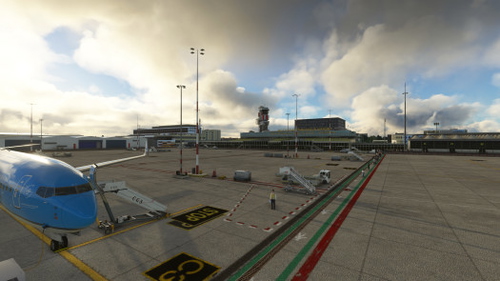
GSX Pro Profile for Rotterdam Airport using the RDPresets Scenery addon. This looks to accurately place GSE in the correct equipment areas and have set up accurate passenger routes from the gate to the aircraft, as well as accurate pushbacks. Drag and Drop compatible
von jaked1902
GSX Pro Profile for London Southend Airport (EGMC)
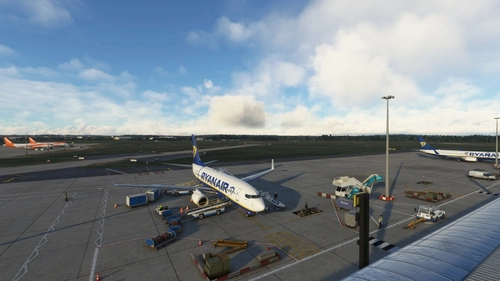
GSX Pro Profile for Southend Airport using the PilotPlus Scenery addon from Orbix. This looks to accurately place GSE in the correct equipment bays and have set up accurate passenger routes from the gate to the aircraft, as well as accurate pushbacks. Drag and Drop compatible
von jaked1902
Melden Sie sich an, um an der Diskussion teilzunehmen
AnmeldenKommentare(7)
about 3 years ago
about 3 years ago
over 3 years ago
Hello.
I've installed the file in the specific folders with all the other GSX files, but it doesn't work for me. Is it possible, that my bgl is wrong? I've the No Static one.
Maybe the file doesn't work with this one?
over 3 years ago
Sorry for the late response, I will look into the issue and update accordingly
over 3 years ago
Absolutely no problem! Take your time and thanks in advance!
over 3 years ago
I have downloaded the file and placed in the specified folder - when I park at a gate at Luton and request boarding through GSX - the crew and passenger bus arrive - no passengers walking from the terminal. What do I need to do to activate your GSX profile?
over 3 years ago
currently only specific stands have been completed. These should be listed in the description. If you are using one of the stands listed and are still having issues, drop me a private message and if necessary I'll release a Patch to fix this