
Beschreibung
Hello everyone,
I took some time to create multiple .vmr files using JukiModelMatcher (Flightsim.to download) to enhance the VATSIM Model Matching experience.
In the past, I saw many generic airliners or blank FSLTL planes taxing around the airports. Therefore, I wrote some custom .vmr files to significantly reduce the amount of mismatches.
Installation/How does it work?
Obviously, the FSLTL base pack is required. You can download it via the FlyByWire Installer.
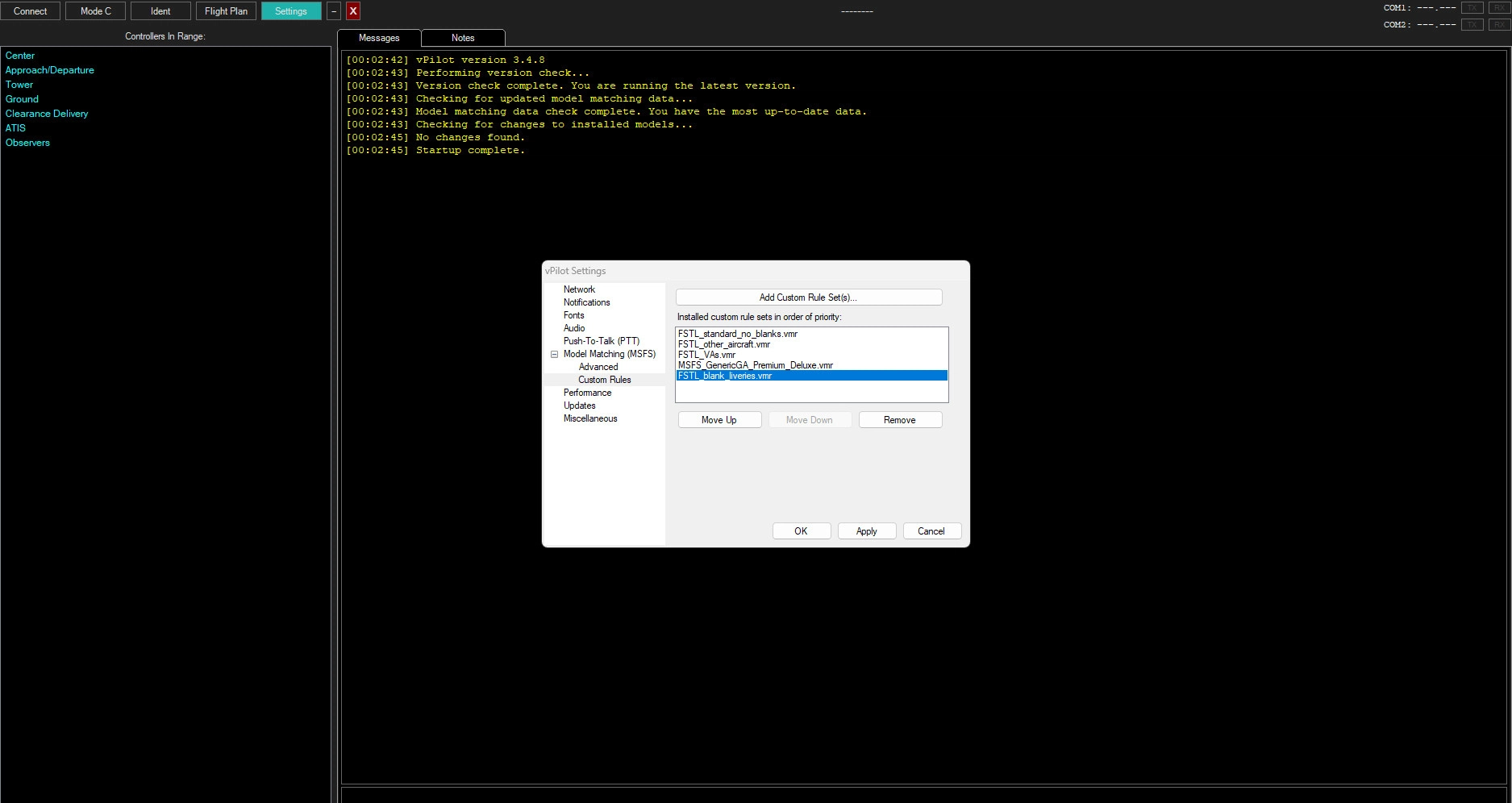
In the file you will find several files. Extract them and put it in a folder of your choice. Thereafter, add them to your Custom Model matching rules. As V-Pilot checks the .vmr files in order, make sure to put the blank liveries to the bottom.
V-Pilot will use the .vmr to find the best match using the algorithm (Quote):
1. Look for an exact CallsignPrefix or Callsign match, plus an exact TypeCode match, ignoring any rules that don't specify a CallsignPrefix or Callsign.
2. Look for an exact CallsignPrefix or Callsign match, plus a TypeCode match for a similar aircraft type, ignoring any rules that don't specify a CallsignPrefix or Callsign.
3. Look for an exact TypeCode match, ignoring any rules that specify a CallsignPrefix or Callsign.
4. Look for a TypeCode match for a similar aircraft type, ignoring any rules that specify a CallsignPrefix or Callsign.
In the folder you will find the following .vmr files:
FSLTL_standard_no_blanks.vmr
In this file, there are only those FSTL aircraft with the exact Airline and Aircraft ICAO, giving the best result based on rule #1. This should be the primary Model Matching rule.
FSLTL_other_aircraft.vmr
A copy of the file above, but missing models (e.g. MD82) will be shown as a similar Aircraft (e.g. CRJ700) of the same Airline. There are not that much aircraft yet, as I keep improving it whilest flying online and detecting a missing aircraft, but you can do it on your own. Just open the file with a text editor, write yourself a comment on the top to know what you actually replaced (e.g. ).
Execute a search and replace with the following argument: Search: TypeCode="CR7" Replace: TypeCode="MD82". Make sure to use the exact form, not a shorten one, otherwise you will destroy the link to the model aswell!
FSLTL_VAs.vmr
Similar to the other_aircaft.vmr there are flying some fictional airlines on VATSIM, they often do not have publicly available liveries, or you do not want to download them due to disk space. Therefore, they are most likely to be shown as generic airliners. With this file, you can show them as real world airlines instead. E.g. around EDDL we got the MTQ VA by our Subdivision. As I do not have the Liveries, they shall be shown as EWG. Therefore, I commented and replaced: CallsignPrefix="EWG" by: CallsignPrefix="CFG". Note: I don't know that many VAs, therefore there are only a few replaced. You can edit this file on your own, to match VAs you know.
FSLTL_blank_liveries.vmr
This VMR is for the blank FSTL liveries, in case there is e.g. a Nxxxxx B737-800 flying around, and you want them to be shown likewise, instead of a generic A20N.
MSFS_GenericGA_Premium_Deluxe.vmr
A .vmr including all MSFS planes from the premium Deluxe version.
MSFS_GenericGA_Standard
Displaying even Premium Deluxe planes as Standard models, so you can see them as a similar aircraft instead of an A320. Please tell me, if there are bugs in this file, where I missed replacing a model.
EC135_HeliModelMatching.vmr
Helis! EC135 Freeware required
Note/Disclaimer:
Using these .vmr you should get most aircraft shown properly. As I also use other sources (AIG) and other liveries there might be many missing aircraft at the "FSLTL_other_aircraft.vmr", because for me it is shown correctly. By pressing .aircraft (second Screenshot) in your V-Pilot you can see why a model is shown the way it is and what ruleset has been used. This way you can update those files according to your preferences. Just go to the most fitting file (e.g. missing Aircraft ICAO), edit the .vmr as mantioned above, save it and reload the Model Matching rules at your V-pilot (.aircraft interface). You will not even need to disconnect.
I hope to help you, enhancing your VATSIM experience.
Best wishes,
MasterKill95
VATSIM Better Model Matching FSLTL+VFR traffic
Enhance your VATSIM Model Matching experience with this add-on featuring custom .vmr files designed to reduce mismatches and improve aircraft representation. Includes files for standard models, missing aircraft, fictional airlines, blank liveries, and more. Easy installation and customization options to tailor the model matching rules to your preferences. Optimize your online flying experience with these detailed and accurate model matching files.
Nutzerbewertungen
3 Bewertungen
Versionsgeschichte
Updated to match FSLTL v1.5
Ähnliche Addons

GSX Pro JustSim EDDL advanced Pushback Procedures
Enhance your ground handling experience at JustSim EDDL with advanced pushback procedures in GSX Pro. Created by a VATSIM controller, this profile includes common and uncommon pushback instructions to prevent apron congestion.
von MasterKill95
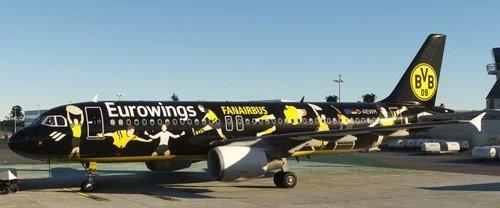
Fenix A320 | Eurowings - "FANAIRBUS" (D-AEWM) | V2
Experience the Eurowings "FANAIRBUS" livery for the Fenix A320 with this V2 update, featuring fixed compatibility and the inclusion of the other engine variant.
von MasterKill95
EDMW Deggendorf
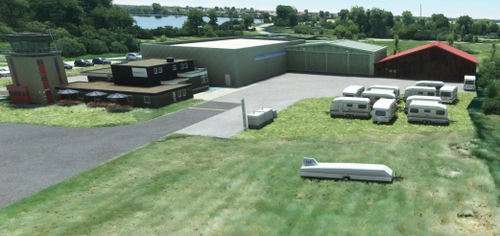
Enhance your virtual flying experience with the meticulously crafted scenery of EDMW Deggendorf. This add-on focuses on improving the Sonderlandeplatz Deggendorf with its unique Muenster Gras Runway, offering a detailed and immersive environment for your flights.
von MasterKill95
Inibuilds A300-600F | KLM Cargo (Fictional)
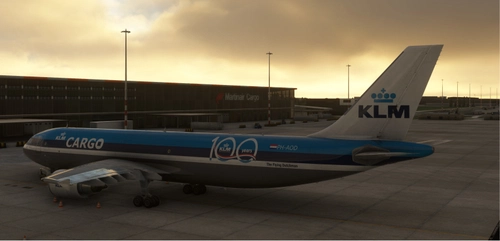
Fly the skies with the Inibuilds A300-600F in the fictional KLM Cargo livery, meticulously reworked for Microsoft Flight Simulator. Join the community for support on Discord and experience this unique aircraft in action.
von MasterKill95
Melden Sie sich an, um an der Diskussion teilzunehmen
AnmeldenKommentare(14)
over 3 years ago
Do I need to move all the files to a folder? What is the correct order? If I also have AIG, how to arrange the files?
over 3 years ago
It is only for FSLTL/MSFS Models. It should not affact your AIG ModelMatching. You should put the AIG.vmr in front of the "other Aircraft" .vmr to have the correct model if installed.
over 3 years ago
FSLTL hat ein Update veröffentlicht. Wahrscheinlich wird dafür eine neue VMR-Datei benötigt, damit das funktioniert. Hast du vor, das einzubauen?
over 3 years ago
Ich warte darauf, dass der Juki-Model Matcher geupdatet wird. Das Programm Model-Maching Magic hat es mir irgendwie mit meinen erweiterten Einstellungen zerschossen und er gibt falsche Ergebnise aus. Meine Files funktionieren noch, aber du kannst als Zwischenlösung das File was von FSLTL mitgeliefert wird dazu nehmen.
over 3 years ago
Very good rules, thank you.
But the A342/A343/A345/A346 doesn´t match.
Can you update it?
over 3 years ago
Will do it with the next update by FSLTL. Still hoping for some models by them.
Due to problems with the Bell 407 I will change choppers to EC135 by Hype Performance group. There are a few more items on my list, but I recently shifted focus on doing own liveries. In case FSLTL does not add A340s in the next few months, I will set it as A330s in the "other Aircraft". You can patch it localy by replacing the TypeCodes according to the instruction above.
over 3 years ago
Thank you for your answer.
over 3 years ago
Works great! Thank you!
over 3 years ago
I see 90% of the vatsim planes with the nose of the plane in a pointed shape and multiple colors that do not correspond to any company. Also slightly hovering planes , tested at barcelona airport.
The fsltl planes look perfect.
over 3 years ago
The problems you described should not be the .vmr files, but your vPilot (Connection/lag/etc.). At my live tests on larger events (Düsseldorf Monday, München Mittwoch) last week showed that about 90% of the planes shall be covered by the "FSLTL_standard_no_blanks.vmr", passing by rule #1.
Enter the command .aircraft in your aircraft to access the control window for model matching.
over 3 years ago
It's FSLTL
over 3 years ago
Post updatet. Thank you!
File names will be updated with the next major update.
over 3 years ago
Can you add the HondaJet (HDJT) and VisonJet (SF50) to the VMR file?
over 3 years ago
Wilco, SF50 will be shown as "SR22", as it is more or less the same size. The Honda Jet will be a CJ4