
Beschreibung
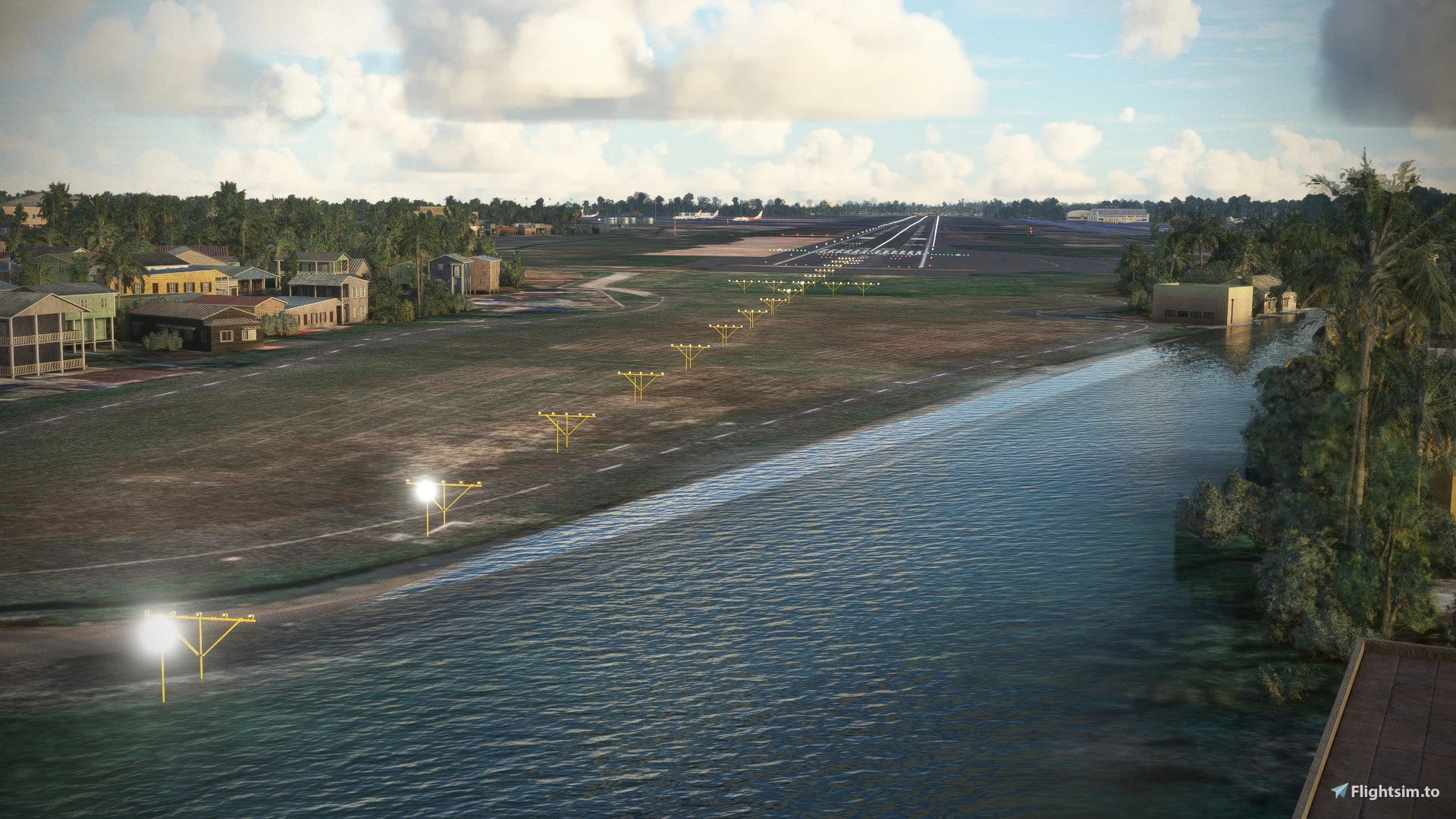
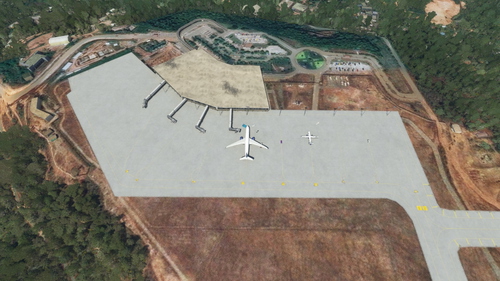
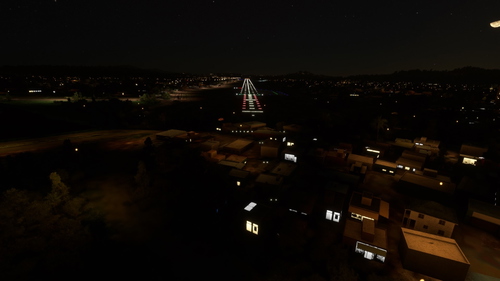
This is a scenery of Trivandrum Airport, Kerala.
Please do let me know if you get any issues. This Scenery also includes all gates and ground textures.
To Install:
Download this file, unzip and paste it in your community folder.
Do give a comment.
ALL Credits on this Upload goes to MR.NIJESH CHAKRAPANI RADHAMONY
Location
VOTV
Explore Trivandrum Airport in Kerala with this detailed scenery add-on, including all gates and ground textures. Simply download, unzip, and add it to your community folder to enhance your flight simulation experience. All credits for this upload go to MR. NIJESH CHAKRAPANI RADHAMONY. Leave a comment and enjoy your virtual travels to VOTV.

Nutzerbewertungen
3 Bewertungen
Versionsgeschichte
1) ILS Position changed to Exact Antenna Position on Runway 14 End (Autoland Works Fine Now). 2) ILS Antenna Object Placed. 3) ILS Antenna Red-White Building Placed. 4) DME Antenna Object Placed. 5) Windsock Object Placed at Runway 32 End. 6) GLS Antenna Object Placed. 7) GLS Building Object Placed. 8) ILS, GS, and DME distance properties were edited accurately. 9) Approach Lights properties edited for Runway 32 to ASIF 1 10) The Runway position was slightly corrected to align with Google Maps/Bing Maps. 11) ILS Mag Var and Heading Corrected for Simulation Accuracy. 12) Apron and Runway, Color Correction, and Texture Materials Changed for Accuracy. 13) Airport Tower and Buidling Object Placed. 14) Runway texture changed to Base Material + Tire Gum for more realism. 15) Corrected all HighMasts with Exact Position. 16) Laid New Extended International Terminal Apron. 17) All Gates and Ramp Corrected. 18) Fuel Station Started V0.1
In Sammlungen enthalten(1)

Ähnliche Addons
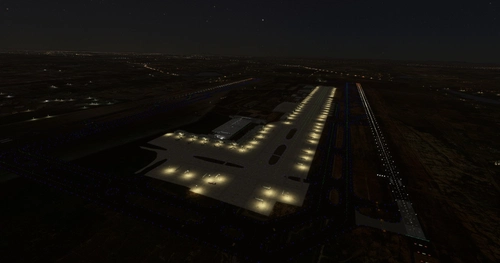
VOBL - Bangalore International Airport
Experience an enhanced rendition of Bangalore International Airport, featuring the new Terminal 2, functional runways, all gates, detailed ground textures, and taxiway markings. Simply unzip the file into your community folder and enjoy your flight at this bustling Indian airport.
von arvind320
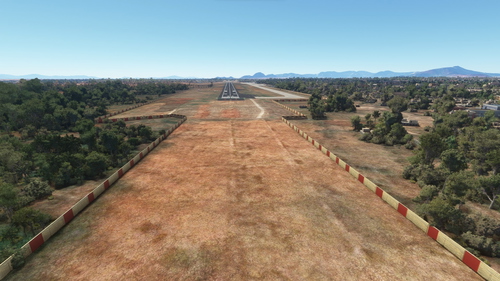
Coimbatore International Airport VOCB
Explore the detailed scenery of Coimbatore International Airport in Tamilnadu, India. This add-on features accurate gate placements and ground textures for a realistic experience. Simply download, unzip, and place it in your community folder to enhance your flight simulation. Share your feedback and stay updated with the latest reviews.
von arvind320
VOML Mangaluru Airport ( MANGALORE )
Explore the scenic Mangaluru Airport in Microsoft Flight Simulator with this add-on. Simply download, unzip, and paste it into your community folder to start your virtual journey. Share your feedback and report any issues to the developer.
von arvind320
Veer Savarkar International Airport VOPB ( Port Blair )
Discover an immersive scenery add-on for Veer Savarkar International Airport (VOPB) in Port Blair. Enhance your Microsoft Flight Simulator experience with this detailed airport recreation. Simply download, unzip, and place in your community folder to explore this unique destination. Share your feedback and reach out for support if needed.
von arvind320
Melden Sie sich an, um an der Diskussion teilzunehmen
AnmeldenKommentare(15)
about 1 month ago
5 months ago
10 months ago
11 months ago
over 2 years ago
almost 3 years ago
over 1 year ago
almost 3 years ago
over 3 years ago
is the terminal currently being modelled?
over 3 years ago
I am working, It will take time
over 3 years ago
Any updates so far?
almost 4 years ago
Hi and thanks for the work. BTW, I'm a 3d artist and just wanted to know if I can model the 3d airport, can you ad it to the next update as I'm not very familiar with dev tool of msfs2020
almost 4 years ago
Heyy, I was waiting for someone like you, thanks for your support. Do create 3d objects and send me so i ll ad it to my scenery
almost 4 years ago
Hi
i have sent you dm. Let me know
over 3 years ago
Hi guys, any update on the airport? really excited about this