
Beschreibung
Make sure you grab the latest version of the scenery before using this profile. LINK
This is a GSX profile for my OMDB overhaul scenery. The profile has been created in collaboration with SimonTricks.
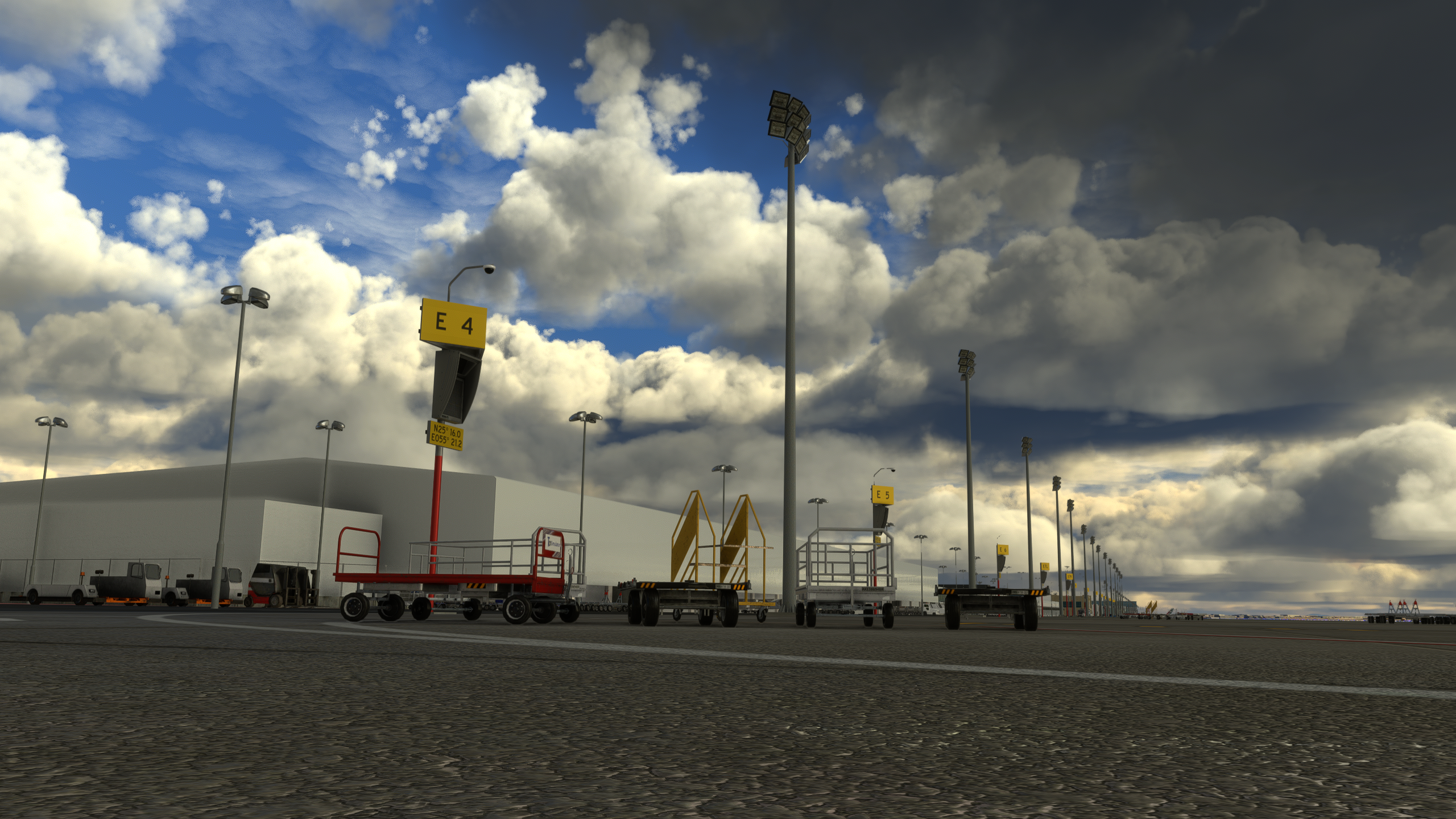
Includes VDGS, custom pushback positions and vehicle placements for all completed gates. Currently completed gates (see coverage map in screenshots):
- Terminal 1 (International Airlines) jetway gates C48-63.
- Terminal 3 (Emirates) jetway gates (Aprons A, B, D, F).
- Terminal 2 remote stands E1-E13 (primarily FlyDubai).
- Royal Air Wing jetway gates H1, H2
Remaining remote gates are WIP.
Installation
Copy and paste ini file in %APPDATA%\Virtuali\GSX\MSFS
Issues and feedback
Comment below or direct message us. All feedback is welcome 😊
GSX Profile - OMDB Dubai (QNH997)
GSX Profile for OMDB Dubai (QNH997) featuring VDGS, custom pushback positions, and vehicle placements for completed gates. Created in collaboration with SimonTricks, it covers terminals 1, 2, 3, and Royal Air Wing gates. Additional gates are a work in progress. Installation involves copying the ini file to %APPDATA%VirtualiGSXMSFS. Feedback is appreciated.

Mitwirkende

Nutzerbewertungen
2 Bewertungen
Versionsgeschichte
Tweaks to support new version of scenery.
Ähnliche Addons
OMDB Dubai Int'l Overhaul
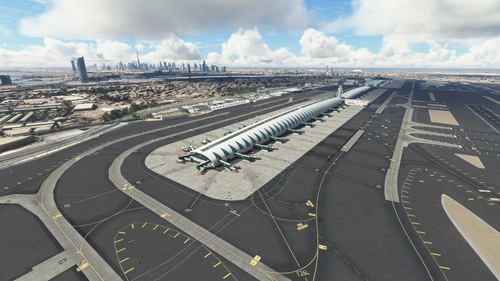
Transform your Microsoft Flight Simulator experience with the OMDB Dubai International Airport Overhaul. This add-on provides a complete makeover to Asobos Premium Deluxe OMDB, featuring custom ground textures, additional objects, overhauled runways, accurate night lighting, and more. Choose from different installation options based on whether you have GSX Pro, and explore optional downloads for static aircraft and autogen height correction. Share your feedback and enjoy a more immersive airport environment.
von QNH997
OOMS Muscat Int'l - Muscat, Oman
Experience Muscat International Airport in Oman like never before with this detailed add-on for Microsoft Flight Simulator. Featuring custom 3D models, textures, and an accurate layout as of August 2022, immerse yourself in the hub for Oman Air and Salam Air. Follow the installation instructions carefully for a seamless experience, including optional high-res aerial imagery to enhance your simulation. Please note known issues and provide feedback to improve this stunning rendition of OOMS.
von QNH997
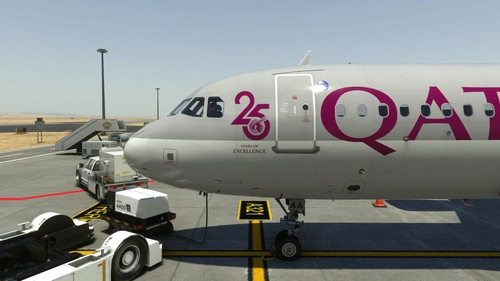
Fenix A320 | Qatar Airways A7-LAA | 2 Versions | Cabin | 8K & 4K
Enhance your Qatar Airways experience with the Fenix A320 livery add-on, featuring both the current "25 Years" logo and a logo-free version in stunning 8K and 4K resolution. Please note that this is a modified version and not an exact replica of the real aircrafts cabin. Make sure not to rename the livery folder to ensure proper functionality within the Fenix app. For any feedback or issues, feel free to reach out to the creator.
von EK1288
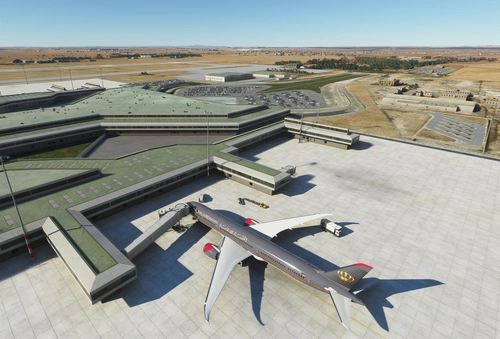
OJAI Queen Alia Int'l (Amman, Jordan) - Default Scenery Enhancement
Enhance your default experience at OJAI Queen Alia Intl (Amman, Jordan) with this scenery add-on. Enjoy accurate gates, taxiways, and visual improvements while still utilizing the default terminal and buildings. Latest updates include missing lights, taxiway sign fixes, and more visual enhancements for a more realistic airport experience.
von EK1288
Melden Sie sich an, um an der Diskussion teilzunehmen
AnmeldenKommentare(19)
9 months ago
10 months ago
about 1 year ago
over 2 years ago
about 1 year ago
over 2 years ago
Of course i can choose my current gate in the GSX menu, and it will re-position the aircraft a few meters back.
Not recognizing the gate at all, is something I have never had when the parking position was actually coded.
Some positions, on the other hand, work fine (e.g. E20)
almost 3 years ago
about 3 years ago
almost 3 years ago
over 2 years ago
almost 4 years ago
Thank you for making OMDB a high quality scenery!
almost 4 years ago
Can you expand the VDGS to more remote gates. And I parked at Gate E3 and the VDGS never told me to stop I went far past the yellow line.
almost 4 years ago
Hello - which aircraft were you using? I've checked E3 and the stop position is correctly configured from what I can see.
More remote gates are planned in due course - priority was getting all of the "main" gates done first :)
almost 4 years ago
PMDG 737-800 it said I was 2 meters away and I pulled past the yellow stop line without the number readout changing.
almost 4 years ago
disable or enable gsx jetways for 3rd party?
almost 4 years ago
I don´t have them enabled... but it should not matter since the Jetways are part of the scenery. But its best if you disable it anyway to avoid any complications it may cause
almost 4 years ago
And what if i'm using the scenery integrated with gsx jetways?
almost 4 years ago
Same thing. The GSX jetways do not replace the jetway models. They replace the jetways at default airports by adding their own bgl file. (The file that defines the taxi network, stands and also jetway positions - That's why you can have double positions at some 3rd party airports with the replacement being enabled)
almost 4 years ago
Disable as enabling will cause GSX to insert jetways that conflict with the ones I've hand placed. There are full instructions provided on the scenery page here: https://flightsim.to/file/35295/omdb-dubai-international-general-enhancement