
Beschreibung
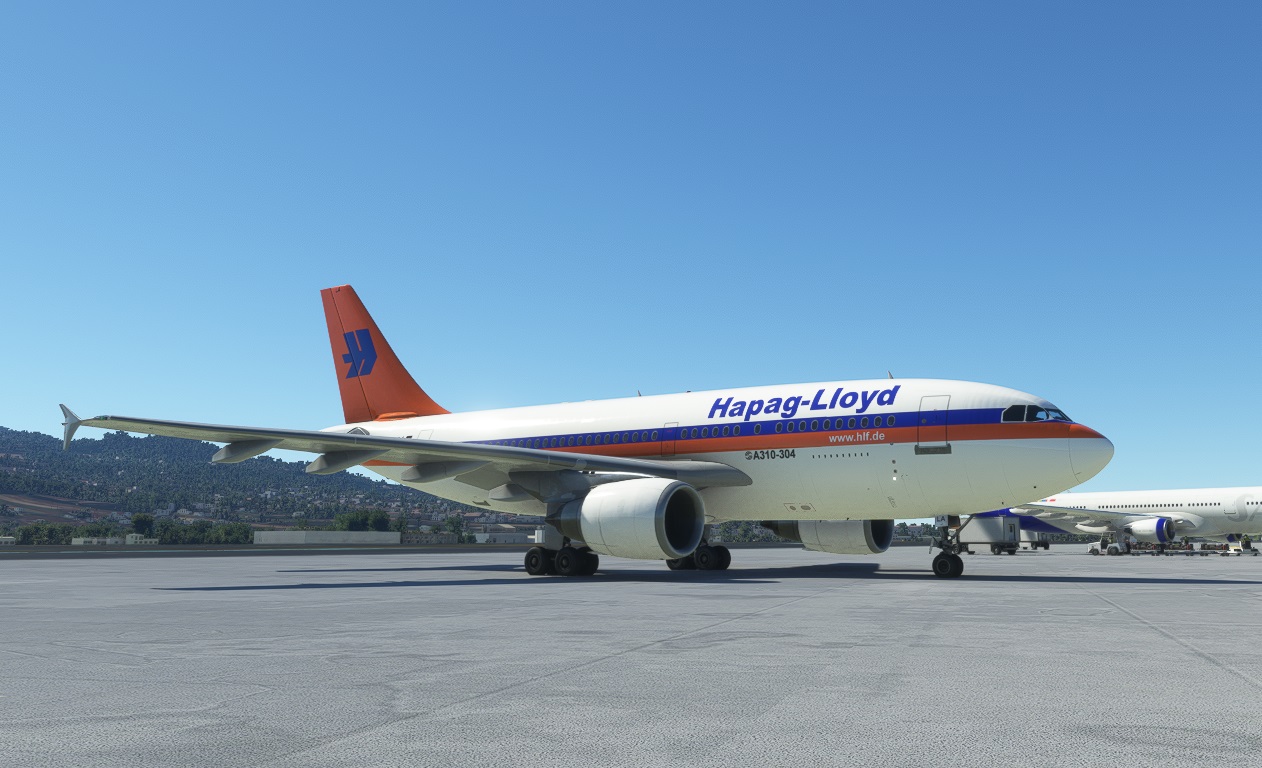
This is a livery for the Standard Asobo / iniBuilds Airbus A310-300
The real aircraft is the Hapag-Lloyd A310-304 D-AHLA
Please don't look too close to the surfaces. On some points for hours I was trying to improve the junctions pixel by pixel. Now I am near to be burnt out completely...Installation:
Just copy the "microsoft-a310-DAHLA" folder in your "comunity" folder and start MSFS.
You are ready to have fun...
Thanks to ASOBO and iniBuilds for the A310. I was really waiting for that.
And very special thanks to my beloved wife. Since Release on Friday I was working on that repaint and she saw me only fro the backside, sitting on my PC.
:-)
iniBuilds Airbus A310 Hapag-Lloyd (D-AHLA)
This is a livery for the Freeware / Standard Asobo / iniBuilds Airbus A310-300 The real aircraft is the Hapag-Lloyd A310-304 D-AHLA which was flown by Hapag-Lloyd in 2003 Thanks to ASOBO and iniBuilds for the A310. I was really waiting for that......

Versionsgeschichte
Keine Versionsgeschichte verfügbar.
Ähnliche Addons
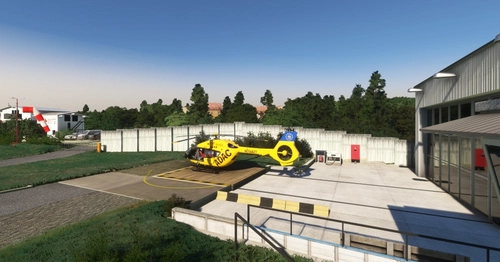
Rettungsflugzentrum BGU Murnau
This is an add-on standalone or for enhancement the "Zugspitze-GAP-Scenery" with detailed upgrades to the Murnau airport, specifically the BYMN BGU hangar. It features custom buildings, improved graphical elements including additional items, lighting, and ground textures.
von Jordish
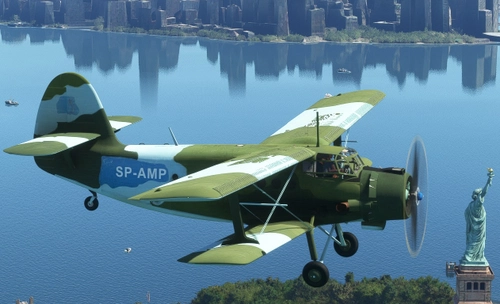
Antonov AN-2 Morlock Motors SP-AMP
"...It's tall and ugly like me. So I thought, thats the thing I need, You know..." (Michael Manousakis, founder of Morlock Motors) You want to cross the Atlantic with Your AT-Simulations/Asobo Antonov AN-2? Then maybe this is the livery of Your choice. The real aircraft had its major appearance in the german TV series "Steel Buddies" where Michael Manousakis once flew from Germany to the USA with this Antonov. The livery contains inside and outside textures.
von Alex Jorda
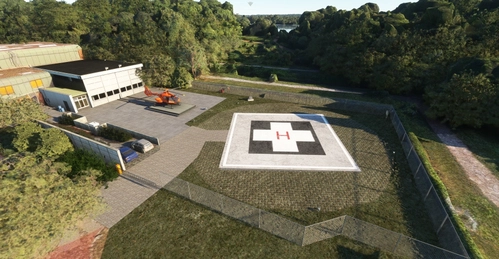
Luftrettungszentrum Duisburg Christoph 9
The Luftrettungszentrum Duisburg Christoph 9 add-on introduces a virtual air rescue center to Microsoft Flight Simulator, featuring the BGU Klinik Duisburg with a designated ICAO code of NWDB. While the clinics structures remain as standard ASOBO models, custom-made hangar and outbuilding models enhance the environment. The add-on allows users to utilize the helipad, dolly, and roof landing pad as starting points, with plans for additional 3D model upgrades in the future. An H135 helicopter, Christoph 9, from the Federal Office for Civil Protection and Disaster Relief is stationed at this facility.
von Jordish
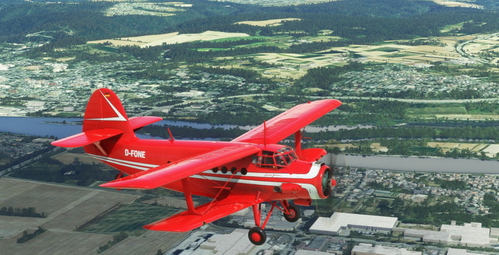
Antonov AN-2 "Roter Baron 2" D-FONE
Neues Spielzeug für den Chef / New toy for the boss... This the second Antonov from the german TV Series Steel Buddies. Also it's a former famous scenic flight plane in the Ruhr Area. It was once called the "Roter Baron2" / "Red Baron2" before it was sold to the military scrap dealer Michael Manousakis.
von Jordish
Melden Sie sich an, um an der Diskussion teilzunehmen
AnmeldenKommentare(1)
almost 4 years ago
Thank you very much for your effort :)