
Beschreibung
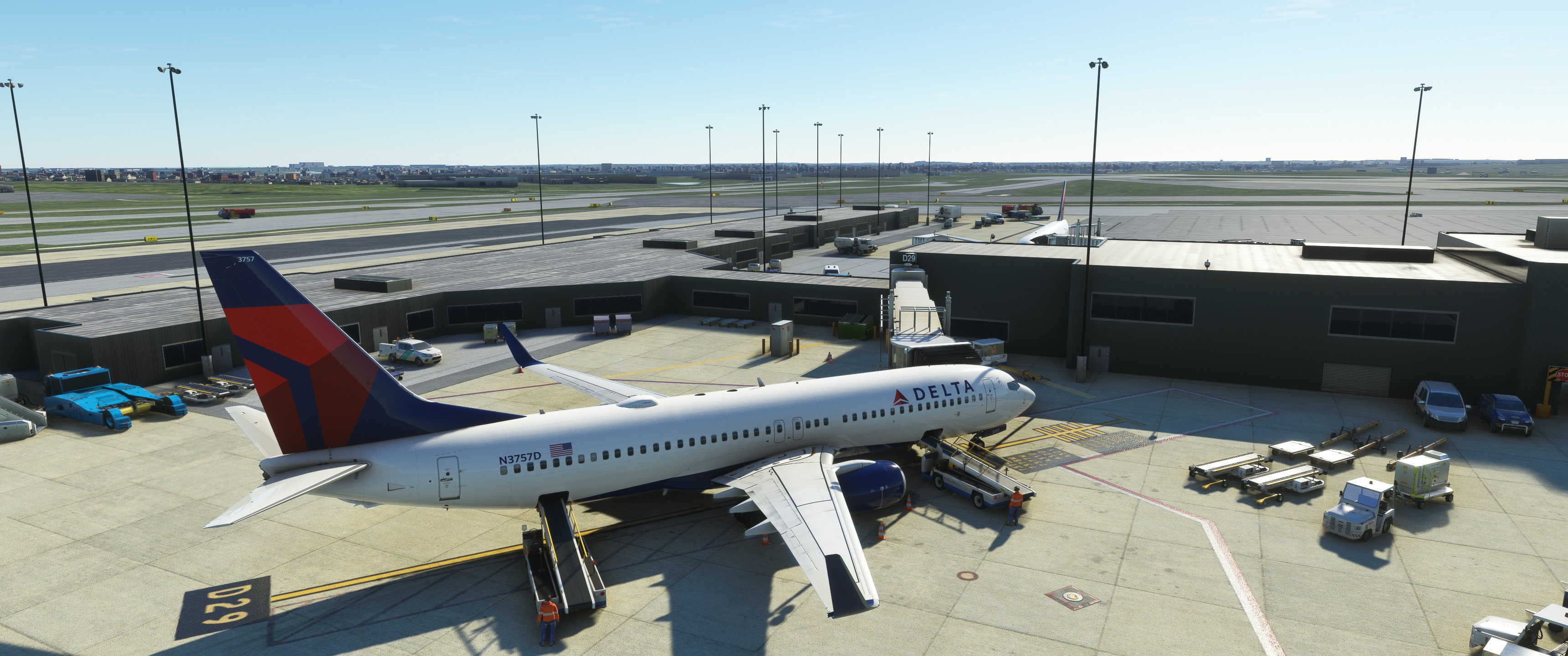
All gates at terminals A,B,C,D,E with custom parking, vehicle positions, pushbacks, etc
Installation:
Extract the .zip file and move the .ini file to %APPDATA%\Virtuali\GSX\MSFS
Please note that the scenery AFCAD is kind of a mess with gate parking positions. Just use the GSX feature "Reposition aircraft" to the gate you want, and you should be lined up perfectly. Parking position relative to the gate location seems to be inaccurate with this scenery, so if the gate doesn't connect perfectly, that's why. The airport scenery might be a bit out of scale or something, not 100% accurate. I've seen some other goofy stuff going on; hopefully, they can fix these issues with future updates.
KBWI Baltimore (LatinVFR)
Enhance your airport experience at KBWI Baltimore with this LatinVFR add-on, offering custom parking, pushbacks, and more at all terminals. Note that the AFCAD scenery may have inaccuracies with gate parking positions, but utilizing the GSX feature "Reposition aircraft" can help align your aircraft correctly. Discover improved gate connectivity and parking options with this detailed airport scenery.


Nutzerbewertungen
1 Bewertungen
Versionsgeschichte
Keine Versionsgeschichte verfügbar.
In Sammlungen enthalten(1)


Ähnliche Addons
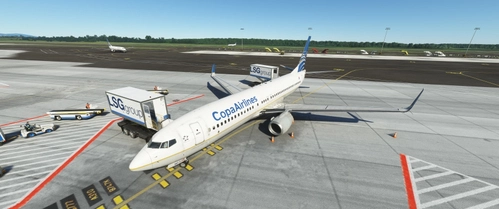
MPTO Panama City Tocumen GSX Profile V Pilot Designs
Enhance your airport experience at MPTO Panama City Tocumen with this GSX Profile V Pilot Designs add-on. Offering custom parking, vehicle positions, and pushbacks for all gates, this profile ensures a realistic and detailed simulation environment. Please note that some adjustments may be required due to AFCAD limitations, but with the provided instructions, you can easily tailor your experience to your preferences.
von juanchopancho
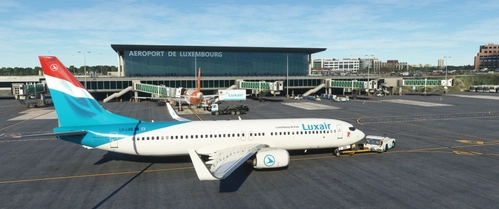
ELLX Luxembourg (JustSim)
Experience an enhanced ELLX Luxembourg Airport with all gates A, B, V, Z, customer parking, and custom walkways for Dash-8 aircraft. Install with ease by extracting the .zip file and moving the .ini file to %APPDATA%VirtualiGSXMSFS. Unlock the potential for future compatibility with the Majestic Dash-8-400 in MSFS.
von juanchopancho
Melden Sie sich an, um an der Diskussion teilzunehmen
AnmeldenKommentare(6)
4 months ago
4 months ago
11 months ago
11 months ago
12 months ago
12 months ago