
Beschreibung
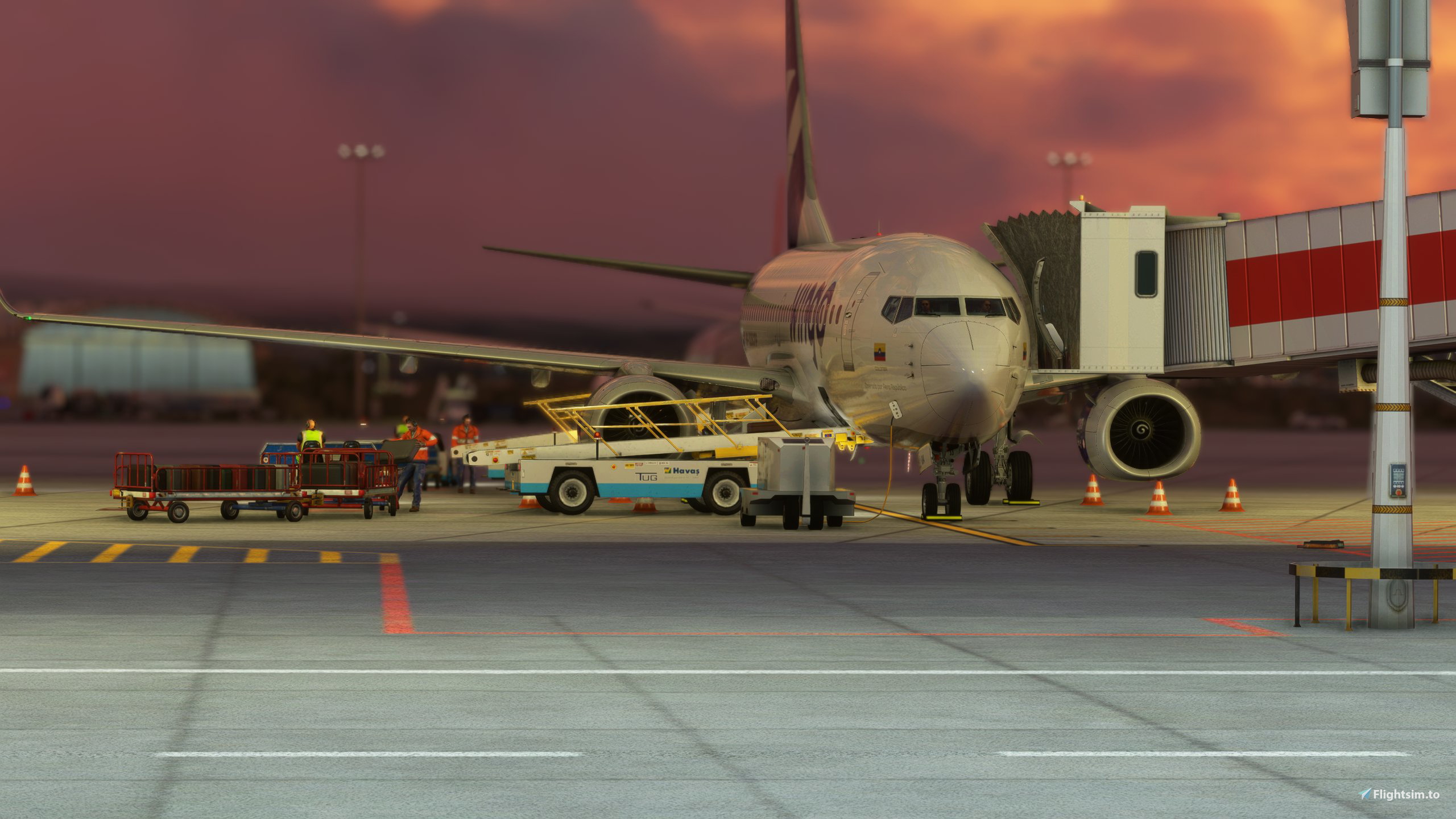
LTAC ANKARA ESENBOĞA - GSX Profile - Scenery TR
Fully detailed vehicle placements for all gates and bus gates
Customized Pushback for all gates
Ground Electronic Marshaller on Bus Gates
To Install:
Copy the downloaded file, ICAO-xxxxxx.ini, and place it in the GSX Config directory. Typically found in: C:\Users\\AppData\Roaming\virtuali\GSX\MSFS
Make sure it is loaded by opening up the GSX gate config menu when at your airport, and checking at the top of the screen if the file shown next to user customization is the same one you dowloaded for it
Let me know if anything wrong so I can fix it.
Happy Flying!
Kommentare(7)
Melden Sie sich an, um an der Diskussion teilzunehmen
Anmeldenover 1 year ago
almost 3 years ago
over 3 years ago
Hocam GSX config icin cok tesekkürler, bir tane de LTFJ, Sabiha Gökcen icin yapma sansiniz varmi orda GSX hic olmuyor. Simdiden tesekkürler ve kolay gelsin
over 2 years ago
over 3 years ago
Thank you for effort
over 3 years ago
Great Job. Thanks for it.
LTAC ANKARA ESENBOĞA - GSX Profile - Scenery TR
Enhance your GSX experience with LTAC ANKARA ESENBOĞA scenery add-on featuring detailed vehicle placements, customized pushback, and Ground Electronic Marshaller on bus gates. Simply install the downloaded file to enjoy this airport enhancement in Microsoft Flight Simulator. Happy Flying!

Nutzerbewertungen
1 Bewertungen
More Information
Versionsgeschichte
Changed Push back Names from stock
Ähnliche Addons
GSX Profile - WSSS Singapore Changi - Cloudsurf Asia
Enhance your GSX experience at WSSS Singapore Changi with this Cloudsurf Asia profile, featuring vehicle positions, VDGS, pushbacks, jetway floor heights, and more handling ops. This edited profile aims to provide comprehensive coverage of commercial stands, with ongoing refinements for a seamless ground handling experience. Simply install the file and start enjoying a more realistic and detailed airport environment.
von Jqro
GSX Profile - KSEA Seattle Tacoma (bmworld & amsim)
Enhance your GSX experience with this KSEA Seattle Tacoma Airport Profile by BMWorld and AMSIM. Includes detailed terminal models for a realistic ground handling simulation. Simply download and copy the ICAO-xxxxxx.ini file to your GSX Config directory to enjoy this completed airport profile. Terminals A, B, C, D, N, Q, and S are all modeled for your immersion. Happy flying!
von Jqro
GSX Profile - NZAA Auckland - Flightbeam
Enhance your airport operations with the GSX Pro Profile for NZAA Auckland by Flightbeam. This detailed profile replaces default VDGS, featuring realistic vehicle positions, pax waypoints, pushbacks, jetway floor heights, and handling operators. Simply copy the downloaded file to your GSX Config directory for easy installation.
von Jqro
GSX Profile - SCEL Santiago - LVFR
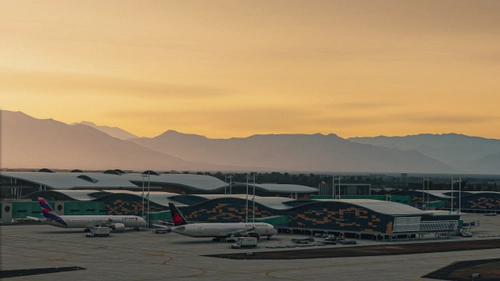
GSX Pro Profile for SCEL Santiago Chile by Latin VFR. Enjoy realistic vehicle and stop positioning, pushbacks, VDGS placement, and jetway floor heights. All gates are included with ongoing updates planned. Simply copy the downloaded file to your GSX Config directory to install. Happy flying!
von Jqro
3 months ago