
Beschreibung
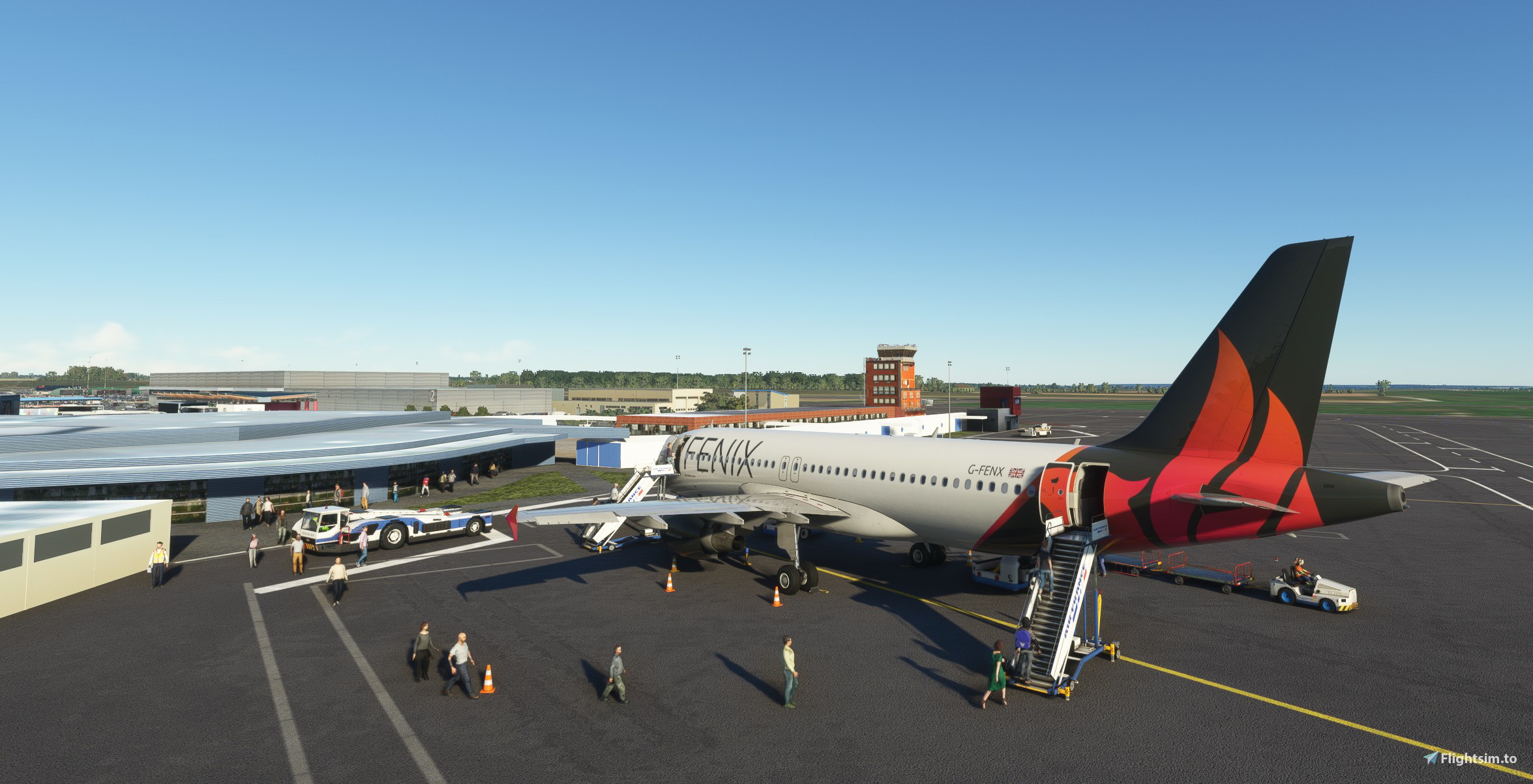
Gates 1 to 12 are configured
Installation :
1. Copie the lfob-omhwtr.ini file in C:\Users\{username}\AppData\Roaming\virtuali\GSX\MSFS
2. édit lfob-omhwtr.ini file to set afcad_path too your "france-lfob-beauvais" scenery folder
3. Enjoy !
Airport scenery : LFOB - Beauvais Tillé
GSX Pro Profile LFOB- Beauvais Tillé
GSX Pro Profile LFOB- Beauvais Tillé enhances your airport experience by configuring gates 1 to 12. Simply follow the installation instructions and link it with the LFOB - Beauvais Tillé scenery.

Versionsgeschichte
Keine Versionsgeschichte verfügbar.
Ähnliche Addons
GSX Pro Profile LFKJ (Ajaccio) Pilot Experience Sim
Enhance your Ajaccio experience with the GSX Pro Profile LFKJ add-on. This profile configures gates 1 to 11 for a more realistic pilot experience at Ajaccio airport. Follow the simple installation instructions to enjoy seamless integration with the Pilot Experience Sim Ajaccio LFKJ scenery.
von tichoun63
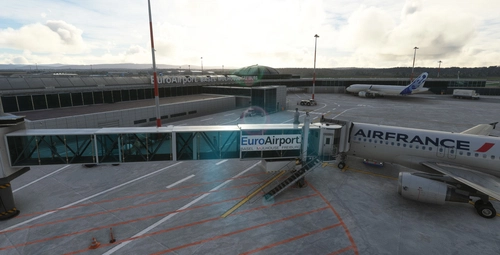
GSX Pro Profile LFSB - FSDT EuroAirport Basel Mulhouse Freiburg
Enhance your FSDT EuroAirport Basel Mulhouse Freiburg experience with GSX Pro Profile LFSB. This add-on provides all gates and ramp cargo, custom pushback, passenger waypoints, and ground services. Simply follow the installation instructions for a seamless integration.
von tichoun63
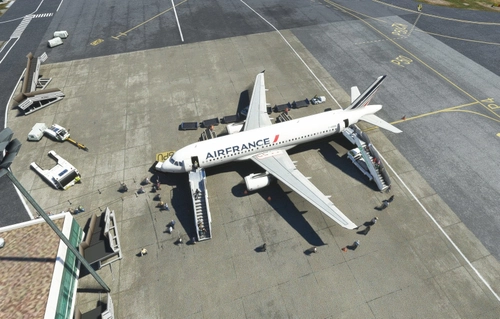
GSX Pro Profile LFLC (Clermont-Ferrand) FranceVFR
Enhance your GSX Pro experience with this profile for LFLC (Clermont-Ferrand) by FranceVFR. The airport is fully configured, but note that pushback is not available here. Simply follow the installation instructions provided and enjoy a detailed airport experience. Discover more about the scenery addon for a complete Clermont-Ferrand experience.
von tichoun63
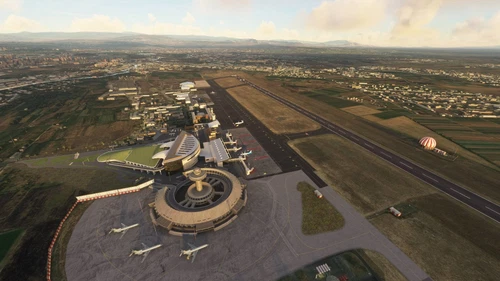
GSX Pro Profile UDYZ - Zvartnots International Airport
Enhance your GSX Pro experience with the UDYZ - Zvartnots International Airport profile, featuring customized ground services (except Gate 1 to 8). Simply copy the provided file to your GSX Pro directory and enjoy seamless operations at this airport. Dont forget to check out the detailed airport scenery available for a complete immersive experience.
von tichoun63
Melden Sie sich an, um an der Diskussion teilzunehmen
AnmeldenKommentare4
Ps: je parle français si c’est plus simple.
Salut oui, en français ce sera plus simple.
Le chemin qui mène à la scene diffère d'un utilisateur à un autre.
Tu dois modifier le chemin présent au début du fichier pour qu'il corresponde avec le tiens.
En général, il suffit de retirer "ticho" et le remplacer par ton nom de cession windows.
Donc dans mon explication, tu remplaces {username} par ton nom de cession, pour savoir où l'installer.
Dans le fichier, même chose.
Si tu veux être sur du chemin complet, tu peux, le trouver depuis GSXPro. pour cela, tu édites le parking où tu te trouves, directement avec GSXPro. Lorsque la fenetre de l'éditeur apparait, l'adresse de la scene s'affiche tout en haut de la fenetre. Tu dois d'ailleurs pouvoir la copier directement, de mémoire.
Il ne te reste qu'à remplacer celle présente dans mon fichier.
Suis je assez clair ? ^^
salut
Grace a tes explications claires, j'ai réussi a installer ton fichier...
Il me manquait les instructions pour la deuxième partie de l'installation, la fameuse modification du chemin d'accès directement dans fichier. Effectivement, sur la toile on trouve pas d'explication sur cette partie.
Encore merci pour ta disponibilité et ton travail.
Au plaisir :D