
Beschreibung
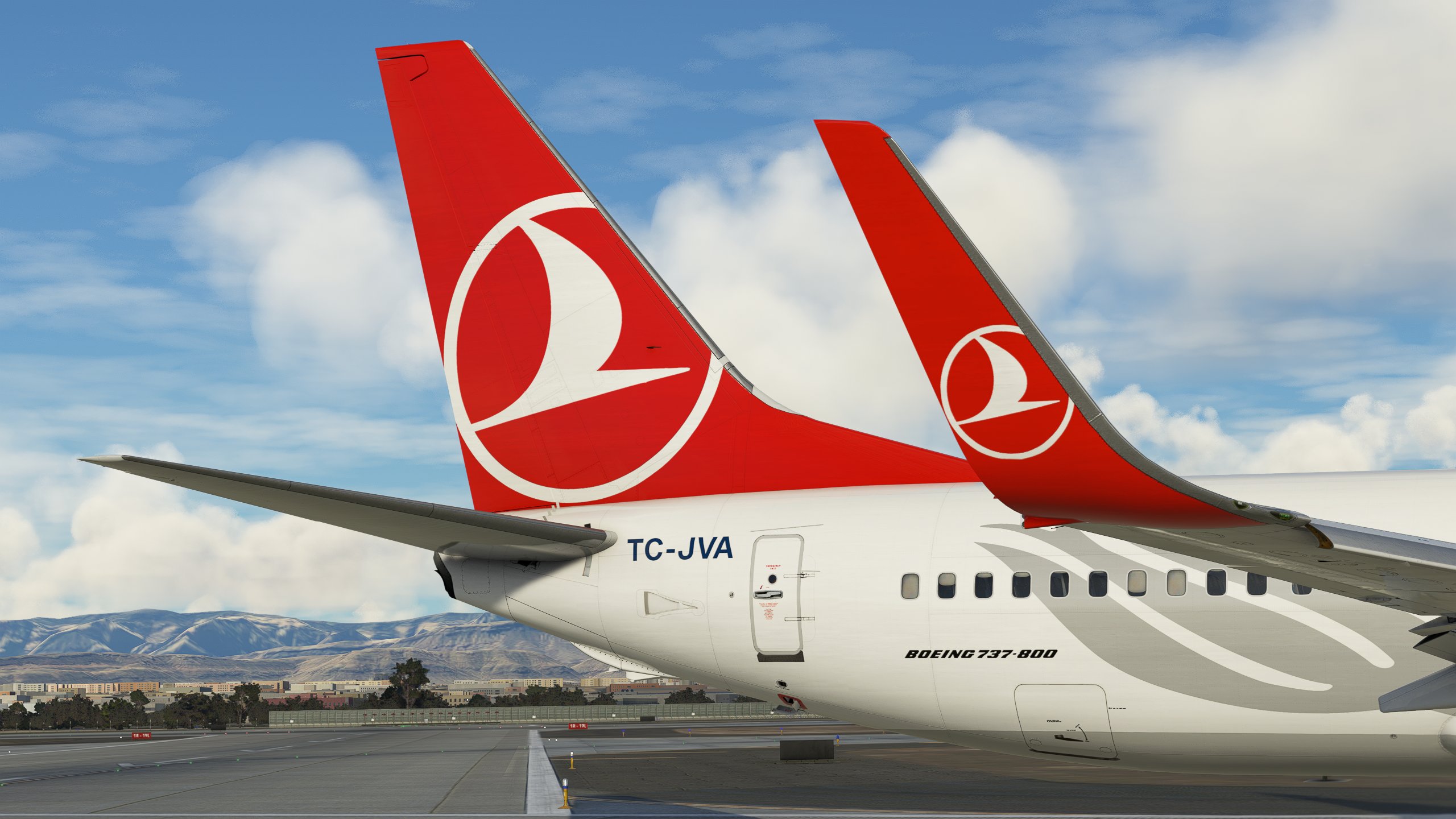
Turkish Airlines pack for the PMDG 737-800 MSFS.
Regs included:
- TC-JVA
- TC-JVH
- TC-JVZ: '6000th NG' sticker
Textures include:
- Improved rivets and panel lines
- Realistic decals/stencils
- Custom weathering
- Reworked wing textures
- Reworked metallic COMP textures
- Realistic airframe configs
- Reworked engine textures
- Custom BUMP maps
For MSFS2024 users:
- To install, simply copy into the community folder.
- You may need to manually place the ini file into the PMDG 738 WASM folder in order for the airframe configuraiton to work. The ini file is located in the respective livery folder pmdg-aircraft-738-XXX\SimObjects\Airplanes\PMDG 737-800\liveries\pmdg\XXX.
Turkish Airlines PMDG 737-800 MSFS Pack
Experience realistic Turkish Airlines liveries for the PMDG 737-800 in MSFS with this pack. Includes detailed textures, custom weathering, and unique decals. Explore various registration options like TC-JVA, TC-JVH, and TC-JVZ with a special 6000th NG sticker.

Nutzerbewertungen
1 Bewertungen
Versionsgeschichte
Added MSFS2024 Compatibility
Ähnliche Addons
Turkish Airlines
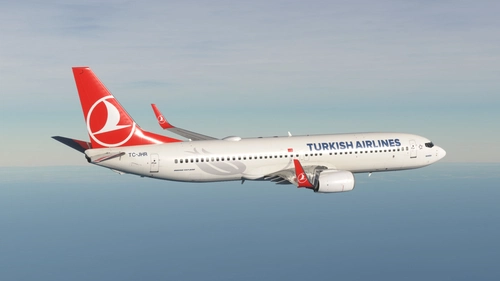
PMDG 737-800 Turkish Airlines livery, featuring custom PBR textures, decals, and realistic weathering.
von ardatogay
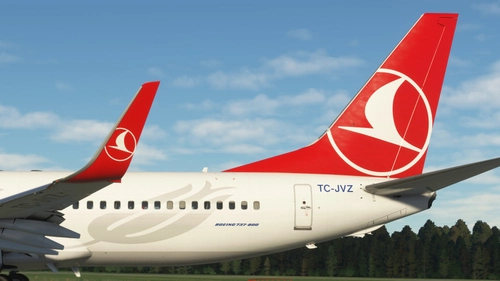
Turkish Airlines (5-Pack) - PMDG 737-800
Explore a collection of five Turkish Airlines liveries for the PMDG 737-800 NG. Each livery features accurate details, custom maps, and realistic colors based on the latest photos. Available registrations include TC-JHL, TC-JVJ, TC-JVO, TC-JVZ, and TC-JZF. Install easily via the provided .ptp file in the PMDG Operations Centre. Contact the creator for feedback or join the Discord community for updates and support.
von Aanerud
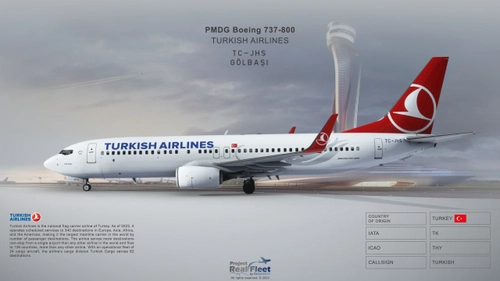
Project Real Fleet by fOrZaONDER, Turkish Airlines TC-JHS 4K Livery w/ Cabin, MSFS PMDG Boeing 738
This livery was painted by fOrZaONDER in accordance to real aircraft which has registry code TC-JHS Golbasi of the real fleet of Turkish Airlines. The livery is suitable for PMDG Boeing 737-800 on Microsoft Flight Simulator 2020. To installation the livery, directly drag & drop or copy and paste the main folder inside the zip file into your MSFS Community folder. PBR textures and maps (composite and normal) have been used in all textures for each individual material while design.
von fOrZaONDER
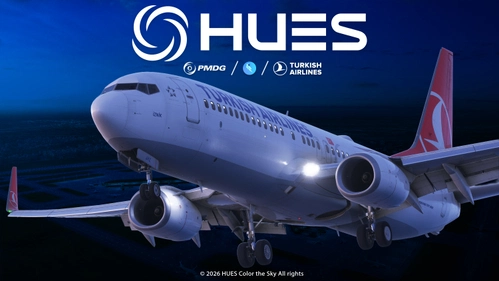
Turkish Airlines TC-JHZ | PMDG 737-800
This add-on features the Turkish Airlines livery for the PMDG 737-800, specifically the aircraft TC-JHZ (İznik). It includes ultra high-resolution textures and custom PBR maps for accurate appearance, reflecting authentic stencils and markings. The livery is optimized for high performance in Microsoft Flight Simulator 2024, ensuring detailed quality without compromising on performance. Installation involves a straightforward drag-and-drop process to the Community folder in MSFS.
von GabrielCorazza
Melden Sie sich an, um an der Diskussion teilzunehmen
AnmeldenKommentare(5)
6 months ago
about 1 month ago
over 3 years ago
can you make a version with SSW please?
about 4 years ago
Very nice, the only thing that is missing is dirt on the Apu inlet flap, there is usually yellowish stink there
about 4 years ago
Cabin textures included?