
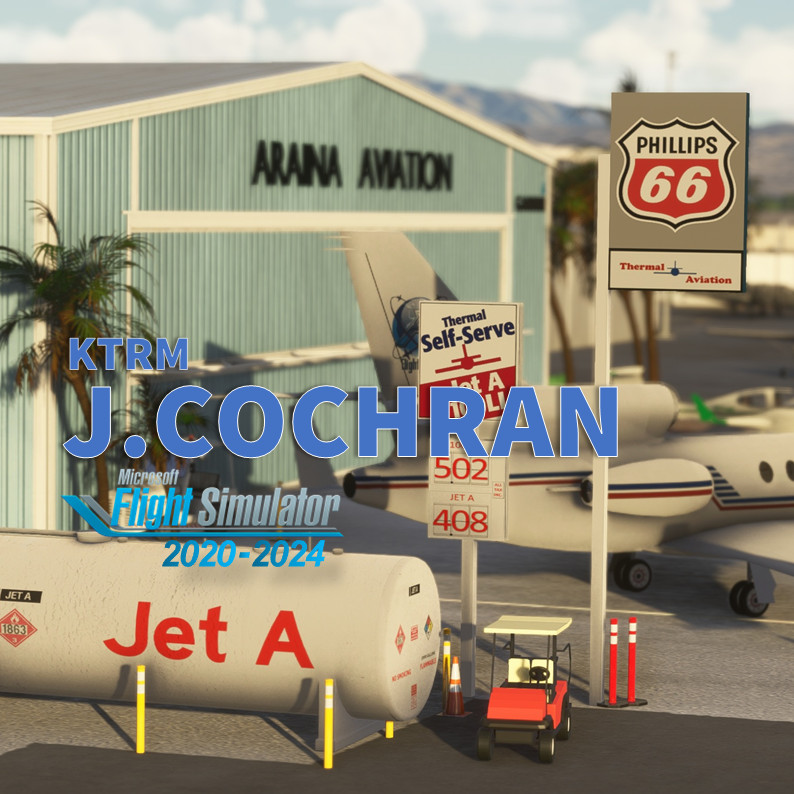
Beschreibung
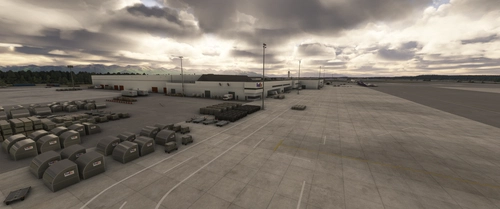
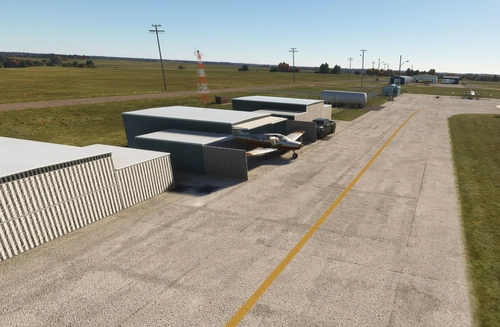
The Jacqueline Cochran Regional Airport (ICAO: KTRM) is located in the Coachella Valley—known as the Desert Resorts Region, the City of Palm Springs. 70nm up north San Diego and 115 nm east from Los Angeles LAX. KTRM is 115 feet (35 m) BELOW mean sea level. It has two asphalt paved runways: 17/35 is 8,500 by 150 feet (2,591 x 46 m) and 12/30 is 4,995 by 100 feet (1,522 x 30 m). You'll also find FBO's, Civil Air Patrol (CAP),Riverside County Sheriff Thermal Heliport (ICAO: 1CA2), flight school and of course avionics and mechanics shop.
Author's note
As for all of my MSFS mod, this small scenery is made from a pilot-eyes perspective. FBO's has changed a lot this last years at Thermal: Desert Jet Center Landmark, Ross Aviation, Thermal Aviation Self-serve, Signature... and I wanted to keep all these names although it's not anymore as real as it get, today Sept'22. Let me know what you think.
In real, I'm a Plus One Flyers member and mostly fly from Montgomery Field (KMYF). I'm real PPL, but a rookie amateur scenery developer: this mod is made with 99% of MSFS default objects library and feature massive number of details. The scenery is inspired by aerial views from Bing and Google maps. It's a mix between the satellite imagery displayed from MSFS and more accurate data found on Internet. I did my best based on online video and online pictures.
900+ objects have been added to the default scenery to make in more live and bring a touch of an active area. If you have local pictures to help being more accurate, let me know!
Features
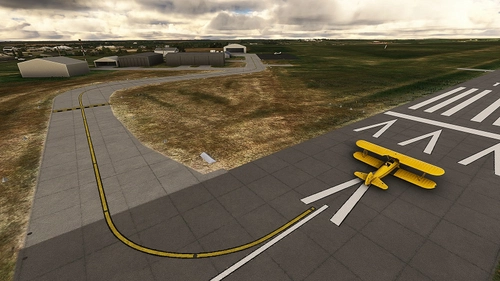
- All taxiway markings verified and redesigned if needed.
- Fix VASI 2-box (Runway 17) and Papi 4-light (runway 35)
- Fix VASI 2-light Papi (runway 12-30)
- Fix the color of re-asphalted taxiways and runway, add weathered asphalt
- Fix and add correct windsocks and replace all of them with 100% orange 100% FAA instead of the red/white European version
- Fix circuit pattern correct position
- Reveal the compass rose at Desert Jet Center
- Add generic buildings to replace autogen MSFS
- Add the "new" Desert Jet FBO which doesn't appeared on Bing satellite imagery
- Add Signature FBO. Remark: I voluntary keep Ross Aviation and Landmark Aviation big signs on hangars.
- Add Riverside County Sheriff Thermal Heliport (ICAO: 1CA2)
- Add new textured Thermal Self-Serve fuel tanks.
- No extra library or depedencies required.
How to install?
The ZIP now includes two folders: vbcorp-airport-ktrm-Jacqueline-Cochran-Rgnl and zzz-vbcorp-airport-ktrm-Jacqueline-Cochran
- For MSFS2024 simmers, make sure both are active in your Community folder. Keep the name zzz-vbcorp-airport-ktrm-Jacqueline-Cochran as is.
- For MSFS2020 users: You can safely ignore the zzz-vbcorp-airport-ktrm-Jacqueline-Cochran folder.
Once installed go to KTRM as usual, the scenery is overlayed over the existing default one.
If you love my amateur work you should also consider my other US sceneries and MSFS Bush Trip :
- KMYF Montgomery Field: https://flightsim.to/file/5856/montgomery-gibbs-exec-airport-taxiway-fix-and-many-more
- KRNM Ramona: https://flightsim.to/file/25710/ramona-krnm
- KSEE Gillespie: https://flightsim.to/file/36679/gillespie-field-ksee
- KOKB Oceanside: https://flightsim.to/file/37328/oceanside-box-maxwell-memorial-airfield-kokb
- KSDM Brown Field Muni : https://flightsim.to/file/38035/brown-field-muni-kdsm
- L08 Borrego Valley Airport : https://flightsim.to/file/38247/san-diego-borrego-valley-l08
- The Bush Trip "San Diego VFR Transition" : https://flightsim.to/file/6276/vfr-transitions-at-san-diego
- L52 Oceano https://flightsim.to/file/24371/l52-oceano
- Farwest'19 Bush Trip https://flightsim.to/file/5502/farwest-2019-bush-trip
Requirements for MSFS2020 (nothing specific is required for MSFS2024 users)
- Free stocked MSFS installed : Sedona and Stewarts
- World Update II (USA) and X (USA)
Known bugs
- Some vegetations spikes
Location
Jacqueline Cochran Regional Airport (KTRM)
Experience the detailed recreation of Jacqueline Cochran Regional Airport (KTRM) in the Coachella Valley, featuring two asphalt paved runways, FBOs, CAP, and more. Enhance your flight simulation with 900+ added objects and accurate taxiway markings for a realistic aerial perspective. Immerse yourself in this active area and enjoy a pilot-inspired scenery upgrade.
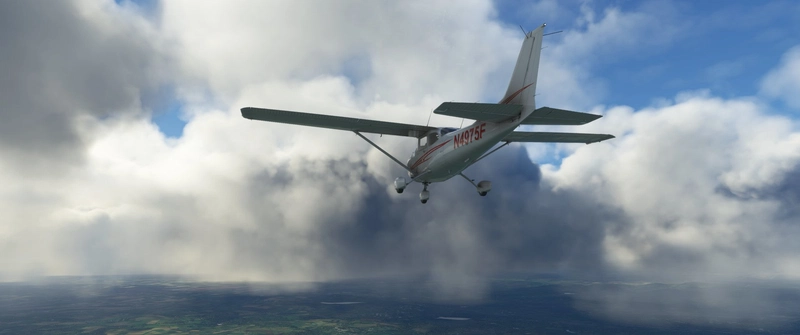

Unterstützer

Nutzerbewertungen
21 Bewertungen
Versionsgeschichte
This update fixes a missing texture on a static C172 (Green) that impact several of my all other sceneries. If you had pink texture on Gillespie, Corona, Placerville to name a few, update your KTRM J.Cochran with this fix.
In Sammlungen enthalten(3)
US Highly recommended
Sceneries that bring the US to life
 PieFly
SoCal Flying
A list of my favorite mods for flying in Southern CA
 taius
taius
So. California GA Airports - MSFS 2024
A collection of GA airports scattered across Southern California. Will be updated as more airports become available.
 ChillMays
Ähnliche Addons
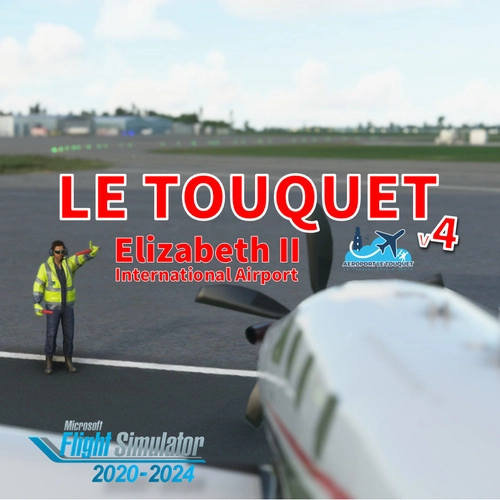
LFAT - Le Touquet - Elizabeth II International Airport
Explore the upgraded Le Touquet - Elizabeth II International Airport (LFAT) with enhanced details like new buildings, taxiways, and custom textures, along the northern coast of France. Experience realistic features including a long runway, ILS approaches, and low tide simulation for an immersive flying experience. Unzip the file into your Community folder to enjoy this amateur real pilots passion project, offering a closer-to-reality representation of LFAT in Microsoft Flight Simulator.
von Vincent Bazillio
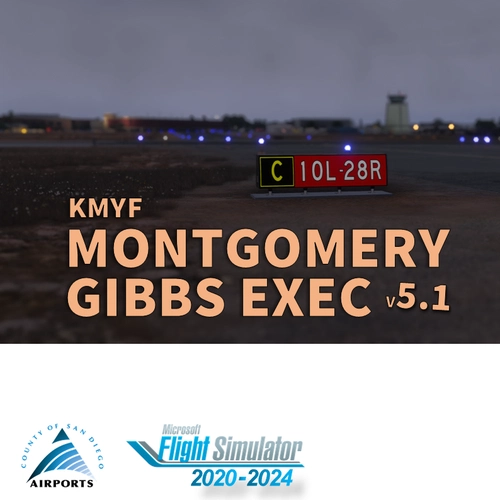
San Diego Montgomery - Gibbs Exec Airport (KMYF)
Enhance your Montgomery Field experience with this updated airport scenery for Microsoft Flight Simulator. Features include corrected taxiway names, new taxiway signs, added buildings, custom windsocks, and more small details to improve immersion. Explore the bustling airport located six miles north of downtown San Diego and enjoy a more realistic flying experience.
von Vincent BAZILLIO
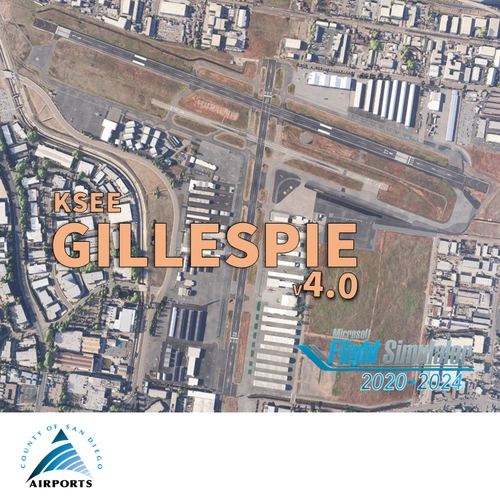
San Diego Gillespie Field (KSEE)
Experience San Diegos Gillespie Field with this detailed MSFS add-on featuring 1800+ objects, corrected taxiways, all airport buildings, fences, apron extension, ground markings, windsocks, and more. Inspired by real-life aerial views and personal footage, this scenery adds a touch of realism to the bustling general aviation hub. Install easily in your Community folder and explore this vibrant airport in the heart of California.
von Vincent Bazillio

San Diego Ramona (KRNM)
Experience the detailed charm of Ramona Airport (ICAO:KRNM) with this small scenery add-on, featuring over 600 objects added to the default scenery. Explore the recreated airport buildings, taxiway signs, and specialized features. Immerse yourself in the history and significance of this public airport located near downtown San Diego.
von Vincent Bazillio
Melden Sie sich an, um an der Diskussion teilzunehmen
AnmeldenKommentare(82)
about 1 month ago
Thanks,
Bermuda Dunes Flight Training
about 1 month ago
3 months ago
3 months ago
3 months ago
3 months ago
5 months ago
5 months ago
5 months ago
9 months ago
Love your work very beautiful and detailed work
I don't suppose that you would make any tutorial video on how you make your work as i am sure their are a few people out their that would love to give it a go but don't know where or how to start.
P.S. we have a few nice airfields here in Ireland that could do with some love and improvement
9 months ago
9 months ago
Pierre told me that the new downloaded version 3.0.1 has the same issue than 3.0.0 version
i was surprised that issue persist after your correction , so i suspected that MSFS2024 is maybe the source of the problem
So I moved out your scenery 3.0.0 from Community to an external saved folder , canceled RollingCache.ccc and started MSFS 2024 , selected KTRM (now standard ASOBO scenery ) and ..... same issue meaning that MSFS 2024 is the generator of the issue (for this location)
i suppose you should have the same issue with the standard scenery
PIerre , can you also deactivate KTRM Vincent scenery to validate the MSFS 2024 source of the problem ?
9 months ago
On my MSFS2024 PC,these 3 steps disappeared once my scenery (with the 2 folders) is activated. In 3.0.1 (100126-18h), I have added flatten polygon for MSFS2020/2024 scenery.To move forward, I've just uploaded a new v3.0.1 date 110126 15h40.
The new build dated 11/01/26 15h40 (vbcorp-airport-ktrm-jacqueline-cochran-rgnl-v3.0-1-110126-15h40.zip) I added specific flatten polygon for MSFS2024.
Re download the same file and install it in your community (remove the previous one), it should be file .zip : vbcorp-airport-ktrm-jacqueline-cochran-rgnl-v3.0-1-110126-15h40.zip
After this... I have no futher idea. Let me know.
9 months ago
9 months ago
9 months ago
maybe my diagnostic is false , but it seems than after selecting a runway or a parking, the camera view zoom normally from altitude and stop on the ground level very far from the place i selected (runway 17 or 35 or on any parking spot) and move very very slowly depending of the distance (example the point seems to be further from RW17 than from RW35
9 months ago
9 months ago
3 months ago
3 months ago