
Beschreibung
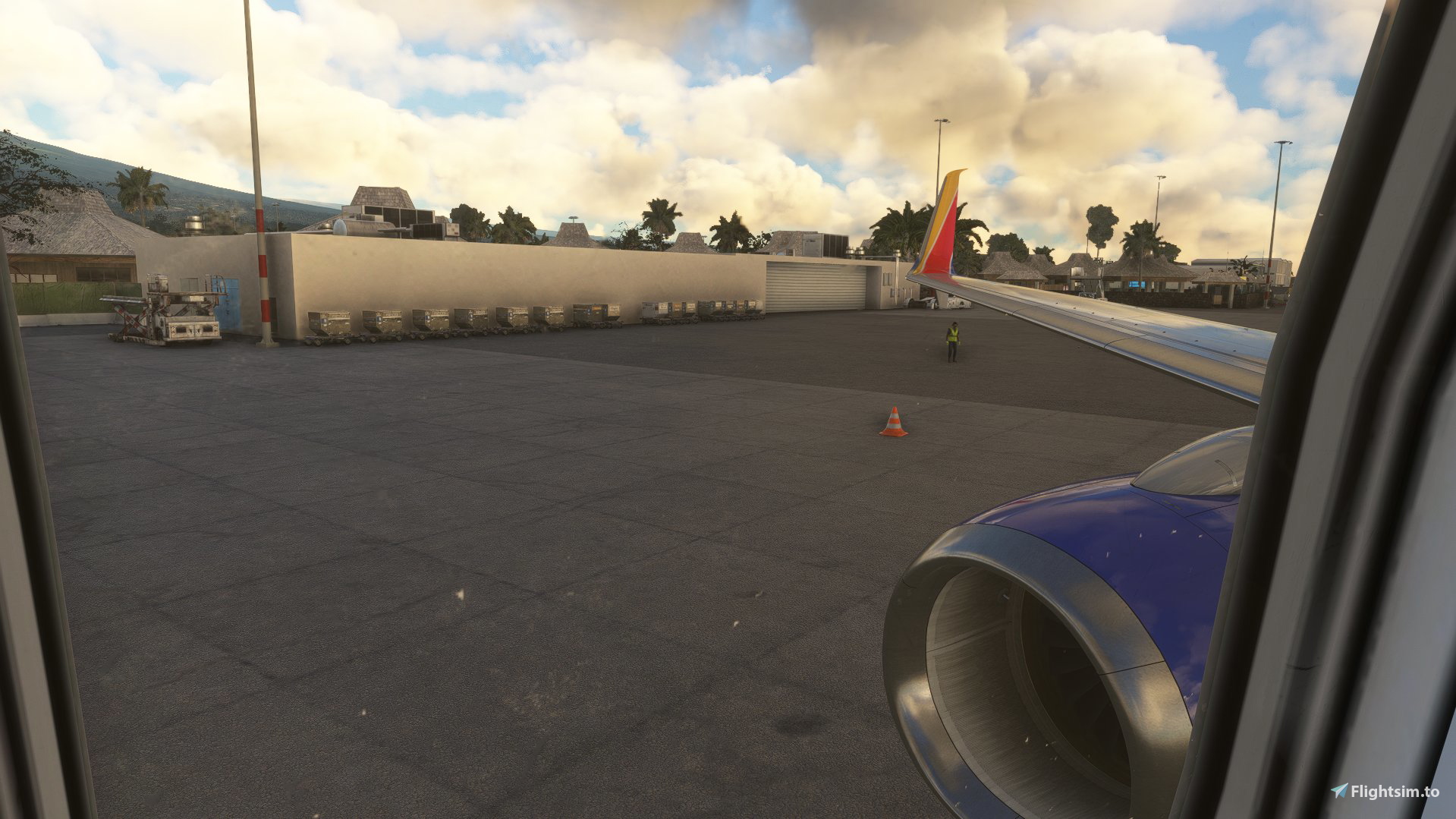
PMDG 737-800 Custom Views addon.
Including 8 wing views, and 2 cockpit views.
Alt + (number) to switch camera views (default key)
1. Left front engine
2. Right front engine
3. Left front engine 2
4. Right front engine 2
5. Left, Behind wing
6. Right, Behind wing.
7. Last row left
8. Last row right.
9. Cockpit overhead pedestal
10. Cockpit Pedestal.
Support our dev works here
Join our discord here
Instalation instructions in readme.txt
PMDG 737-800 Custom Views
PMDG 737-800 best Camera View Addon, 8 wing views, and 2 cockpit views. Enjoy a pain-free experience of switching between cameras on the settings, instead, just hit ALT+(number), and you will be guarinteed to enjoy all camera views! Pain-free instalation included, no need hassle to change the files. Just drag & drop!


Nutzerbewertungen
2 Bewertungen
Versionsgeschichte
Keine Versionsgeschichte verfügbar.
Ähnliche Addons
Detailed GSX Profile - PHKO Kona Intl Airport
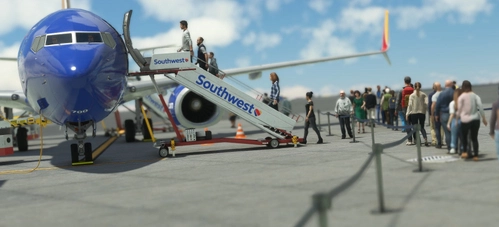
Enjoy a full GSX preset for the Kona Airport, all the gates are completed. This profile includes walking paths, custom vehicle location, and correct marshaling into the gates, busses has been disabled for all gates.
von Seehed
FBW A380 Custom Wing Views
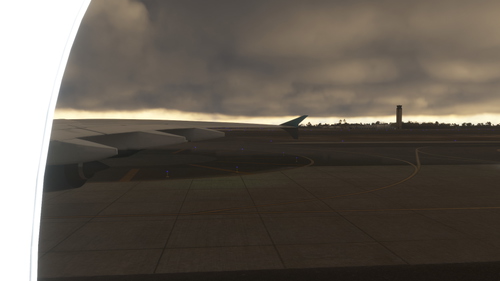
This add-on provides custom wing views for the FlyByWire A380 in Microsoft Flight Simulator. It features a variety of alternate camera angles, including views from the front, middle, and rear of the wings. Installation instructions are included for easy setup within the simulators file structure. These wing view cameras enhance the visual experience while piloting the A380.
von SeehedYT
Melden Sie sich an, um an der Diskussion teilzunehmen
AnmeldenKommentare(5)
almost 3 years ago
over 3 years ago
Great views
almost 4 years ago
amazing mod can you make it to work on bbj2 variant ?
about 4 years ago
Could you please do one for the 600. Someone did create one a while back but it never worked.
As shown here : https://flightsim.to/file/37412/pmdg-737-600-custom-views
Many thanks UKFSimR
about 4 years ago
Sorry. The keys don't work. How do you assign a view for a certain key? For example Alt+1 for left engine view, Alt+2 for right engine view, and so on. All the views from developers are a little bit confusing with the keys.