
Beschreibung
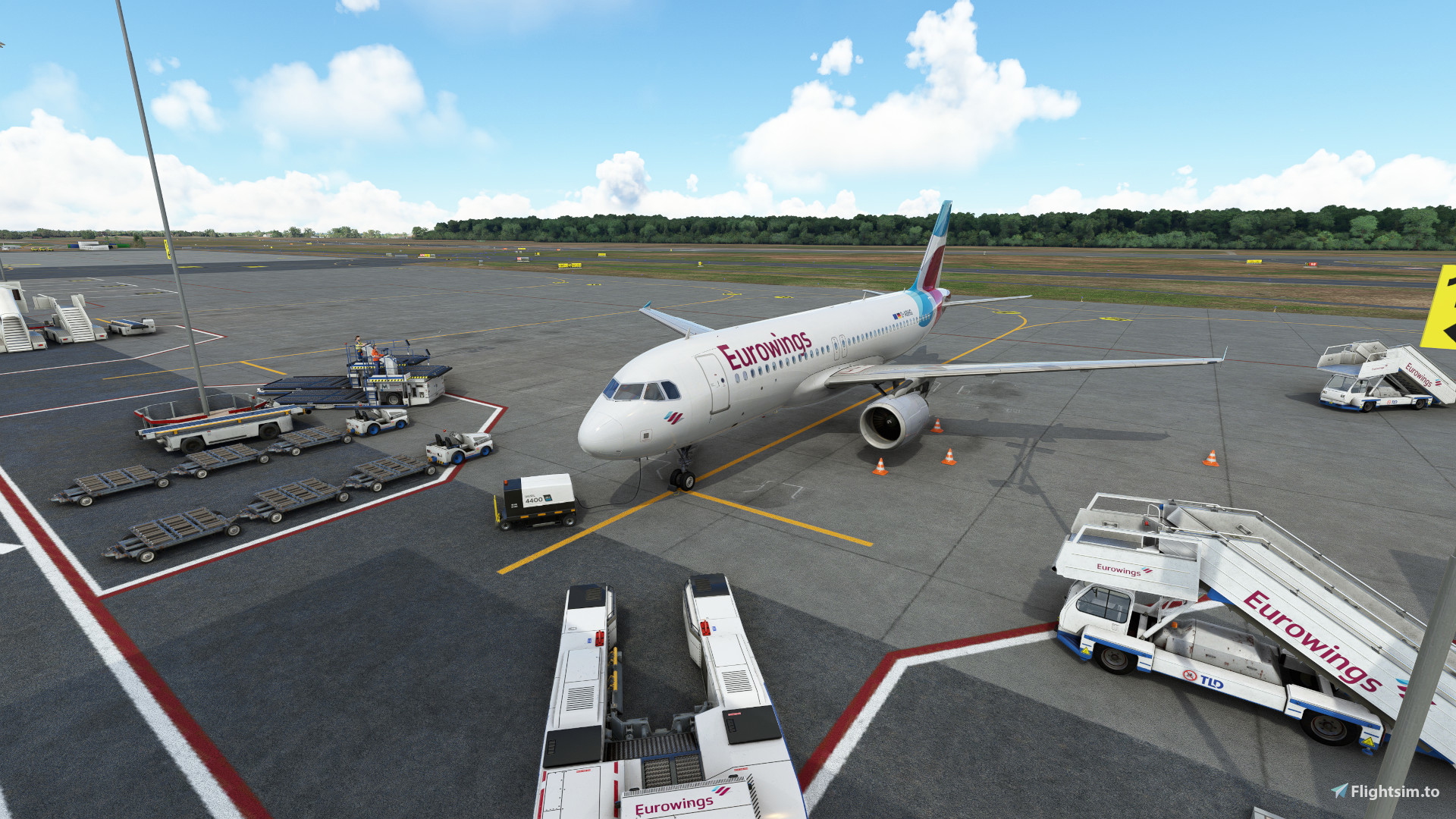
GSX profile for Albrecht Dürer Airport Nürnberg (EDDN) by Freds Airports.
Custom pushback for Gate 2 - 6, 10 - 16
Custom vehicle and equipment placement for Gate 1 - 44
Custom Pax waypoints for Gate 10 - 15
(only parking stands accessible are customized, no 43, ...)
Installation:
Unpack zip and move included file in $User/AppData/Roaming/virtuali/GSX/MSFS/
GSX Profile - EDDN (Freds Airports)
This is a custom GSX profile for Albrecht Dürer Airport Nürnberg (EDDN) by Freds Airports. Custom pushback is provided for Gate 2 - 6, 10 - 16. Gate 10 - 13 feature custom Pax waypoints from the waiting area to the gate. Gate 14 and 15 feature Pax walking down the stairs from the waiting area.


Nutzerbewertungen
1 Bewertungen
Versionsgeschichte
Added new ground handling Nürnberg Airport Handling as default Fixed Gate 27E (former Gate 27)
Melden Sie sich an, um an der Diskussion teilzunehmen
AnmeldenKommentare(4)
almost 4 years ago
Hi, I have found the virtuali path, but I am lost with the hint to "Change afcad_path to appropiate .bgl file"
What exactly is meant with that? Thanks alot
almost 4 years ago
In line two of the .ini file you will find something similar to this:
afcad_path = \\?\D:\...\Community\fredsairports-eddn-nuernberg\...\airport-eddn.bgl
Here you put in after "\\?\" the path to your .bgl file. It should be enough to just change the path up to the community folder.
about 4 years ago
Thank you a lot for this config! It really works great.
One bug I found is that at least on Gate 11 the head of the pax is sticking out of the jetway closer to the terminal (close to the aircraft it looks fine). Not sure if this affects all the jetways or this specific one only.
Anyhow, thank you a lot for this profile, it is a great match with Freds scenery!
about 4 years ago
The heads sticking out of the jetway is a scenery/GSX limitation and occurs on all gates with jetway. I only control the pax waypoints to and from the jetway.