
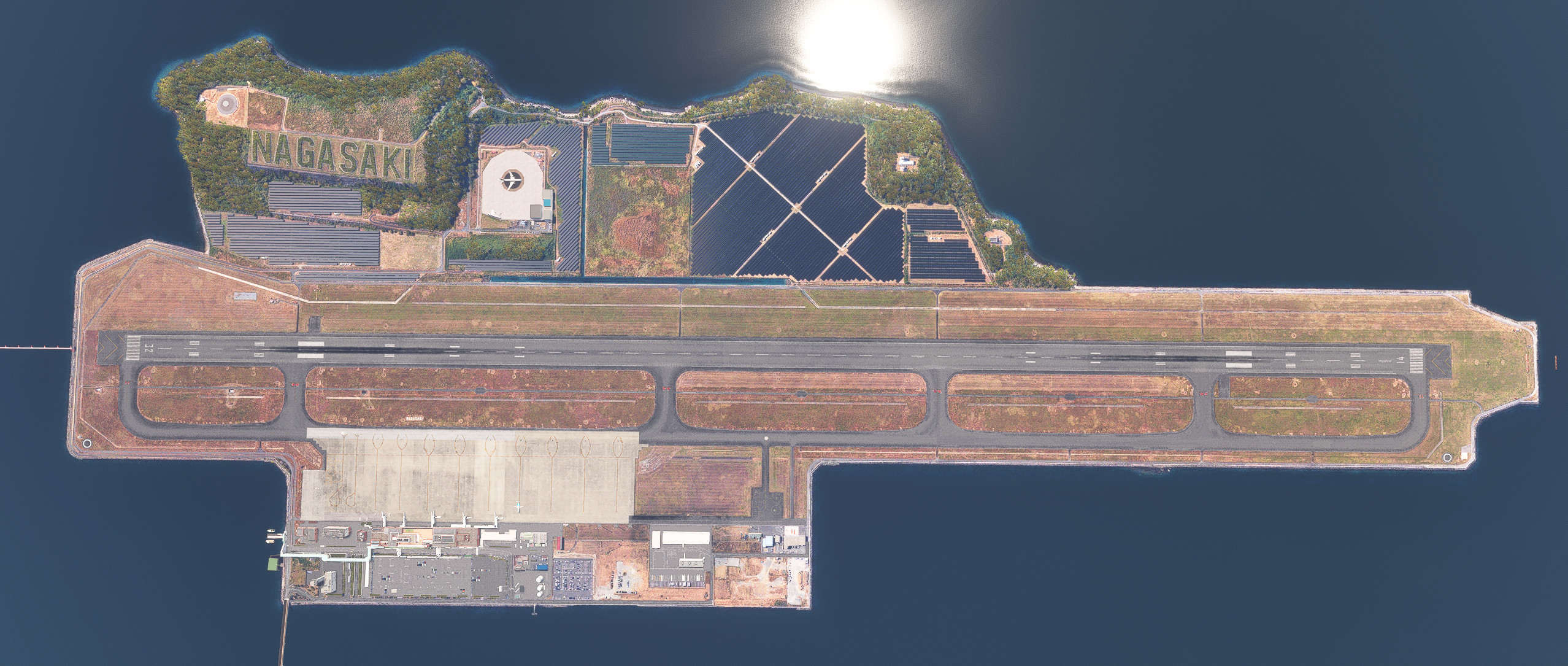
Beschreibung
Enhanced Nagasaki Airport added in WU1.
Required.
World Update I: Japan RJFU.
Added Runway Distance Marker Light.
Added some objects such as Glidepath Antenna.
Brighter apron lights.
Changes to apron lines.
Changed runway ground markings to Japanese specifications.
Changed Gate7 to be Havvy compliant.
Taxiway signs matched to reality.
Replaces all default yellow objects.
Abhängigkeiten
Location
RJFU NAGASAKI Airport Enhanced
Enhance your flying experience with the RJFU NAGASAKI Airport Enhanced add-on, featuring improvements such as Runway Distance Marker Lights, Glidepath Antenna, and Taxiway signs based on reality. This add-on also includes brighter apron lights, changes to apron lines, and upgraded runway ground markings to Japanese specifications. Additional libraries are required for installation.


Nutzerbewertungen
8 Bewertungen
Versionsgeschichte
Changed the jetway (requires additional libraries). The way the terrain is processed has been changed so that there is no step between the runway and taxiway. Also, the center of the runway is slightly bulging, just like in reality. Added some scenery objects. Change the white aviation light in the custom light to white with a slight yellowish tint added. Compatible with 2024.
In Sammlungen enthalten(1)


Ähnliche Addons
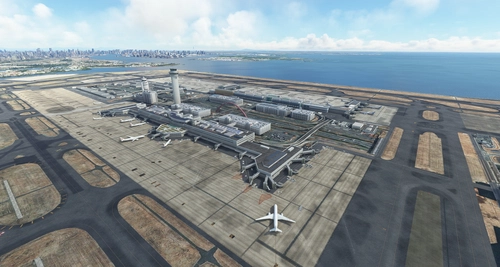
RJTT Tokyo International Airport Enhanced
Enhance Tokyo International Airport with this add-on, which aligns runways, taxiways, and taxiway names based on the new airfield map. Make various fixes and additions, with the option to disable certain elements like airport equipment and taxiway signs. Ensure compatibility by following instructions, and experience VDSG implementation based on LOD specification for realistic plane positioning.
von karuchie
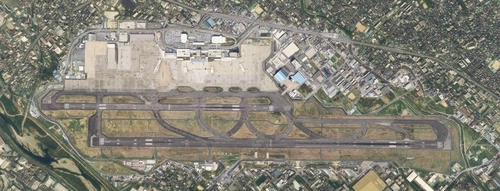
RJOO Osaka Itami Airport (MADB payware) Enhanced
Enhance your RJOO Osaka Intl Airport experience with this payware add-on from MADB, featuring added taxiway lights and updated textures for a more realistic simulation. This add-on also includes revamped approach lights, runway features, and various other enhancements to elevate your airport immersion. Additional libraries are required for installation.
von karuchie
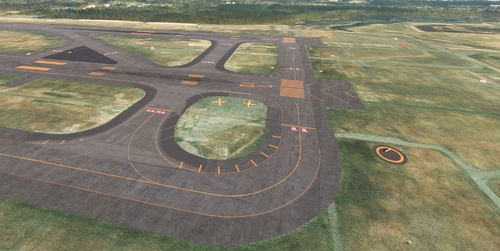
RJCC - New Chitose Airport Addition
The RJCC New Chitose Airport Addition enhances the existing RJCC airport scenery by introducing several new taxiways, including A3, B3, A11, B11, G, and L5. It also updates apron markings and adds various objects, although taxi paths remain unchanged, which prevents ATC from recognizing the new taxiways. Users may encounter ILS height issues if using Navigraph, and adjustments to the folder name or priority may be necessary for optimal functionality. Note that some features, like the parking lot in the cargo area, do not have connected taxi paths for GSX use.
von karuchie
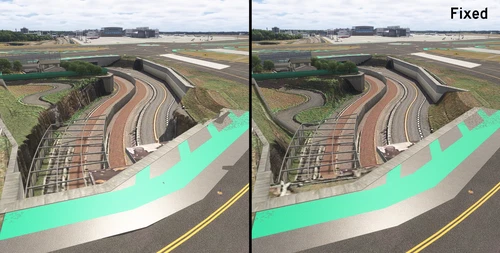
RJAA Narita International Airport Drzewiecki Design Terrain fixes
This add-on offers terrain corrections for the RJAA Narita International Airport scenery by Drzewiecki Design, addressing elevation issues by flattening large and small steps. It includes additional features such as enhanced windsock lighting and modifications to taxiway and runway lights. Users are advised to uninstall this scenery upon updates to avoid conflicts.
von karuchie
Melden Sie sich an, um an der Diskussion teilzunehmen
AnmeldenKommentare(26)
over 1 year ago
over 1 year ago
over 1 year ago
over 1 year ago
over 1 year ago
over 1 year ago
almost 2 years ago
almost 2 years ago
about 2 years ago
about 2 years ago
about 2 years ago
about 2 years ago
over 2 years ago
over 2 years ago
over 2 years ago
almost 3 years ago
Would you be able to provide a fix?
Apart from that, great enhancement , Thanks so much!
almost 3 years ago
about 3 years ago