

Beschreibung
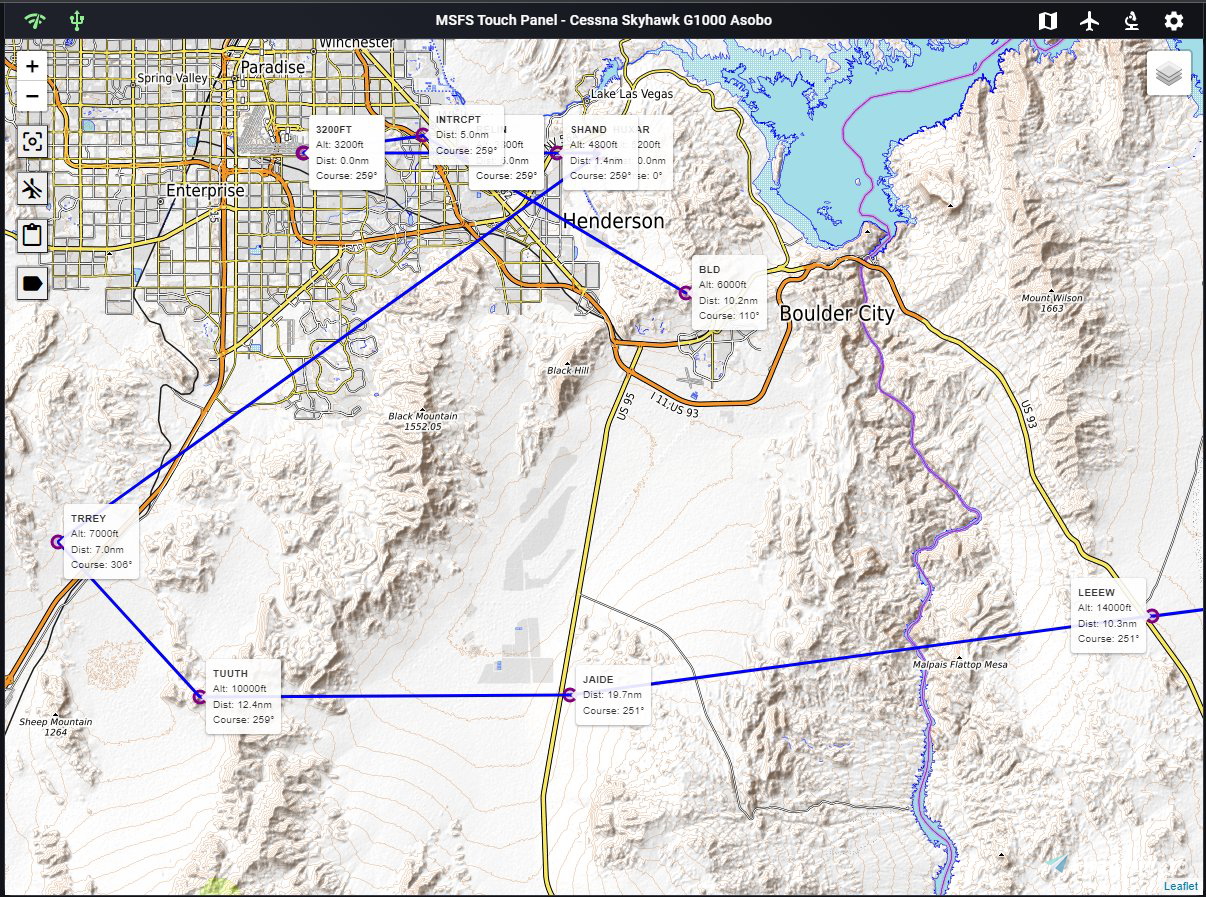
MSFS Touch Panel is a proof-of-concept web application for MSFS 2020 which focuses on touch inputs to make your flying more enjoyable! It is designed for an iPad, Android tablet, or touch screen monitor with Arduino's input controls in mind to provide a simple DIY cockpit for all the casual sim fans out there. This application can also be used in any modern browser on PC or tablet with all features enabled.
The application contains two major features, a touch panel to control common flight instrumentations and a feature for web-based rendering of in-game pop out panel and provide bezel support for pop out panel.
Touch Panel Feature
Input control profiles for (Default plane, C152 and C172 G1000 - using G1000 NXi addon)
Flight controls including the following:Telemetry display
NAV/COM controls
Autopilot controls
Basic electric controls (lights, pito heat / de-ice, power)
ATC menu buttons
Sim rate control
Moving map with Open Street Map / Google Map selectionAutomatic flight plan loading
Configuration settingsShow / hide control panels as you see fit
Customizable data refresh interval for UI controls and maps
Configurable input methodDIY Arduino knob / joystick input (similar to DIY Knobster by Sim Innovations)
Touch direct input
Touch knob input
Server side logging for programmers out there who want to see what is going on behind the scene
MSFS Touch Panel
MSFS Touch Panel is a proof-of-concept web application for MSFS 2020 which focuses on touch inputs to make your flying more enjoyable! It is designed for an iPad, Android tablet, or touch screen monitor with Arduino's input controls in mind to provide a simple DIY cockpit for all the casual sim fans out there. This application can also be used in any modern browser on PC or tablet with all features enabled.


Nutzerbewertungen
6 Bewertungen
Versionsgeschichte
Keine Versionsgeschichte verfügbar.
Ähnliche Addons
Ilyushin IL-103
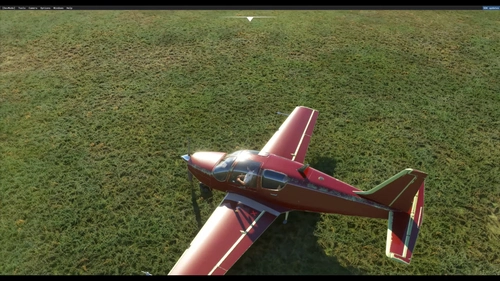
The Ilyushin Il-103 is a single-engine, low-wing training aircraft developed by the Ilyushin Design Bureau that started in 1990 in the Soviet Union. The aircraft is now produced in Russia. It was the first Russian aircraft to achieve Federal Aviation Administration certification, in 1998, for sales in the United States.
von Sergey Golosov aka Dzies
FSR Profiles Pack
FSRealistic Pro brings a whole new world of immersion into MSFS! With a growing list of 34 cameras and sound effects, you will experience MSFS like never before. FSRealistic Pro brings realistic effects for GA, Jets, Turboprops, Gliders, Helicopters, Seaplanes, and more. What are you waiting for? Fasten your seatbelts and join the ride. This archive contains the most popular profiles from the FSR cloud for 159 aircraft.
von Viksen
MSFS2024 Russian ATC patch
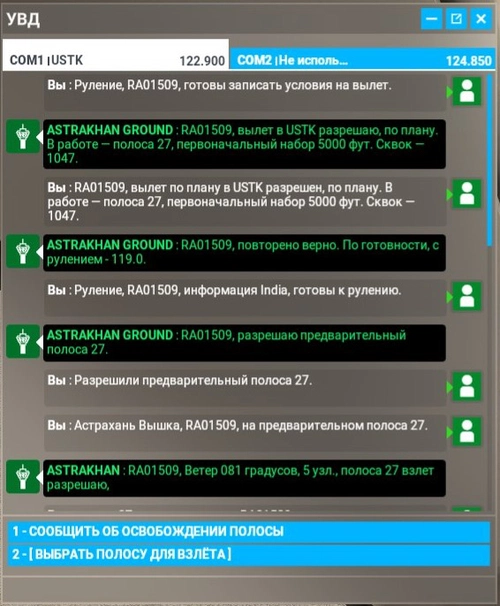
This mod brings the Russian phraseology in the simulator to a more authentic look. This is the initial version of the mod, I ask you to write about all the errors found in the comments or in private messages. To install, copy the downloaded file to the path MSFS\Official\OneStore\fs-base
von Viksen
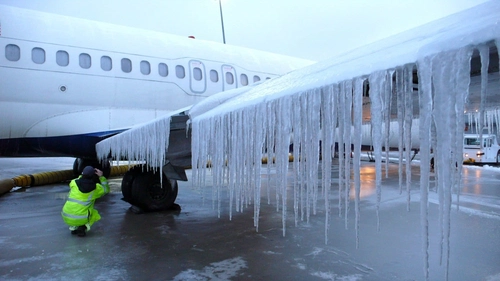
Fenix A320 Anti-ice System
Restore the anti-ice system functionality to your Fenix A320 with this quick patch. Simply replace the systems.cfg file to enable icing. Please note that this fix may impact electrical behavior and other systems, so proceed with caution. Modification by Fenix Simulations.
von Fenix Simulations
Melden Sie sich an, um an der Diskussion teilzunehmen
AnmeldenKommentare(17)
7 months ago
2 months ago
Any clue to solve ?
over 1 year ago
about 3 years ago
I've got the same issue than the other users; It asks me to download install.NET but it already has been installed
about 3 years ago
So useful to avoid screen duplication which kills the framerate in DLSS mode.
Flight plan seem not to be seen in the map but for sure it is in improvement opportunities.
about 3 years ago
almost 3 years ago
over 2 years ago
What finally did the trick was the "Hosting Bundle" under "ASP.NET Core Runtime".
Prior to it finally working, I had also installed the x86 and x64 versions of the Desktop Runtime.
I still have issues (some of the included startup scripts fail...still investigating), but it launches, and provided a mostly-working page accessible from my iPad.
over 3 years ago
Sorry, but while this works, I much prefer the customization I get with TouchPortal.
about 4 years ago
Are any updates coming for this program?
over 4 years ago
OMG! I came here today looking exactly for such an application and here it is!! I am using it with an Ipad and SpaceDesk and it works very well so far! My compliments to the author!
over 4 years ago
On the PFD and MFD no buttons are usable don't work. Is it normal.
Thanks
over 4 years ago
Same here....trying to get the server to work!
It keeps telling me "to run this application you must install .net. Would you like to download it now?" Then it takes me to Download .NET 5.0 Runtime (microsoft.com) but on the page it states 'This release has reached end of life, meaning it is no longer supported" I did download that version 5 anyway but it still didn't work.
I have Microsoft Windows Desktop Runtime - 6.0.6 (x64) 6.0.6.31318 currently installed ....so what runtime version do I need exactly to get this working?
Thanks
about 4 years ago
You've to install both the x64 desktop app runtime and server app runtime.
over 4 years ago
I'm trying to get the server to work. It keeps asking me to have .NET installed, which I most certainly have. Any help and/or ideas would be gratefully accepted.
over 4 years ago
Really very very powerfull proof of concept. It's not working perfectly yet, but it's usable. I really hope it will get developed further to a stable version. For now 5 stars for the initiative and effort.
over 4 years ago
This project sounds extremely interesting to me.
I´m currently using a relatively "special" configuration for gaming.
I use a cloud service (= "located in one end of Europe"), which i connect to via it´s remote client from my home location (= "located in another end of Europe").
I´d like to ask, if i can use your tool, if my MSFS and your tool are running in completely different networks, basically 1.000 km apart from each other.
Could i use an Android-tablet and one or two webbrowser windows at the same time, to display different things like PFD on the tablet, MFD in one browser ... to use as many devices and/or monitors, i have available?