
Beschreibung
Microsoft Flight Simulator 2020
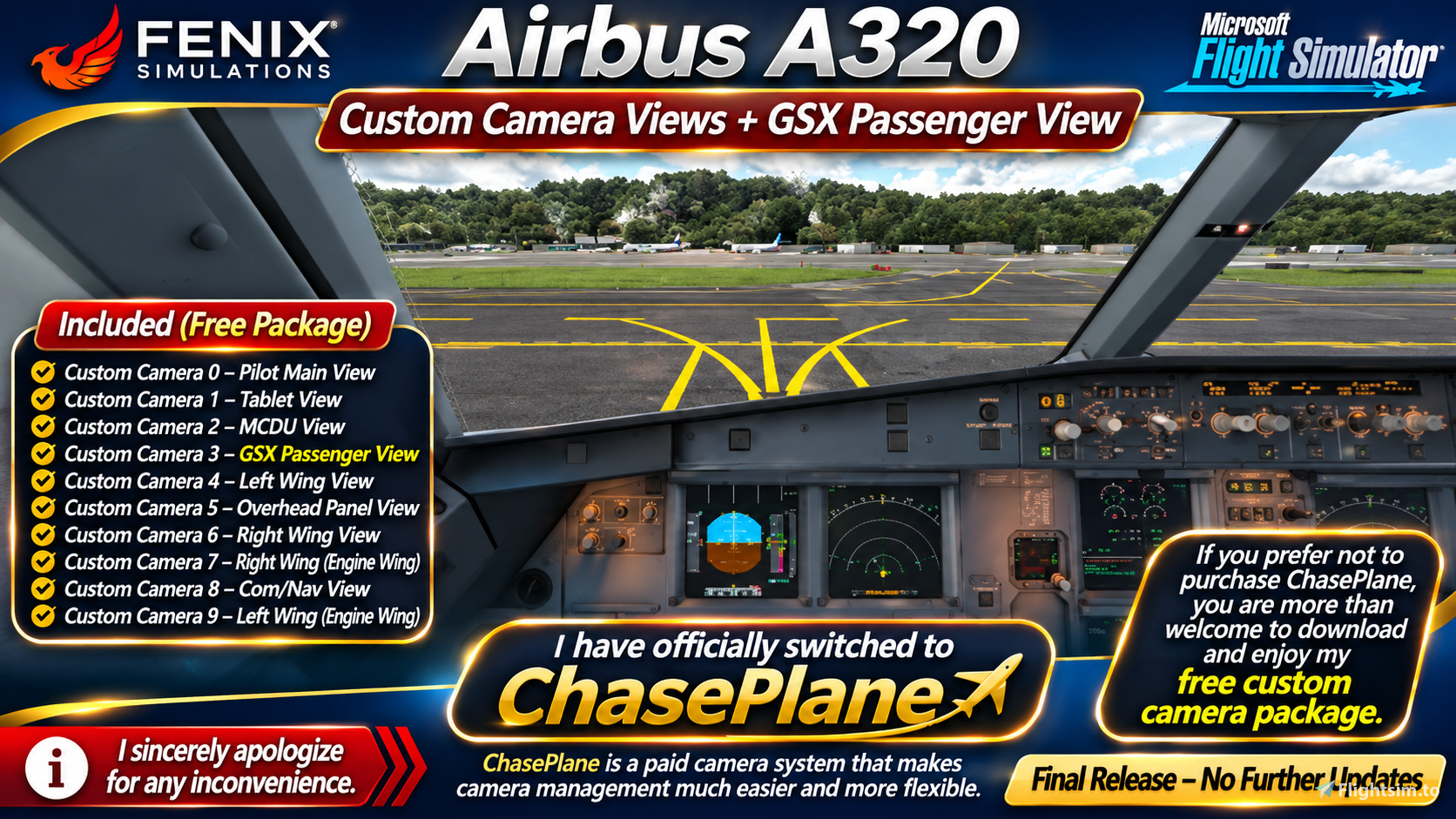
Important Announcement — Camera System Update
Hello everyone!
I would like to inform everyone that I am no longer using the Custom Camera View system for the Fenix Simulations Airbus A320.
I sincerely apologize for any inconvenience this may cause, especially to those who have downloaded and enjoyed my previous camera configurations.
I have officially switched to ChasePlane Views, which provides a much easier, smoother, and more flexible camera experience.
With ChasePlane, I can move around the aircraft, adjust cockpit and exterior views, and enjoy a more convenient camera setup without relying on the old Custom Camera 0–9 system.
ChasePlane — My Current Camera System
For those interested in upgrading their camera experience, you are more than welcome to purchase ChasePlane and try it for yourself.
ChasePlane is a separate paid camera add-on and is not included with this download.
I personally prefer ChasePlane because it makes managing aircraft camera views much easier and more convenient.
However, you are not required to purchase ChasePlane to enjoy Microsoft Flight Simulator or use my previous camera package.
Free Custom Camera Package — Still Available
If you do not wish to spend money purchasing ChasePlane, that is completely understandable!
You are more than welcome to continue downloading and using my free Fenix Simulations Airbus A320 Custom Camera Views + GSX Passenger View package.
My previous camera configuration includes:
- Custom Camera 0 — Pilot Main View
- Custom Camera 1 — Tablet View
- Custom Camera 2 — MCDU View
- Custom Camera 3 — GSX Passenger View
- Custom Camera 4 — Left Wing View
- Custom Camera 5 — Overhead Panel View
- Custom Camera 6 — Right Wing View
- Custom Camera 7 — Right Wing and Engine View
- Custom Camera 8 — Communication / Navigation View
- Custom Camera 9 — Left Wing and Engine View
Please note: These are the camera positions included in my older freeware package. I no longer personally use or maintain this Custom Camera configuration.
Installation Instructions — Free Camera Package Only
Before installing, make sure you have the compatible Fenix Simulations Airbus A320 installed.
Microsoft Store Installation
Locate your aircraft configuration folder:
C:\Users\(UserName)\AppData\Local\Packages\Microsoft.FlightSimulator_8wekyb3d8bbwe\LocalCache\SimObjects\Airplanes\FNX320
Steam Installation
Locate your aircraft configuration folder:
C:\Users\(UserName)\AppData\Roaming\Microsoft Flight Simulator\SimObjects\Airplanes\FNX320
Replace (UserName) with your Windows account username.
These are the original Microsoft Flight Simulator 2020 installation paths. Your actual aircraft configuration location may vary depending on the simulator version and installation.
Once you have located the correct folder, back up your original CAMERAS.CFG file before replacing it with the compatible configuration included in the download.
Keyboard and Camera Controls
Most camera controls originally use the default settings provided by Asobo Studio.
However, I customized some of my keyboard assignments to make switching between camera views easier.
If the download contains a folder or image titled Camera Keyboard Settings, please follow those instructions to configure your controls.
You may also customize the keyboard shortcuts according to your own preferences.
Important Backup Warning
Always create a backup of your original CAMERAS.CFG file before installing this package.
This allows you to restore your previous camera settings if you experience any problems.
I cannot accept responsibility for overwritten camera configurations, lost settings, or installation problems.
Please install and modify your simulator files at your own risk.
Final Announcement — No Further Updates
I want to thank everyone who has supported and downloaded my Fenix Simulations Airbus A320 Custom Camera Views package.
Since I have officially moved to ChasePlane, I will no longer be developing, maintaining, or releasing updates for this older custom camera package.
The freeware download will remain available for anyone who prefers to use the original Custom Camera View system.
You have two choices:
- ChasePlane (Paid) — Purchase ChasePlane separately if you prefer a more flexible camera management experience.
- My Custom Camera Package (Free) — Continue using my previous Fenix A320 camera configuration without purchasing ChasePlane.
Once again, I sincerely apologize for any inconvenience, and I appreciate everyone's understanding and support.
Thank you for downloading, and enjoy your flights with the Fenix Simulations Airbus A320!
King AsLan
Golden Lion Phoenix Empire (GLPE)
Final Release — Free Download — No Further Updates
Fenix Simulations A320 - Custom cameras
Fenix Simulations Airbus A320 — Free Custom Camera Views + GSX Passenger View. I sincerely apologize for any inconvenience, but I have officially switched to the paid ChasePlane camera system for easier and more flexible views. If you prefer not to purchase ChasePlane, you are welcome to download and enjoy my free custom camera package. This is the final release, with no further updates planned. Thank you for your support!

Versionsgeschichte
New Updated Camera View Updated keys
Ähnliche Addons
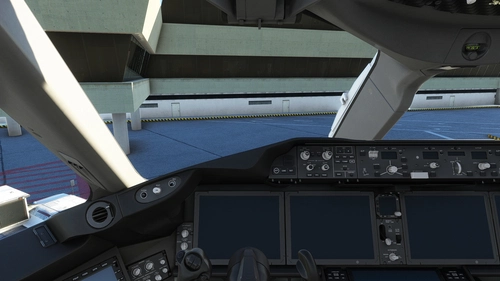
Boeing 787 (78X) Custom Camera (Bundle)
Customize your Boeing 787 Dreamliner experience with this add-on featuring various custom camera views including cockpit, wing, and panel perspectives. Additional camera options for different vantage points are also available. Installation instructions provided for both Microsoft Store and Steam versions. Remember to backup your settings before installation.
von CaptRami777
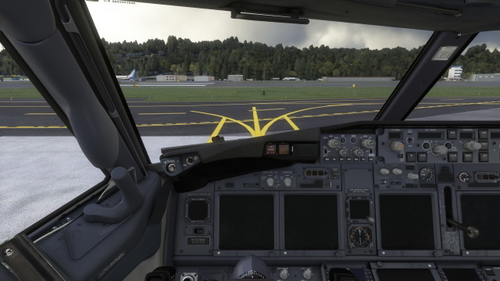
PMDG Boeing 737-700 (New Custom Views + GSX View)
Customize your PMDG Boeing 737-700 experience with new cockpit and wing views, including a GSX Passenger View option. Easily install the custom cameras for enhanced flight immersion and exploration. Explore various viewpoints like Pilot, FMC, overhead panels, and more to make your flights more engaging. Update your simulator experience by dropping and replacing the files in the designated installation folders.
von CaptRami777
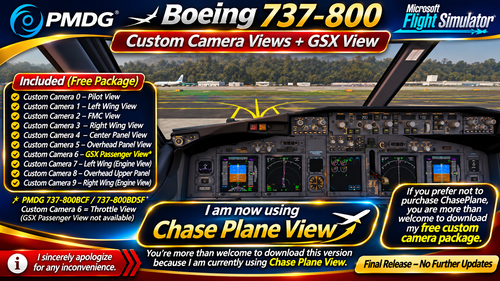
PMDG Boeing 737-800 (New Custom Views + GSX View)
Updated PMDG Boeing 737-800 camera package. I no longer use the old Custom Camera Views 0–9 and have switched to Chase Plane View for a smoother, more flexible, and realistic flying experience. You're welcome to download and enjoy this version!
von CaptRami777

Captain Sim Boeing 767-400ER Custom Views
Customize your flight experience with Captain Sim Boeing 767-400ER Custom Views add-on. This pack offers various cockpit and wing perspectives including Pilot View, Overhead Panel View, and multiple Wing Views, enhancing your in-sim visuals. Easily install by replacing files and explore different vantage points throughout your flights.
von CaptRami777
Melden Sie sich an, um an der Diskussion teilzunehmen
AnmeldenKommentare(2)
over 1 year ago
almost 2 years ago