
Beschreibung
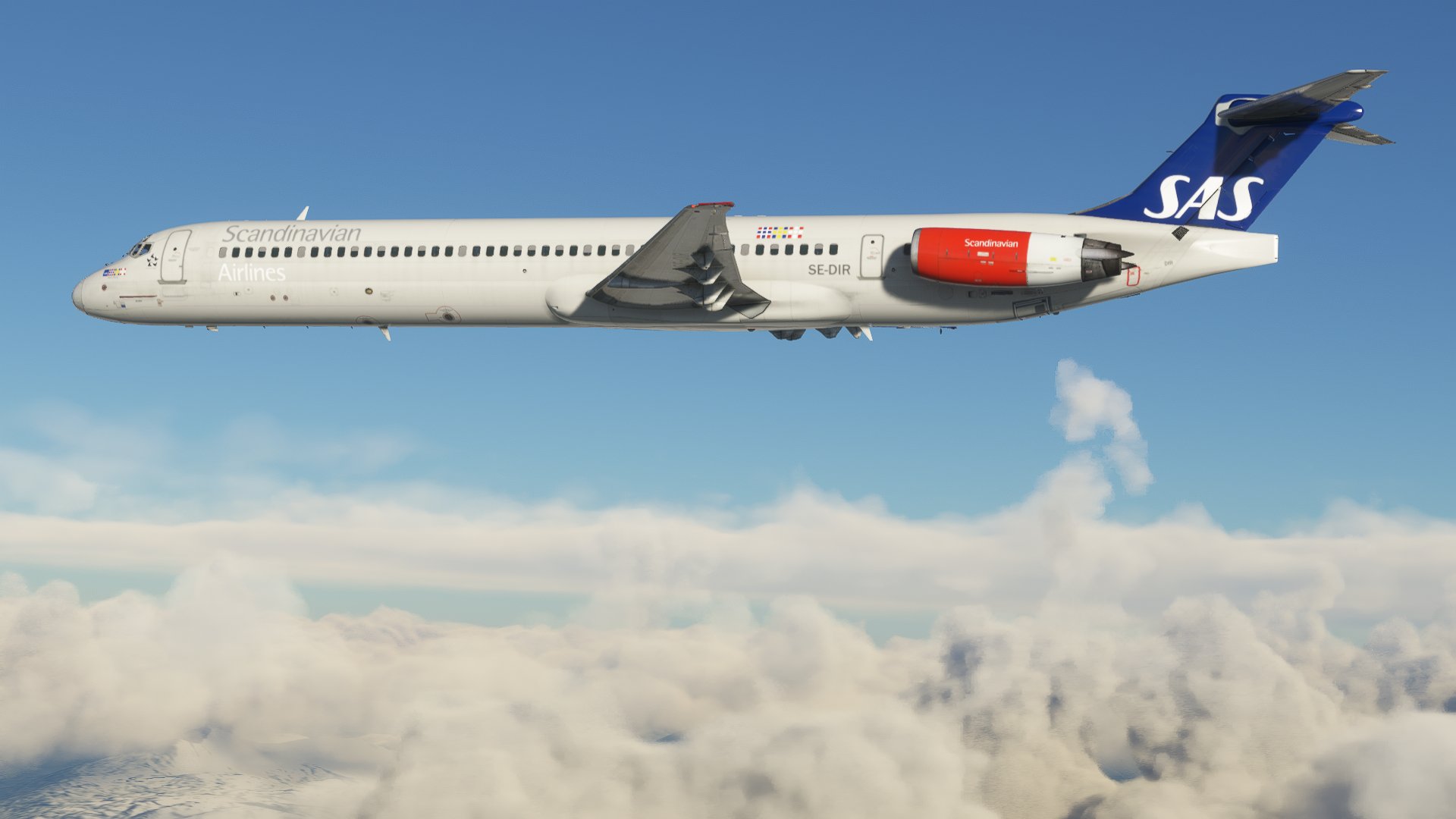
Scandinavian Airlines SE-DIR for the Fly the Maddog X MD-82.
Installation:
- Rename the zip to SE-DIR.zip if it's not already named that.
- Place SE-DIR.zip in Documents\Maddog X Files\MSFS 2020\Liveries.
- Open the maddog load manager. (Documents\Maddog X Files\Load Manager\maddog_lm.exe)
- Press "Liveries Manager"
- Select the livery from the list of available liveries and move it over to the installed liveries with the ">" button. Press apply.
Scandinavian Airlines SE-DIR Flythemaddog MD-82
Scandinavian Airlines SE-DIR livery for Fly the Maddog X MD-82. Easily install this livery by following these simple steps.


Nutzerbewertungen
1 Bewertungen
Versionsgeschichte
Keine Versionsgeschichte verfügbar.
Ähnliche Addons

Fly The Maddog X — Scandinavian Airlines SAS LN-RLR (2009) [8K]
This add-on features the Scandinavian Airlines (SAS) livery for the Fly The Maddog X aircraft, specifically the model LN-RLR from 2009. It includes 8K textures for the fuselage and enhanced .comp textures at a resolution of 4096x4096. Additionally, the add-on offers a customized cabin and detailed elements on the flight deck for added realism. Installation instructions are provided for seamless integration into the simulator.
von Viljami
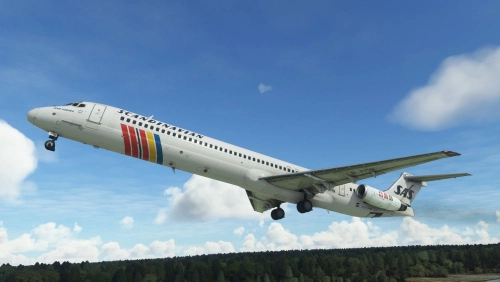
SAS Scandinavian Airlines MD-82 LN-RMN circa 1999
Fly back in time to 1999 with this conversion of the SAS Scandinavian Airlines MD-82 LN-RMN, capturing the essence of the era. Experience the iconic "Ivar Viking" livery with key fixes implemented in version 1.1, ensuring a seamless flight simulation experience.
von joakimhz
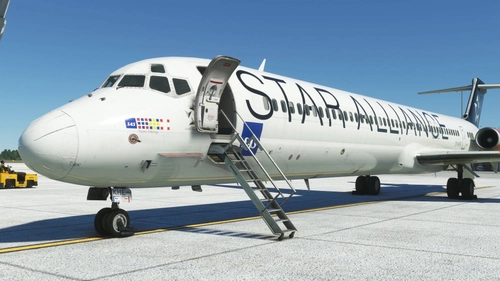
Scandinavian Airlines Star Alliance OY-KHE Flythemaddog MD-82
Scandinavian Airlines Star Alliance OY-KHE livery for the FlytheMaddog MD-82, designed to be easily installed via the liveries manager.
von 09tir98
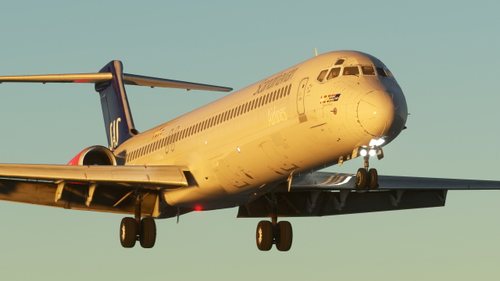
Fly The Maddog X — Scandinavian Airlines SAS MD-82 "SE-DMB" (8K)
Repaint of Scandinavian Airlines SAS MD-82 "SE-DMB" for Fly The Maddog X add-on. Depicts the aircraft during its final years of operation (2010-2013) with Spanair and SAS before being scrapped. Includes customized .comp textures and cabin details. Installation instructions provided for easy setup.
von Viljami
Melden Sie sich an, um an der Diskussion teilzunehmen
AnmeldenKommentare2
Awesome looking livery!!