
Beschreibung
MSFS2024 Notice: At this time, I will not be installing or testing any of my uploads in MSFS 2024. It sounds like the sim is not stable and filled with glitches and bugs. Therefore compatibility with MSFS 2024 is not guaranteed.
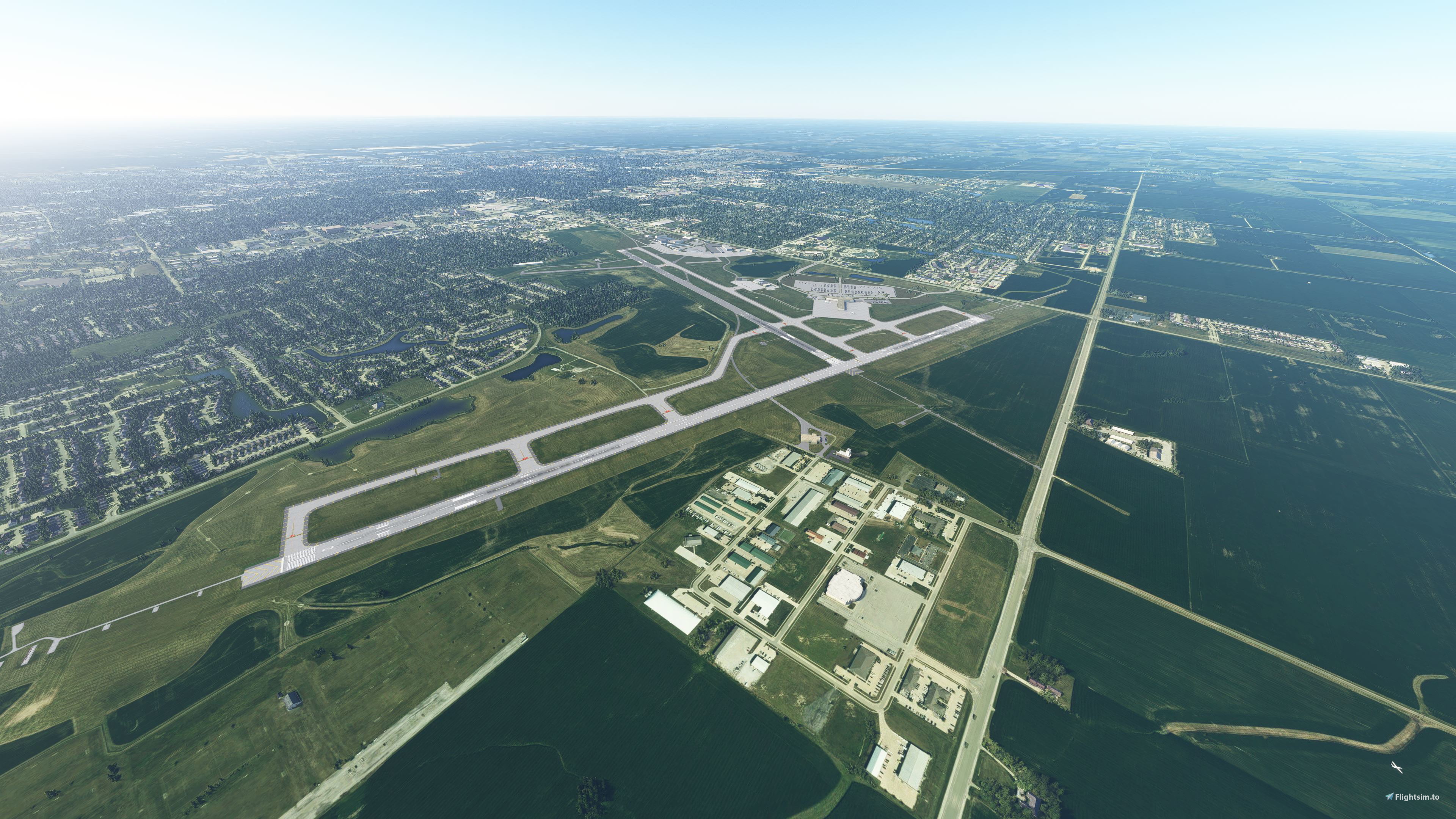
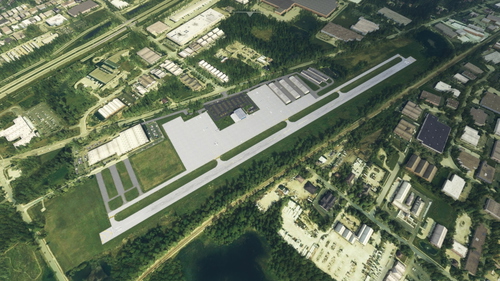
Central Illinois Regional Airport at Bloomington-Normal (KBMI) is a located about 150 miles from downtown Chicago. This regional airport is serviced daily by American Airlines and Delta Airlines regional affiliates connecting passengers to O’Hare, Dallas-Fort Worth, Atlanta, and Detroit Wayne. Allegiant has twice weekly service to Orlando Sanford, St. Pete-Clearwater, and Destin (seasonal). Frontier provides seasonal service to Denver, Orlando, and Tampa. West of the passenger terminal is a cargo terminal which is primarily used by FedEx. A large general aviation ramp is home to Dumont Aviation, Synergy Flight Center, Image Air, and The Prairie Aviation Museum. If you are looking for a quick flight in the Aerosoft CRJ700, KBMI-KORD or KBMI-KDTW would be realistic routes that are 35-60 minutes in flight time. Of course, there are plenty of options for the GA side as well. For instance, you can follow Interstate 74 East to Champaign or West to Peoria.
This addon replaces the default KBMI with one that is far more detailed. Further, it removes several giant buildings that were erroneously generated by the sim a few miles from the airport (Note: another user uploaded a fix for these buildings, should you choose to install this mod, be aware the two may conflict). I use the SDK for all objects so this addon remains framerate friendly. This is the first time I am including a custom set of textures in one of my addons. This allows for a more realistic taxiway line and the black outlines you’ll see on the runway markings. An incredible amount of time has been consumed to ensure this is as accurate to the real airport as possible. I reference Google Maps and Google Maps 3D views to place objects where you would see them if you were at KBMI in real life. As such, the terminal gates are labeled to the best of my ability using the resources I have. There may appear to be missing jetways or parking lines at certain gates. This is intentional. The gates that do not have jetways would typically see aircraft that cannot be attached to a jetway, like a turboprop aircraft. Additional Gate 8 is subdivided into Gate 8A and Gate 8B. In this scenario, a single jet bridge would be used for both gates. However, in the simulator, we can only assign one jetway to one gate. For the sake of realism, I did not add a second jetway. Rather, a set of airstairs was assigned to one of these gates. On the general aviation side of the airfield, various parking spaces were added where they should be in real life. There may be some missing, however. Also, various start points where added to hopefully give some depth to the various private hangars.
There is one bug I am aware of. There appears to erroneous runway markings at the first set of aim marks just past the runway numbers. I do not have these enabled in the Scenery Editor; however, they are still rendering in the scenery once it is installed. As of now, there is nothing I can do to remedy this. While not a bug, the taxiway lines can look a bit busy at times. This is due to the custom line texture which adds the black outline to the yellow taxiway line. I have my fingers crossed that Asobo/MS just update the default taxiway textures to include the black outline as a default (or selectable option). This was not a deal breaker for me as this line texture is far more realistic than a standard yellow line.
The following have not been changed from default: ATC frequencies, arrivals, departures, approaches (aside from ILS), and terminal building.
To install: place both “kbmi-cental-il-rgn-arpt-at-bloomi” and “pilotguy121a-linetexture” folders into your Community folder.
I want to give a special thanks to usernames “dcc” and “DDare” who took the time to beta test. Your time is truly appreciated,and your feedback was fantastic.
Donations are certianly welcomed but not necessary.
Location
KBMI - Central Illinois Regional Airport at Bloomington-Normal
Explore a detailed rendition of Central Illinois Regional Airport at Bloomington-Normal (KBMI) with this addon. Serving as a key hub for American Airlines, Delta Airlines, Allegiant, Frontier, and FedEx, the airport offers a range of connections and services. This mod enhances the airports accuracy and visuals, including custom textures for a more realistic experience. With a focus on realism, this add-on aims to replicate the real airport as closely as possible within Microsoft Flight Simulator.


Unterstützer
Nutzerbewertungen
4 Bewertungen
Versionsgeschichte
Keine Versionsgeschichte verfügbar.
Ähnliche Addons
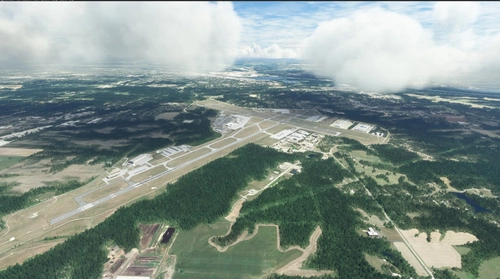
KPIA - General Downing - Peoria International Airport
Enhance your simulator experience with a detailed rendition of KPIA - General Downing - Peoria International Airport. This add-on revamps the default airport with updated gates, taxiways, and lighting to reflect the real-world location in Peoria, Illinois. Compatible with MSFS SDK, this modification offers improved accuracy and realism for your flights in and out of Peoria. Explore the V2.0 update for enhanced details and corrected ILS approaches, ensuring a more immersive flying experience.
von pilotguy121a
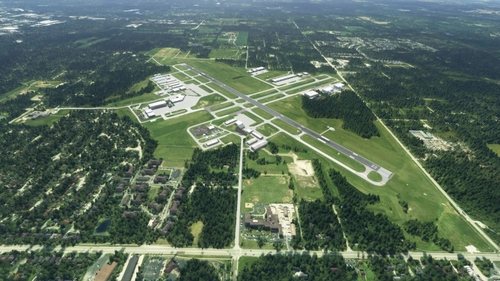
KUGN - Waukegan National Airport
Enhance your Microsoft Flight Simulator experience with the KUGN - Waukegan National Airport add-on. This detailed modification offers a more realistic depiction of KUGN, located just 20 miles north of Chicago. With accurate hangar sizes, corrected runway coloration, added taxiway signs, and custom lighting, this upgrade brings KUGN to life for virtual pilots.
von pilotguy121a
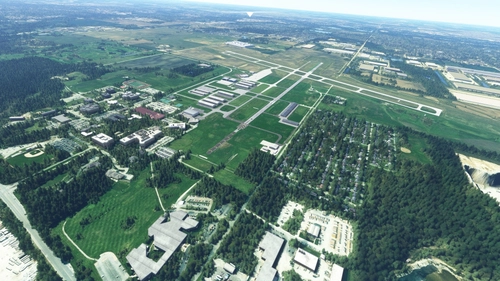
KLOT - Lewis University Airport - Romeoville, IL USA
Explore KLOT - Lewis University Airport in Romeoville, IL with this V2.0 enhancement. Experience improved textures, added buildings, and corrected lighting for a more immersive flight experience. The airport, located near Chicago, is a bustling hub for business jets, student pilots, and NASCAR teams during the summer. Discover the detail-oriented updates in this meticulously remastered add-on.
von pilotguy121a
06C - Schaumburg Regional Airport
Schaumburg Regional Airport reimagined with enhanced details and accuracy, including the main FBO building and custom parking lot. Situated west of Chicago OHare International Airport, this smaller airport accommodates aircraft up to the King Air 350 due to its shorter runway. While lacking approaches and ATC, it offers a realistic experience for aviation enthusiasts. Kindly note some known issues in V1.0 for improved user experience.
von pilotguy121a
Melden Sie sich an, um an der Diskussion teilzunehmen
AnmeldenKommentare(14)
4 months ago
4 months ago
9 months ago
over 1 year ago
over 2 years ago
over 2 years ago
about 3 years ago
about 4 years ago
The ILS's don't seen to work.
about 4 years ago
Which aircraft and runway were you using at the time? I just did ILS 20 and 29 with the default Baron and it seems to work for me.
over 4 years ago
I worked at this FBO as mechanic Thank you! The Challenger isnt there anymore ;)
over 4 years ago
another great addition to central IL! nice detail all around, and easy on the frames.
over 4 years ago
Wow! Fantastic work! Could I entice you into working on the sister city airport in Bloomington, Indiana? KBMG?
over 4 years ago
Have enjoyed your KPIA and now I get to enjoy your version of my home airport. Thanks!!!
over 4 years ago
Of course thank you for downloading!