
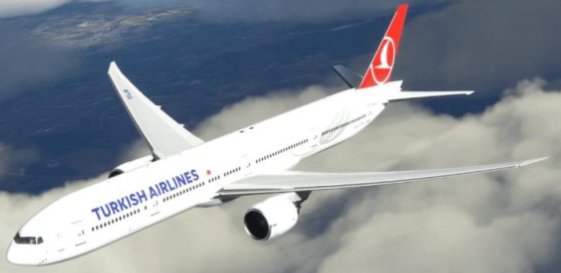
Beschreibung
How to install it?
1. find your mfs2020 community folder
2. copy livery file
3. paste it in community folder
4. Enjoy!
Comment any livery bugs down below
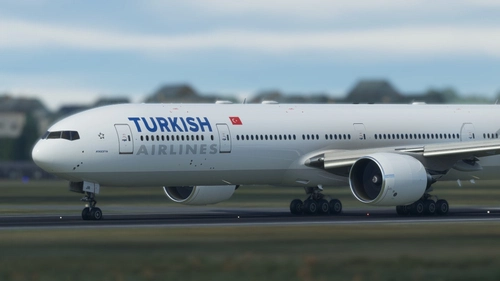
Captain Sim 777-300ER Turkish Airlines livery
Add a touch of authenticity to your Microsoft Flight Simulator experience with the Captain Sim 777-300ER Turkish Airlines livery. Simply follow the easy installation steps and start flying with this new livery today. Share your feedback on any livery bugs in the comments section.


Versionsgeschichte
Keine Versionsgeschichte verfügbar.
Ähnliche Addons
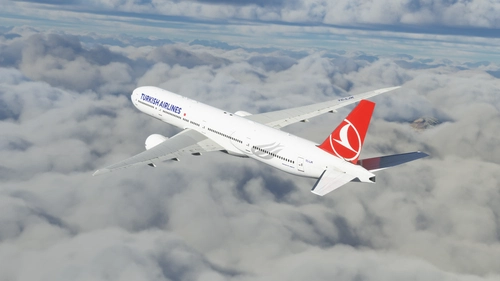
Turkish Airlines Dirty For Captainsim B777-300ER TC-LJK
Enhance your Captainsim B777-300ER experience with this Turkish Airlines livery featuring updated colors and logo sizes. Simply unzip the folder and place it in your Community folder for a realistic flying experience.
von Hawk
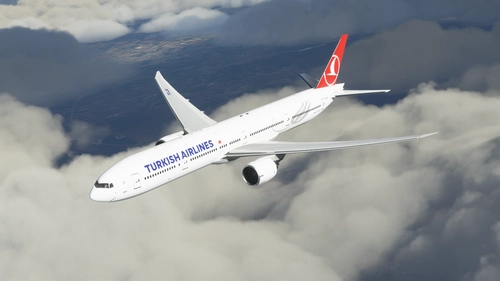
Turkish Airlines For Captainsim B777-300ER TC-LJK
Turkish Airlines livery for the CaptainSim B777-300ER with updated colors and logo sizes. Easy installation process for a realistic flight experience.
von Hawk
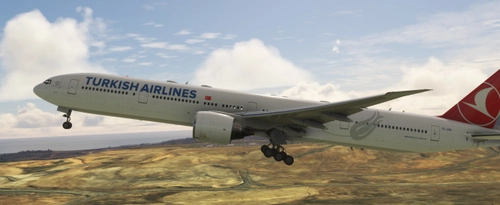
CS 777-300ER Turkish Airlines
Experience flying in style with this highly requested Turkish Airlines CS 777-300ER livery. Simply unzip the file and drag it into your Community Folder to enjoy.
von normandyq8
CS-777-300ER Turkish Airlines TC-JJB Ultra
Experience ultra-realistic flying with the CS-777-300ER Turkish Airlines TC-JJB add-on, featuring corrected engine textures in version 1.1.
von danrleibueno
Melden Sie sich an, um an der Diskussion teilzunehmen
AnmeldenKommentare(4)
over 4 years ago
When i download it, it is not file, what do i have to do
over 4 years ago
you need winrar to open .zip file😊😊.
over 4 years ago
oh thank you
over 3 years ago
Thank you so much, it works now!