
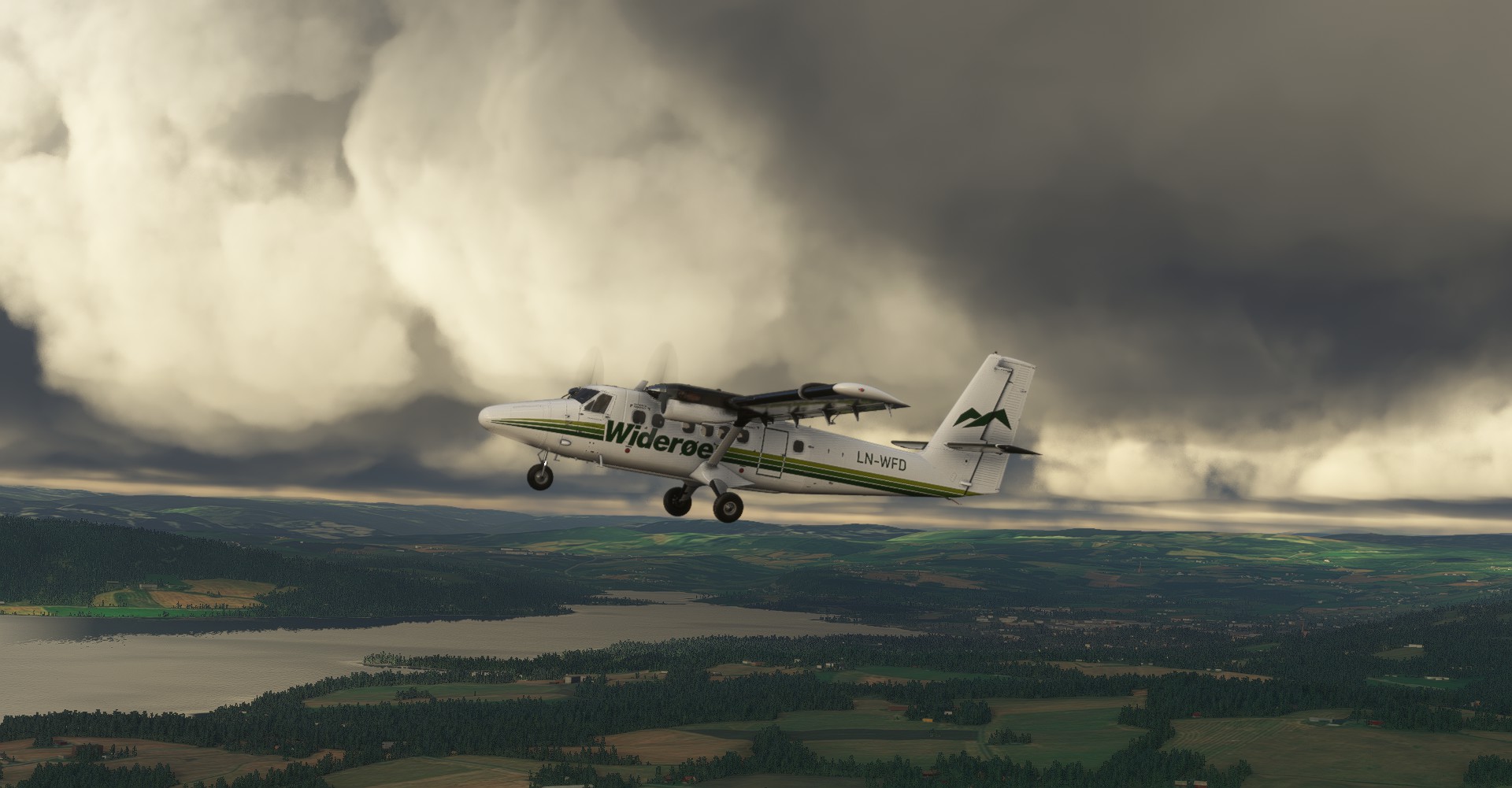
Beschreibung
If you like the livery, please let me know in a comment, GIVE A LIKE AND VOTE^^
Extraction method:
- simply extract the file,
- move the file inside in the "community" directory.
I wish you all an excellent flight ;)
Si vous aimez la livrée, n'hésitez pas à le dire en commentaire, METTRE UN LIKE ET VOTEZ^^
Méthode d'extraction:
- extraire simplement le fichier,
- déplacer le fichier à l'intérieur dans le répertoire "community".
Je vous souhaite à tous un excellent vol ;)
-----------------------------------------------
** Donations are not required, but are certainly appreciated! :) **
** Les dons ne sont pas obligatoires, mais sont certainement appréciés! :) **
Widerøe "1990 livery" DHC-6-300WP Twin Otter
Experience a nostalgic journey with the Widerøe "1990 livery" for the DHC-6-300WP Twin Otter. Simply extract and move the file to your "community" directory for a touch of retro charm on your flights. Enjoy your flight with this classic livery!

Unterstützer


Nutzerbewertungen
4 Bewertungen
Versionsgeschichte
Correction of that " I encountered an issue however as the livery would not load using Unicode character 'ø' in the file structure for a non-EU locale PC. I had to rename all files to use standard 'o' and rebuild layout.json in order for it to appear. (Contents of Aircraft.cfg are fine without needing change.) "
Ähnliche Addons
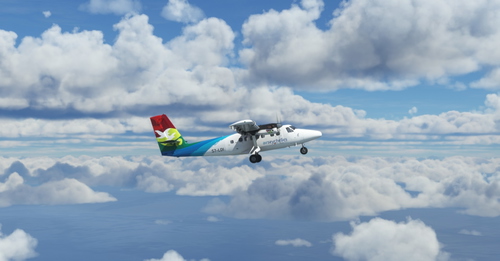
Air Seychelles "2011 livery" DHC-6-300WP Twin Otter
Experience the Air Seychelles "2011 livery" for the DHC-6-300WP Twin Otter in Microsoft Flight Simulator. Simply extract and install the file to enjoy this detailed and accurate repaint. Happy flying!
von UnitDeath
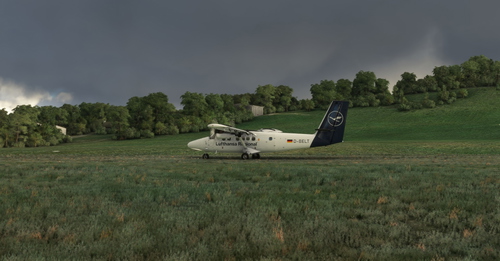
Lufthansa Regional "2019 livery" DHC-6-300WP Twin Otter
Enjoy the Lufthansa Regional "2019 livery" for the DHC-6-300WP Twin Otter with this add-on. Instructions for installation are provided for a smooth setup. Have a great flight experience!
von UnitDeath
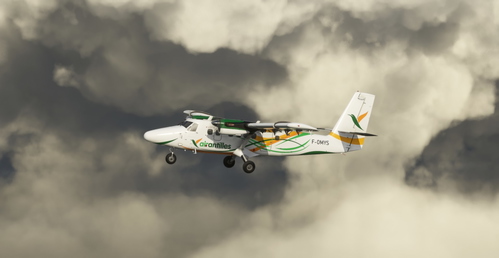
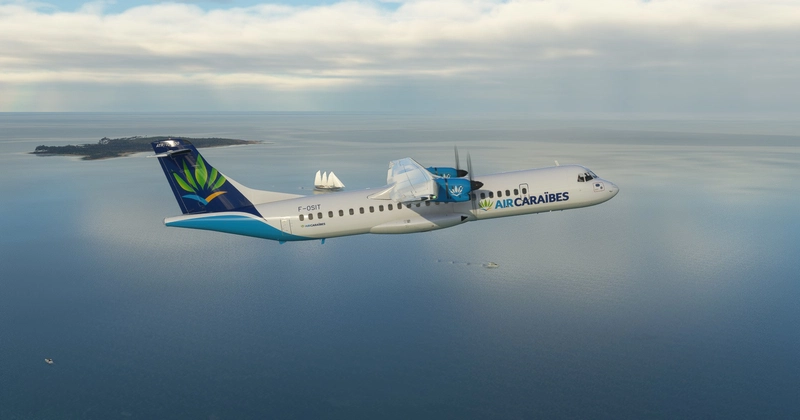
Air Antilles Express "F-OMYS" DHC-6-300WP Twin Otter
Air Antilles Express "F-OMYS" DHC-6-300WP Twin Otter livery for Microsoft Flight Simulator. Simply extract and move the files to your "community" directory. Enjoy your flight with this new livery!
von UnitDeath
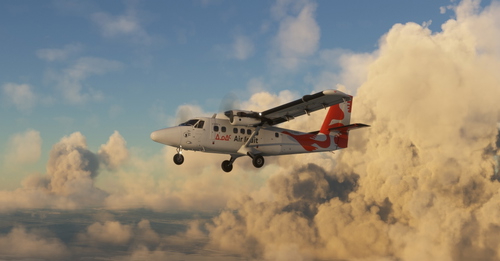
Air Inuit DHC-6-300WP Twin Otter
Air Inuit DHC-6-300WP Twin Otter livery for Microsoft Flight Simulator. Follow simple extraction instructions to add this unique livery to your "community" directory. Enjoy your flight in style with this custom paint job!
von UnitDeath
Melden Sie sich an, um an der Diskussion teilzunehmen
AnmeldenKommentare(19)
almost 4 years ago
somehow not showing as a livery option, the 1990 one does
over 4 years ago
Great paintwork, thank you very much!
over 4 years ago
FYI Both propeller hubs/cowlings are missing textures, they appear completely black and cause graphical glitches when flying. Try another livery in the hangar and you will see the difference. Apart from that it's an excellent livery and it's going to be one of my favorites.
over 4 years ago
Hi, retry with this version
over 4 years ago
Just perfect, thank you v€ry much for your work!
over 4 years ago
No problem and thank you very much for your donation 😍
over 4 years ago
Excellent work. Thanks for making a Widerøe livery.
over 4 years ago
I am unable to get the livery to load :(
over 4 years ago
updated
over 4 years ago
5 star!
over 4 years ago
Gorgeous paint. I encountered an issue however as the livery would not load using Unicode character 'ø' in the file structure for a non-EU locale PC. I had to rename all files to use standard 'o' and rebuild layout.json in order for it to appear. (Contents of Aircraft.cfg are fine without needing change.)
over 4 years ago
Same here. Livery would not appear. I suspected it's the ø hence in my case it's showing as a "?" in the folder name. Would be great if Unideath can update it.
over 4 years ago
Hello, thank you for the information, I was not aware of this problem. I will update tonight when I get home
over 4 years ago
updated
over 4 years ago
You just filled the void in my heart. Thank you!
over 4 years ago
isn't that a bit exaggerated? 😅
over 4 years ago
Nah mate. Never underestimate the power of flightsim
over 4 years ago
A exelent job. Just hoping for the resent livery. And similar for the other models as well.
over 4 years ago
thank you very much !! I don't think to make the recent livery because they don't have the plane model at all since the beginning of 2000 😅