
Beschreibung
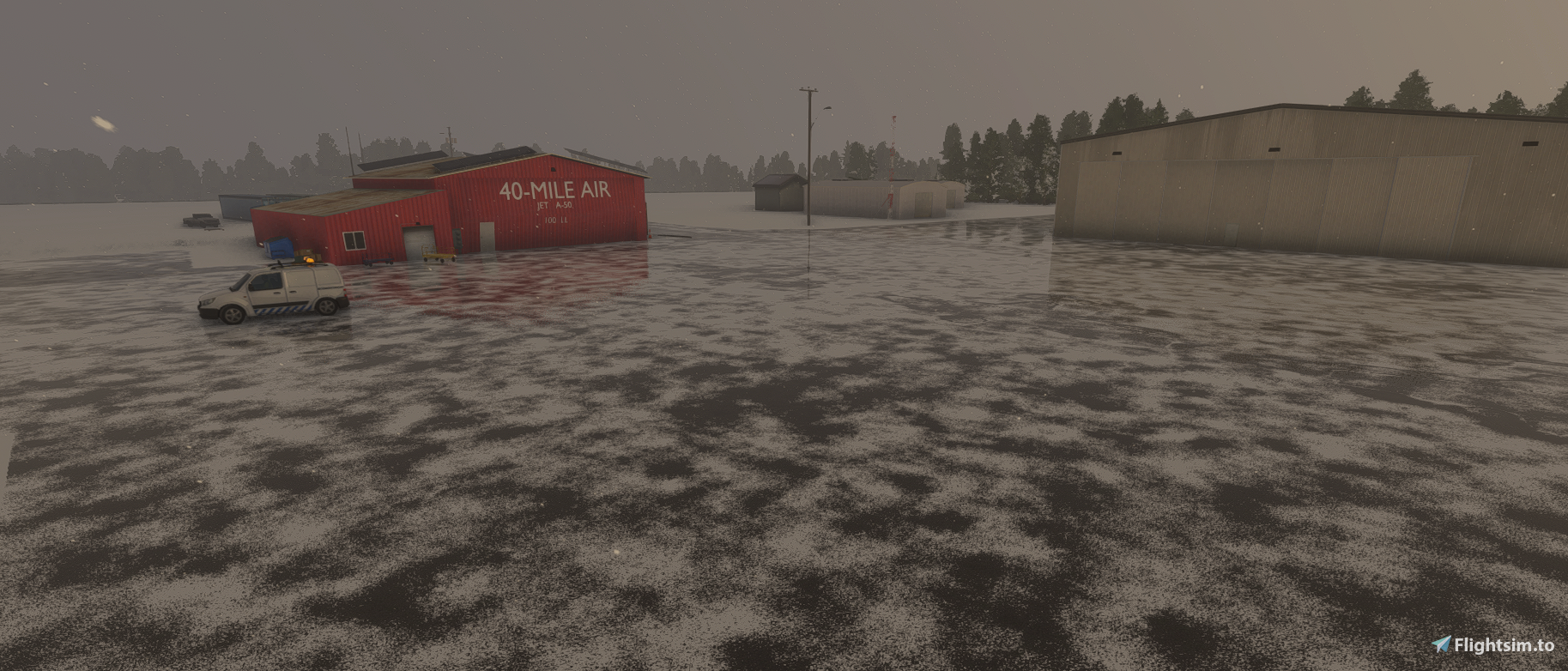
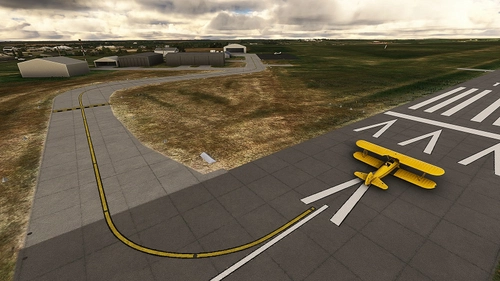
Tok Junction needed quite a bit of work. Beyond terraforming to avoid driving your plane up and down hills on the taxiways, aprons, and runway, the windsock and beacon were in the wrong location. Additionally, none of the buildings appeared at the airport. I have remedied those issues and added scenery, including custom buildings for the airport, including the hangar for 40 Mile Air.
Location
Tok Junction Airport, Alaska
Experience an improved version of Tok Junction Airport in Alaska with this add-on. Enjoy a more realistic depiction of the airport with fixed terraforming, updated windsock and beacon placements, and custom buildings including the iconic hangar for 40 Mile Air.


Nutzerbewertungen
2 Bewertungen
Versionsgeschichte
Had to fix the terrain after it was altered by the latest update. Also had to delete a double windsock that appeared after the MSFS update. Apparently Asobo came up with a better method of placing them, so it placed one exactly where I placed it, though the airport still doesn't seem to exists by default
In Sammlungen enthalten(2)


Ähnliche Addons
Airports Lights
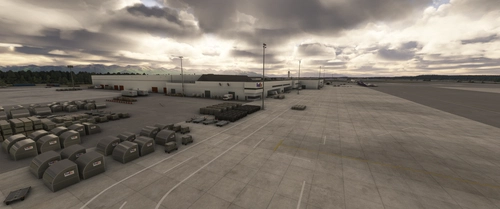
Illuminate over 1200 airports worldwide with the Airports Lights add-on, featuring lights for terminals and gate areas. With more than 32,000 light poles and ongoing updates, enhance your airport visuals today. Easily install by extracting into your Community folder and experience improved airport lighting. Request additional airports and stay updated on the projects progress through the provided link.
von Andres3D
SBGO - Goiânia Airport - GO - Brazil
Enhance your Microsoft Flight Simulator experience with SBGO - Goiânia Airport in Brazil. This add-on features custom 3D models, animated Jetways, realistic runway and taxiway lights, custom markings, and aerial orthophoto for a true- to-life airport immersion. Support for narrow-body aircraft such as Airbus A320 and Boeing 737-800, with the ability to handle wide-body planes like Boeing 767 and Airbus A330. Simply extract the folder to your Community folder to begin exploring this detailed airport scenery.
von Souza Scenery & FSoares
Istanbul Sabiha Gokcen International Airport
Custom-built Istanbul Sabiha Gokcen International Airport add-on for MSFS 2020 in public beta version. Enhancements include detailed airport structures and improved visuals for a more immersive flying experience. Created by developers with experience in X-Plane 11 scenery design. Free for personal use with optional donations to support the Leukemia Foundation for Children.
von Hayri Buberci, Mali Oguducu
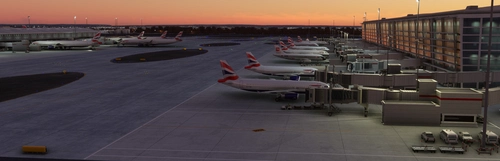
Airport Parking
I am going through airports and updating the parking so airlines park in the correct spots. Not everything is 100% accurate, but it is very close and the pack will continue to grow. Both airlines and cargo spots are being updated. Airports are also including A380 gates.
von Chris Baggett
Melden Sie sich an, um an der Diskussion teilzunehmen
AnmeldenKommentare(11)
over 3 years ago
Not sure what happened but this airport broke PFTO. At one point it kept crashing my sim if I tried selecting it on the world map and now it and the other airports at Tok are just *gone*.
over 3 years ago
Following up - deleting APX09090.bgl to fix the double runway issue for the Tanacross (TSG) mod caused the CTDs and removals. Renaming/moving the fs-base-genericairports folder to force the sim to redownload them restored PFTO and the other Tok airports. The airport loads fine in SU12 and is an excellent addon. Thank you!
over 5 years ago
Thanks for the update! Tiny request for the next: I would highly recommend renaming the modelLib folder, so that modelLib.bgl is renamed. This will eliminate a known conflict issue. I have renamed it myself for the time being, however not everyone is going to do that. All the best! 😊
over 5 years ago
over 5 years ago
I would love to recreate Delta Junction.
almost 6 years ago
almost 6 years ago
almost 6 years ago
Ian
almost 6 years ago
almost 6 years ago
almost 6 years ago