
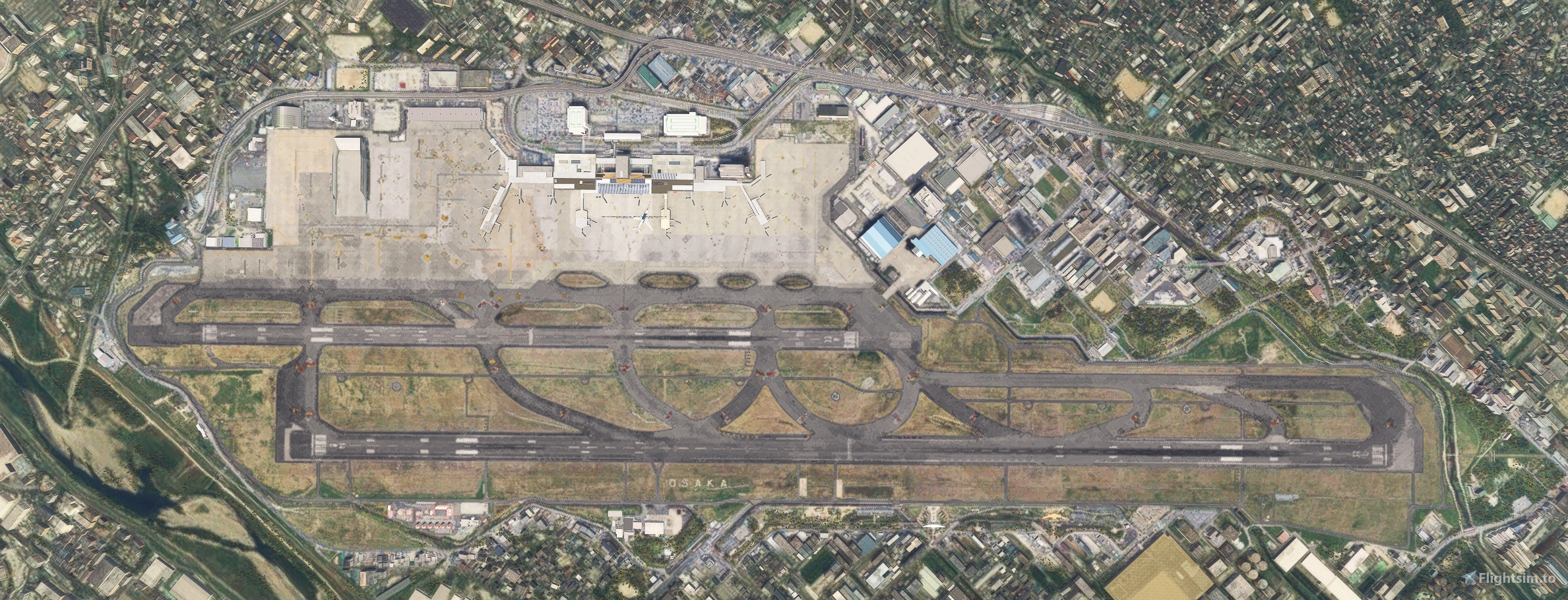
Beschreibung
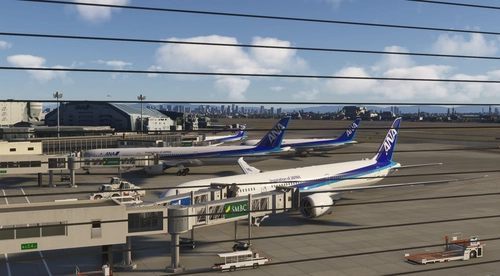
It adds taxiway lights and other features to the RJOO produced and sold by MADB, so you need a paid RJOO produced by MADB.
RJOO by MADB is a great airport, but it lacks taxiway lights, so taxiway lights needed to be added.
The centerline and edge lines have been redrawn based on google maps.
Some lines, such as the lines for vehicles, are missing.
MADB's RJOO Osaka Itami Airport appears to be no longer for sale.
Additional libraries are required.
Download here.
-The apron, taxiway, and runway textures were completely changed.
-Changed the approach lights on each runway to a more realistic layout.
-Changed the position of the landing strip of 14R-32L. Changed the position of PAPI as well.
-Changed taxiway sign lights from default.
-Changed Surface Painted Location Signs and Surface Painted Direction Signs.
-Changed the flickering building near W3 taxiway to another building.
-Add taxiway center lights.
-Add Approach Light Beacon to 14R and 32R.
-Add Runway Distance Marker Light. (The display at night is not accurate.)
-Add brighter apron lights.
-Add runway guard lights.
-Add VDGS with the same specifications as RJTT fix to gates 13 and 14.
-Add Stop Aiming Lights to W2.
-Add CIRCLING GUIDANCE LIGHTS.
-Add Approach guidance lights for circling approaches.
-Add power transmission tower to scenery.
-Fixed flickering JAL logo on JAL hanger.
Install
Please change the folder name to be after RJOO OSAKA ITAMI AIRPORT MADB.
Example
airport-rjoo-osaka-MADB
airport-rjoo-osaka-z-enhanced
It does not change the original airport files, so please separate the folder names and do not overwrite the original airport files.
If you apply it to the default airport, the taxiway lines will be displayed twice.
It does not contain any data by MADB. It is all newly created.
駐機スポットのエアラインコードはこちらのデータを参考にさせていただきました。ありがとうございます。
https://github.com/SEN-SEI-SAN/GSXAirportsSettingsJP/blob/work_test_01/LICENSE
Abhängigkeiten
Location
RJOO Osaka Itami Airport (MADB payware) Enhanced
Enhance your RJOO Osaka Intl Airport experience with this payware add-on from MADB, featuring added taxiway lights and updated textures for a more realistic simulation. This add-on also includes revamped approach lights, runway features, and various other enhancements to elevate your airport immersion. Additional libraries are required for installation.


Nutzerbewertungen
6 Bewertungen
Versionsgeschichte
Compatible with WU20 TIN. Applied flattening while preserving general slopes to ensure TIN compatibility. Restored TIN-based buildings outside the airport perimeter that had previously been flattened. Removed RDML.
Ähnliche Addons
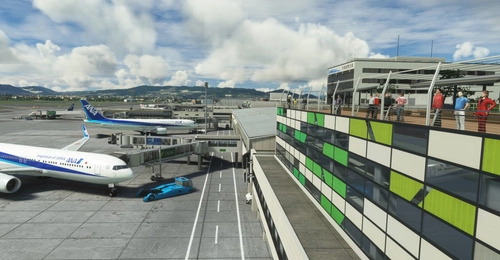
RJOO-Osaka Intl Airport Japan◆伊丹空港
Explore an intricately crafted rendition of Osaka International Airport (RJOO) in Microsoft Flight Simulator. Created from scratch over 260 hours, with ongoing enhancements, this scenery boasts details true to life. Immerse yourself in this stunning recreation of Osaka, Japan, with a surprisingly compact download size of 21MB. Witness the realism with added features like RLLS and VDGS for an authentic aviation experience.
von KADO
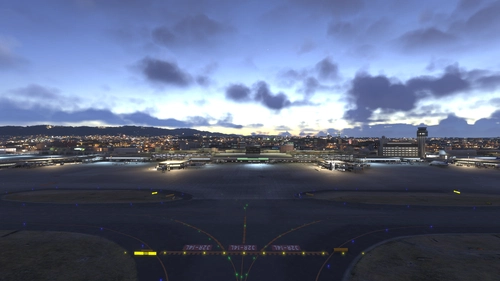
Osaka Itami RJOO Airport Enhanced
This enhancement for Osaka Itami RJOO Airport improves compatibility with World Update 20, replacing flattened TIN with autogen buildings and enhances lighting. Main apron textures and GSE are updated. This add-on also includes additional fencing and relies primarily on default assets. Requires Karuchie's Japan Airports Library for circling approach lights.
von Daikichi
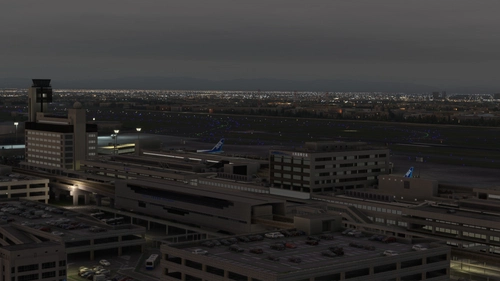
RJOO Osaka FSLTL Static Aircraft
Enhance the Osaka airport scenery with RJOO Osaka FSLTL Static Aircraft, designed by StaticSceneries. Utilizing FSLTL models, this add-on adds static aircraft to create a more realistic airport environment. Please note that this enhancement is standalone and requires FSLTL Base models to function properly. Install by dropping the folder into your community folder for a seamless experience.
von StaticSceneries
KADO's RJOO-Osaka Intl Airport Enhanced
This add-on enhances Osaka International Airport by improving ground markings, lighting, and various airport elements for greater accuracy. Photogrammetry is restored for the surrounding area, providing a more realistic environment. The W1 taxi path is removed to optimize AI aircraft operations. Future updates may include additional ground service equipment and further refinements.
von avis
Melden Sie sich an, um an der Diskussion teilzunehmen
AnmeldenKommentare(14)
10 months ago
about 1 year ago
Besides, excellent scenery
about 1 year ago
over 1 year ago
over 3 years ago
I don't understand the meaning of 'Please change the folder name to be after RJOO OSAKA ITAMI AIRPORT MADB.' Which folder should I rename?
over 3 years ago
By the way, the purchase is not from a marketplace but from SIM Market.
over 2 years ago
1. Rename MADB's RJOO folder
2. Rename this mod folder
then this mod works well (ex. single taxi way)
about 4 years ago
nice work!become bright!i like it!!
over 4 years ago
hi. there were CTD after SU9 hotfix , can you check please?
over 4 years ago
This is great, and very useful. Do you know if there's any description of the procedure for the approach to runway 14 anywhere? even in Japanese would work.
Thank you!
over 3 years ago
From what I know, they usually utilize a circle-to-land with ILS 32L. So you gonna fly the ILS till minimum then join right downwind onto 14L/R.
Hence there are circling guidance lights.
over 4 years ago
This is a great airport addition. loved flying around the area, and now the airport matches.
over 4 years ago
thank you for updating.
so , installation is that drop to communication folder right?
over 4 years ago
That's wonderful! Realistic Osaka Airport has evolved more realistically! It's a request, but can you make it respond to AIG traffic like Haneda Airport? In the case of Osaka Airport, the north side is JAL, JAC, AMX, and the south side is ANA and IBEX.