
Beschreibung
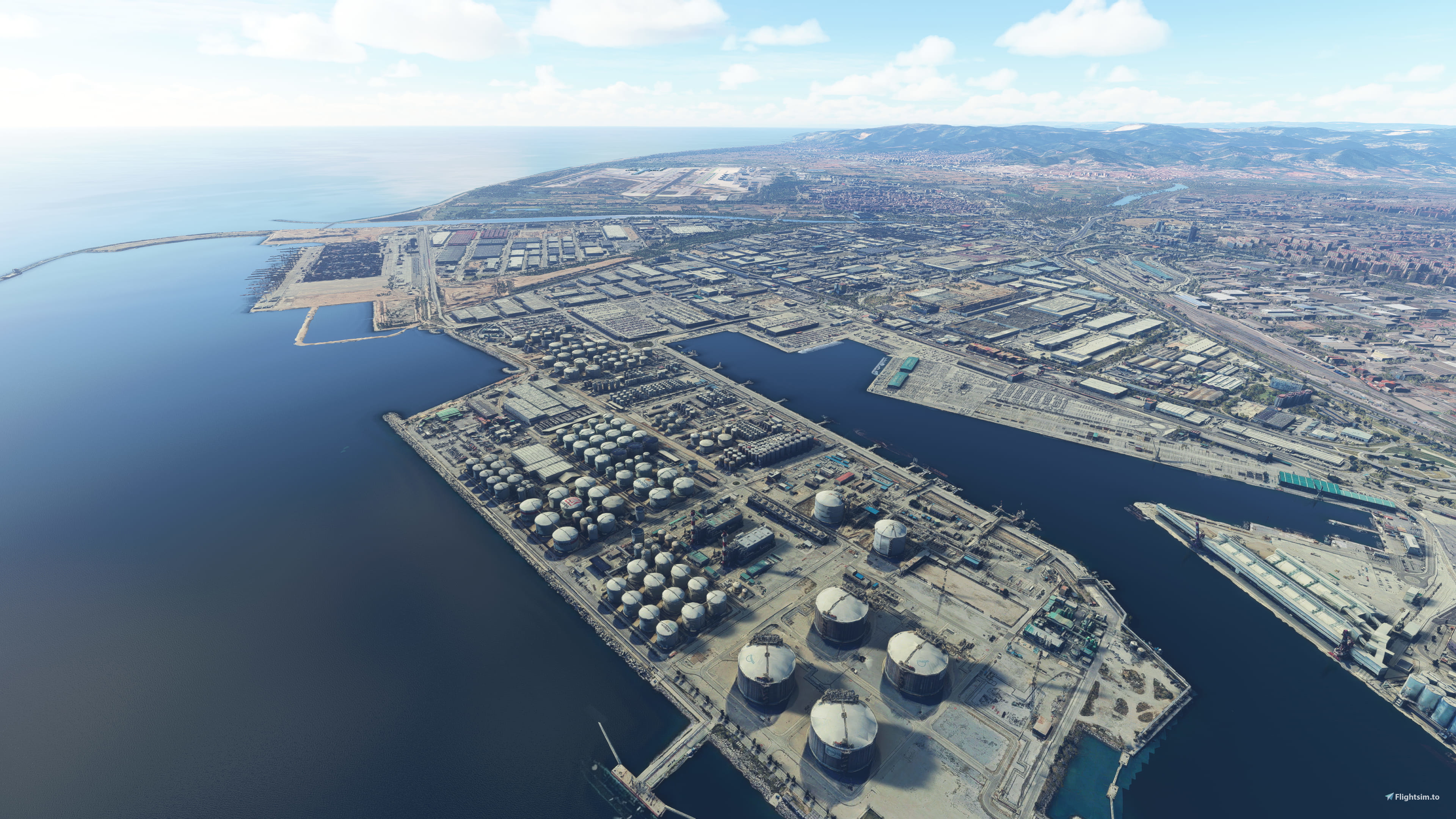
Barcelona LEBL airport east approach area based on Google Maps photogrammetry
This Includes:
- Zona Frana
- El Prat de Llobregat
- Area around runways 25R/25L/20
Compatible with LatinVFR LEBL
Check also the west approach scenery.
Install
Download and unzip on Community folder
Credits
Jonahex111 (Goolge Earth Decoder)
thalixte (Optimization tool for Google Earth Decoder)
Google Maps
Location
Barcelona LEBL Approach East 25R/25L/20 (Zona Franca/El Prat de Llobregat)
Experience an enhanced Barcelona LEBL airport east approach area, featuring Zona Franca and El Prat de Llobregat, alongside detailed scenery around runways 25R, 25L, and 20. Compatible with LatinVFR LEBL, this add-on brings Google Maps photogrammetry to life for your flight simulation.


Unterstützer

Nutzerbewertungen
4 Bewertungen
Versionsgeschichte
- Greatly improved scenery lightning on dawn and dusk. There were some issues that are now fixed and now it blends so much better with default scenery.
Ähnliche Addons
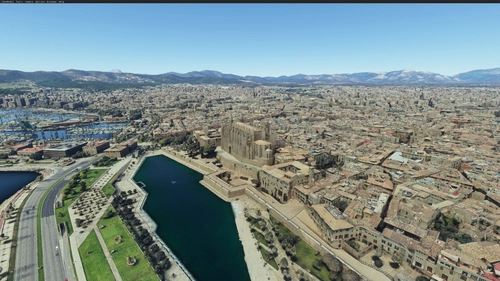
Palma de Mallorca, Islas Baleares, Spain
Explore Palma de Mallorca and its surrounding areas with this Microsoft Flight Simulator add-on, featuring high-detail photogrammetry based on Google Maps. Choose between a Full version with intricate textures or a Lite version for a simplified experience, suitable for less powerful machines. Despite some minor limitations in certain areas, this scenery offers a captivating upgrade from the MSFS default landscape.
von ezro
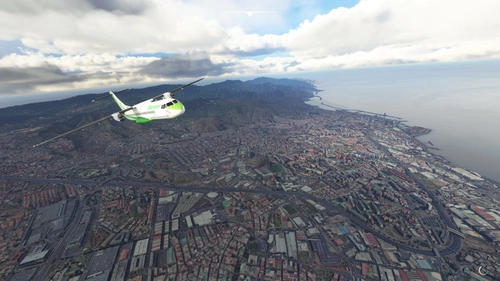
Santa Cruz de Tenerife (GCXO photogrammetry approach and La Laguna), Islas Canarias, Spain
Explore Santa Cruz de Tenerife in Microsoft Flight Simulator with this photogrammetry scenery add-on including La Laguna and GCXO Tenerife Norte approach. Updated for February 2023, it is compatible with World Update 8 Iberia and various airport add-ons. Discover more photogrammetry packages covering Tenerife for an immersive flying experience.
von ezro
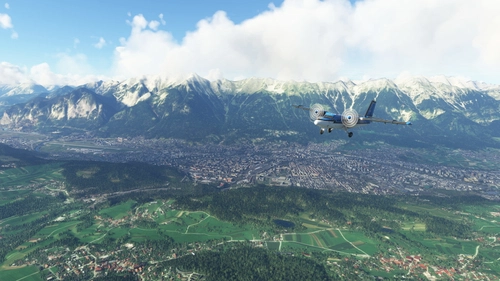
Innsbruck City / LOWI Approach, Austria (ORBX LOWI Compatible)
Experience Innsbruck city and LOWI Approach like never before with this add-on based on Google Maps photogrammetry. Compatible with ORBX LOWI Airport, this scenery brings stunning detail to your simulator. Simply download, unzip, and enjoy a realistic and immersive flight experience. Credits to Jonahex111, thalixte, and Google Maps for their contributions to this impressive add-on.
von ezro
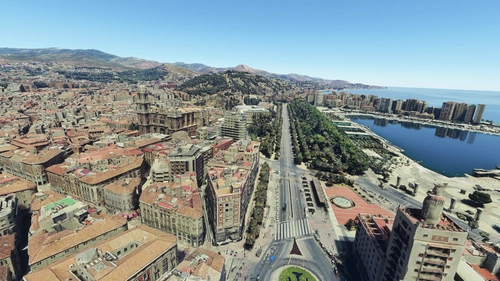
Malaga, Andalucia, Spain (including nearby Torremolinos and Benalmadena)
Explore the stunning photogrammetry scenery of Malaga, Torremolinos, and Benalmadena in Spain, meticulously recreated based on Google Maps. Ensure proper installation by downloading and unzipping both files in the same folder. Please note some minor discrepancies with default scenery. Credits to Jonahex111, thalixte, and Google Maps for their contributions.
von ezro
Melden Sie sich an, um an der Diskussion teilzunehmen
AnmeldenKommentare(20)
about 2 hours ago
over 3 years ago
This scenery looks stunning! However, I am unable to run it smoothly as my FPS is below 15, while my average FPS is 40+ without this mod. Could you please provide some performance optimization tips? My system specs are RTX 3070ti, i7-12000, and 32GB DDR5 RAM.
almost 4 years ago
Beautiful work. Love both the east and west files, even though it take a toll on my computer. Thanks for sharing this.
about 4 years ago
Unfortunately, Getting Read memory error message when activating this scene... knowwing I've 64 GO RAM !!
over 4 years ago
Hola!
Unfortunately I am unable to run this in combination with the West Approach as the Sim is running on very low FPS and very long loading times. My Specs are:
Ryzen 5 3600
GTX 1660
16GB Ram @3200Mhz
Seems like it's mainly a Ram problem but no confirmation, maybe others can tell the same problem with similar specs?
over 4 years ago
Hola Ezro.
Con la versión 1.0 tanto la versión ESTE como la OESTE iban muy lentas.
Con la versión 1.1 la ESTE mejoró muchísimo pero la OESTE me cerraba el programa al elegir despegar del Prat hacia esa zona.
Con la versión 1.2 la ESTE me cierra el programa y la OESTE me funciona bastante mejor.
Ahora mismo estoy con la 1.1 ESTE y la 1:2 OESTE, no se si a alguien más le sucede.
over 4 years ago
Hi Ezro, the east approach is not 100% compatible with latin VFR because the VOR antenna and the maintenance building next to it are doubled now.. could you please exclude it in a future update? see pic: https://abload.de/img/2022-01-1511_43_44-miupjlc.jpg
almost 5 years ago
Same for me Ezro. Running with a 5600X, RTX3070 and 32 MB RAM at 1440 REZ DX12 Just can't run this scenery at 3 or 4 FPS when my normal performance is 50+ FPS. Thanks for your efforts though and wonder if you can optimise the East & West approaches a little. Gracias.
p.s. I would be interested to know what system you created and tested these on our of interest.
over 4 years ago
Will look into that because I tried it on a system with lower specs I get 25-30 FPS. Are you running any other addons or mods?
over 4 years ago
I've run it with and without mods and get the same either way. My settings are maxed out though. All your other sceneries run fine though. Perhaps running both east and west approach together is too much.
almost 5 years ago
Muchas gracias por tu esfuerzo, me he bajado muchos escenarios elaborados por ti y no he tenido ningún problema, pero tanto el ESTE como el OESTE del aeropuerto me crean un descenso de FPS que me hace muy difícil volar.
almost 5 years ago
Me pasa lo mismo, por tener un equipo justo vuelo en Barcelona a uns 22 FPS, con el escenario del Este y del Oeste directamente no puedo volar, me baja a 1 o 2 FPS y se queda bloqueado el simulador, es una lastima por que son muy buenos escenarios.
almost 5 years ago
Tengo que revisar los niveles de detalle a ver si puedo hacer algún ajuste, pero es una zona muy amplia y es normal que el rendimiento caiga algo, mas aun si el equipo no es muy potente. Me podríais compartir las especificaciones de vuestros equipos? (por aquí o por mensaje privado) Gracias
almost 5 years ago
En mi caso tengo WIN10, una gráfica NVIDIA GTX 1660 super OC 6Gb, procesador Intel i7-4790K a 4Ghz, 16 GB memoria RAM, SSD 1 Tb, el FS2020 DELUXE EDITION lo tengo a 1080 casi todo en ultra y los FPS me van siempre entre 20 y 60.
Con estos escenarios de BCN los FPS me bajan mucho entre 1 y 12.
Gracias de nuevo por tu interés.
almost 5 years ago
Yo tengo un i5-6600 a 3800 MHz, 16 GB de RAM, ssd 1TB, GTX 970 4GB, lo tengo a 1080 y casi todo el ultra o alto y me funciona a 20-30 FPS, con el escenario tuyo, como ya he comentado o no me carga el simulador o 1-2 FPS
over 4 years ago
Estais usando DX11 o DX12? He notado que con DX12 cae mucho el rendimiento y aparece bastante stuttering.
over 4 years ago
Yo DX11
Con la nueva versión de ayer día 15 va muchísimo mejor, algún pequeño tirón pero nada que ver, ahora puedo volar con el 99 % de normalidad.
Muchas gracias.
over 4 years ago
I agree with @Xeroki that both East and West are making it very laggy
almost 5 years ago
Thank you, very much!!! Grazie, ciao!!!😄
almost 5 years ago
Merci beaucoup c'est du très bon travail !!