
Beschreibung
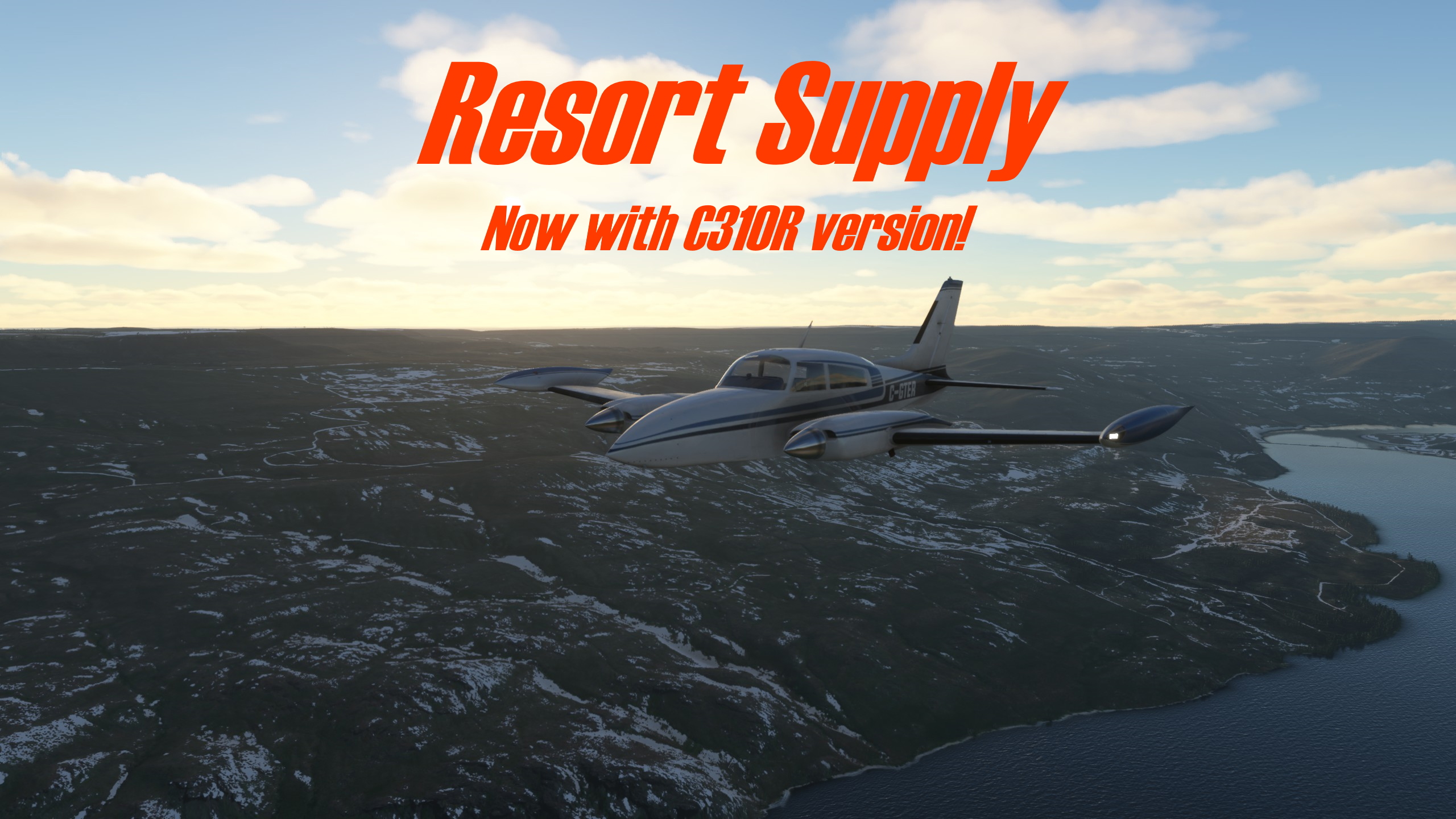
PLEASE READ: The main version of this bush trip requires the Asobo Baron G58 aircraft. There are additional files available that use the ***NEW Milviz C310***, Carenado PA34T Seneca V, and Asobo DA62 (Improvement mod is compatible). They should be compatible with each other, so you can install them all at once if you want.
Note to C310R users:When you load into the mission at the start, please ensure that your C310 is not damaged (all health bars green). You may use any configuration you like, but I imagined this mission to take place using regular steam gauges and a GNS530/430 combo. Also, please select the “Hide Avatars” option unless you’d like your 4 crates of apples in the back to appear as 4 women. Hey, I don't judge. Finally, please do not check or uncheck any of the boxes that change your cargo config. The mission manages this for you automatically, but changing it yourself could cause problems. Thanks, and please enjoy!
Note to users of previous versions:The mission now comes with all sound files included so you don't have to fiddle around trying to find them yourself. I did it this way with Whiteout and it worked well, so I'm also doing it this way here.
Please view the known issues section and the frequently asked questions section below before reporting a bug.
Resort Supply - Redone for MSFS
This bush trip aims to somewhat faithfully recreate the FSX: Acceleration mission “Resort Supply.”
ObjectiveFly apples to a resort near Methow Valley State Airport (S52), and then fly another load to Lost River Resort (W12). After delivering the apples, recover an abandoned aircraft at Stehekin State Airport (6S9).
NavigationDepart Chelan Municipal Airport (S10) and pass through the Okanogan MOA (military operations area), which extends from 300 feet AGL to 8,999 feet, enroute to a first stop at Methow Valley State Airport (S52). Depart Methow Valley State Airport and fly to Lost River Resort (W12) for the second drop of apples. Cross the mountains and drop off your copilot at Stehekin State Airport (6S9) to retrieve an abandoned Maule. Return to Chelan Municipal Airport (S10).
CommunicationYour copilot handles all radio communications during this mission.
Installation
Simply extract the zip archive to your MSFS Community Folder. Both the resort-supply-mission and resort-supply-scenery folders should be in your community folder. If you do this correctly, the bush trip should appear in the simulator's Activities menu under community-made activities.
Known issues
When you quit and resume the trip, or restart it before or after you have completed it, some of the events may not trigger properly, and the sound files may not play. This is an MSFS bug. The workaround is to delete the mission save. Instructions below:
If you have MSFS on Steam, follow these steps.
- In your windows search bar next to the Start menu button, type %appdata%.
- Then navigate to Microsoft Flight Simulator\MISSIONS\ACTIVITIES.
- In that folder, you should see a folder named RESORT-SUPPLY-MISSION_SAVE and/or RESORT-SUPPLYDA62-MISSION_SAVE.
- Delete those folders.
If you have the Microsoft Store version, follow these steps.
- In your windows search bar next to the Start menu button, type %localappdata%.
- Then navigate to Packages\Microsoft.FlightSimulator_8wekyb3d8bbwe\LocalState\MISSIONS\ACTIVITIES
- In that folder, you should see a folder named RESORT-SUPPLY-MISSION_SAVE and/or RESORT-SUPPLYDA62-MISSION_SAVE.
- Delete those folders.
Once you have done that, restart MSFS and you should be able to fly the bush trip again.
Other potential pitfalls are addressed in the Frequently Asked Questions section.
Stuff you might want to know about the mission
This is technically a bush trip, not a mission, but it plays like a mission, not a bush trip. What I mean by that is that it is relatively short at ~1 hour in playtime, it has objectives that need to be completed, and it is technically only 1 leg.
You are meant to navigate with the co-pilot's verbal directions. While you can plug the airports into the GPS, the mission is best enjoyed (in my humble opinion) when you just forget the GPS and listen to the co-pilot. The Navlog is available and it includes pictures that can help you find objectives if you need assistance. It is possible to implement assistance features for people who need help navigating (like the mission pointer in FSX), but I have not done this (yet?) for this trip.
There are no AI aircraft in this mission (yet?). Those of you who played the Resort Supply mission in FSX may remember the multiple close encounters with military jets that you encounter along the route. I do not know if it is even possible to script AI aircraft to fly certain paths in MSFS, and even if it was, it is probably far beyond my abilities to do so. What this means for you is that unfortunately, you're going to have to use your imagination for some small details involving other aircraft.
Plans for future development of this mission
I must stress that this mission is a passion project made by a university student in his free time. Updates will most likely be infrequent and irregular. I will try my best to make sure that the mission is compatible with the current version of MSFS, but that depends on how busy I am with other things. View the roadmap section below for information on what's next.
Recommended (NOT REQUIRED!) freeware scenery to enhance your experience:
Stehekin State Airport (6S9), WA, US by quelcertoleo
Lake Chelan Airport (S10), WA, US by quelcertoleo
Credits
This version of Resort Supply was made by Synoxys787.
The idea for the mission, along with the story, script, and voiceover comes from Microsoft Flight Simulator X. Thank you to the great people who created the original mission for making a memorable experience!
Special thanks to BuffyGC for his work on BushTripInjector, which is what I used to create this bush trip.
Abhängigkeiten
Häufig gestellte Fragen
FSX Mission: Resort Supply (Incl. C310R version)
Fly apples to a resort near Methow Valley State Airport, and then fly another load to Lost River Resort. After delivering the apples, recover an abandoned aircraft at Stehekin State Airport. This project aims to recreate the FSX mission “Resort Supply.”


Nutzerbewertungen
9 Bewertungen
Versionsgeschichte
Compatibility with SU9 NEW: Now includes sound files. No need to copy them over from previous install of FSX. NEW: Mission variants now available for Milviz C310R and Carenado PA34T Seneca V. VFR map no longer displays on mission start. Navlog still automatically opens to remind people that it exists and it can help finding objectives. Assistance settings are now fully realistic and enforced. Fixed bug that appeared who-knows-when that allowed some proximity triggers to be enabled at start when they were not supposed to be.
In Sammlungen enthalten(2)


Ähnliche Addons
Cascade Locks State Airport (KCZK)
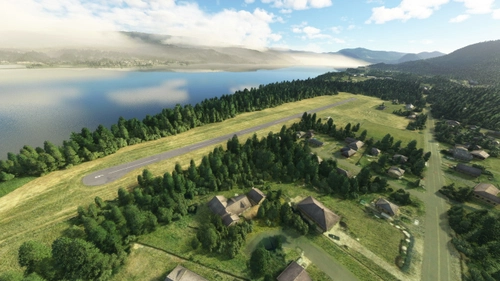
Discover the revamped Cascade Locks State Airport (KCZK) in this detailed scenery add-on, located along the picturesque Columbia River, 30 miles east of Portland, Oregon. Experience realistic enhancements, including adjusted tree heights, added airport fence sections, repositioned windsock, and improved taxiway and runway alignment for a more authentic flight simulation experience.
von Synoxys787
Trout Lake Airport (66WA)
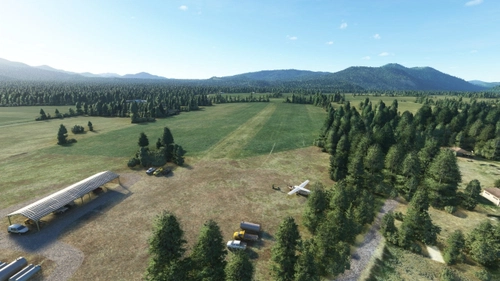
Experience flying into Trout Lake Airport (66WA) with this realistic scenery add-on. Located in Washington, the airport features a short runway set amidst a picturesque farm landscape. Discover unique details like 3D-rendered objects and improved parking options, enhancing your flight simulation experience in Microsoft Flight Simulator.
von Synoxys787
FSX Mission: Whiteout
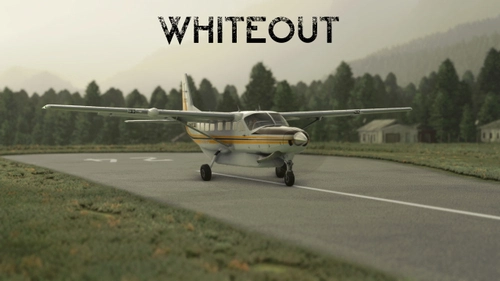
Take an ice fisherman to Trout Lake (66WA), then return to Portland (KPDX) in instrument meteorological conditions. This mission is intended to be a faithful recreation of the FSX: Acceleration mission "Whiteout." Please read the description below for important info.
von Synoxys787
Mount St. Helen's Aero Ranch Airport (WN10)
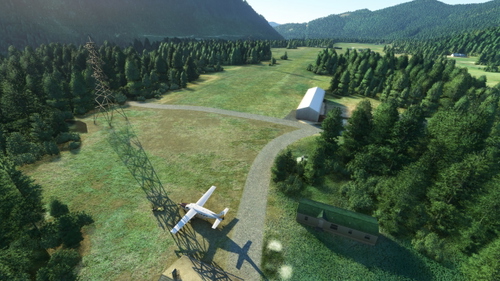
Experience a remote bush strip at Mount St. Helens Aero Ranch Airport (WN10), just 15 miles southwest of the iconic volcano. This short, grass runway in Washington state offers a challenging landing experience with high tension wires running parallel. Enjoy the serene setting nestled between Lake Merwin and Yale Lake, enhanced with minor details for added realism.
von Synoxys787
Melden Sie sich an, um an der Diskussion teilzunehmen
AnmeldenKommentare(47)
over 4 years ago
Please see the Frequently Asked tab above and the Known Issues section in the description if you are having trouble.
I tested the mission with SU9, and it should work, but there is still a possibility that the sim gets confused somewhere along the line. If the problem is repeatable after deleting your mission save (as per instructions in known issues), please leave a comment describing how to reproduce the issue and I will try to diagnose it. Thanks, and I hope you enjoy!
almost 4 years ago
Well done. I had an earlier version that wouldn't start the last leg. This one was perfect. Nice job. For some reason, it won't let me leave 5 stars, says I need to wait 15 minutes. Not sure what that deal is. Awesome job! Lots of fun.
over 4 years ago
Please make more of these missions. Brings back memories
over 4 years ago
I fully intend to convert several more of these in the future! Thanks for the kind words.
over 4 years ago
Great mission. I liked it in FSX and this one is not behind.
Awesome job.
over 4 years ago
Glad you had fun!
over 4 years ago
Really cool mission! I'd love love love if you could do the Yakutat mission (the King Air one) but for the C310. Thank you!
over 4 years ago
Could give it a go! That one’s fun and challenging, but pretty simple so should be a quick one. I’ve just put it off because the default King Air is so bad that I would be hesitant to make anyone fly it. But doing it with the 310 instead is a good idea! Thanks!
over 4 years ago
You're awesome! Thank you so much!!
over 4 years ago
I've been working to edit the audio files to remove "Baron" from the call sign. It's a bit rough, and there's one instance where I can't, but it's a bit better.
over 4 years ago
That’s pretty cool! Lemme guess, the one you can’t remove is where he says there’s a run on apple pie?
over 4 years ago
haha, yeah. that's the one.
over 4 years ago
Hey there, Yakutat Mail Run is out. Contains a King Air 350 version and a C310R version just for you. :) https://flightsim.to/file/32422/fsx-mission-yakutat-mail-run-incl-c310r-version
over 4 years ago
DUDE YES! THANK YOU!!
over 4 years ago
Please see the Frequently Asked tab above and the Known Issues section in the description if you are having trouble.
I tested the mission with SU9, and it should work, but there is still a possibility that the sim gets confused somewhere along the line. If the problem is repeatable after deleting your mission save (as per instructions in known issues), please leave a comment describing how to reproduce the issue and I will try to diagnose it. Thanks, and I hope you enjoy!
over 4 years ago
Love your missions - especially Whiteout. It was superb!
Apologies if this has been answered but after copying the sound files across from my FSX version, it comes across as text to speech. Was just curious as to whether there was a way to make it play with the actual voices? Comparing it to Whiteout and there was sound there and everything worked great.
Thanks again for the great work and look forward to trying out more missions!
over 4 years ago
Hi brodie84,
Installation of FSX sound files should be a simple drag and drop. If you are still experiencing TTS audio, it may be an issue with bush trip state saving. Please try deleting your bush trip save file as described in the "Known issues" section of my mod description. This will make the mission play from the beginning, erasing any progress, but the sound files should then play, assuming that they are installed correctly (and that nothing has changed with the sim that makes them suddenly incompatible).
I'm very glad you enjoyed my missions! Please let me know if this solves your problem. If not, I did include the sound files in the download for Whiteout and didn't get in trouble, so maybe I could do the same for this mission.
over 4 years ago
Thanks!
Deleting the saved folder worked and the there was no more TTS apart from the odd sound bite "cardo door closing sound".
Otherwise it works - thank you!
over 4 years ago
I've updated the mission for SU9 and included all the sound files, so that should fix any residual issues you were having with TTS weirdness. Hope you enjoy!
over 4 years ago
Brilliant - thank you very much and look forward to more of your great work