
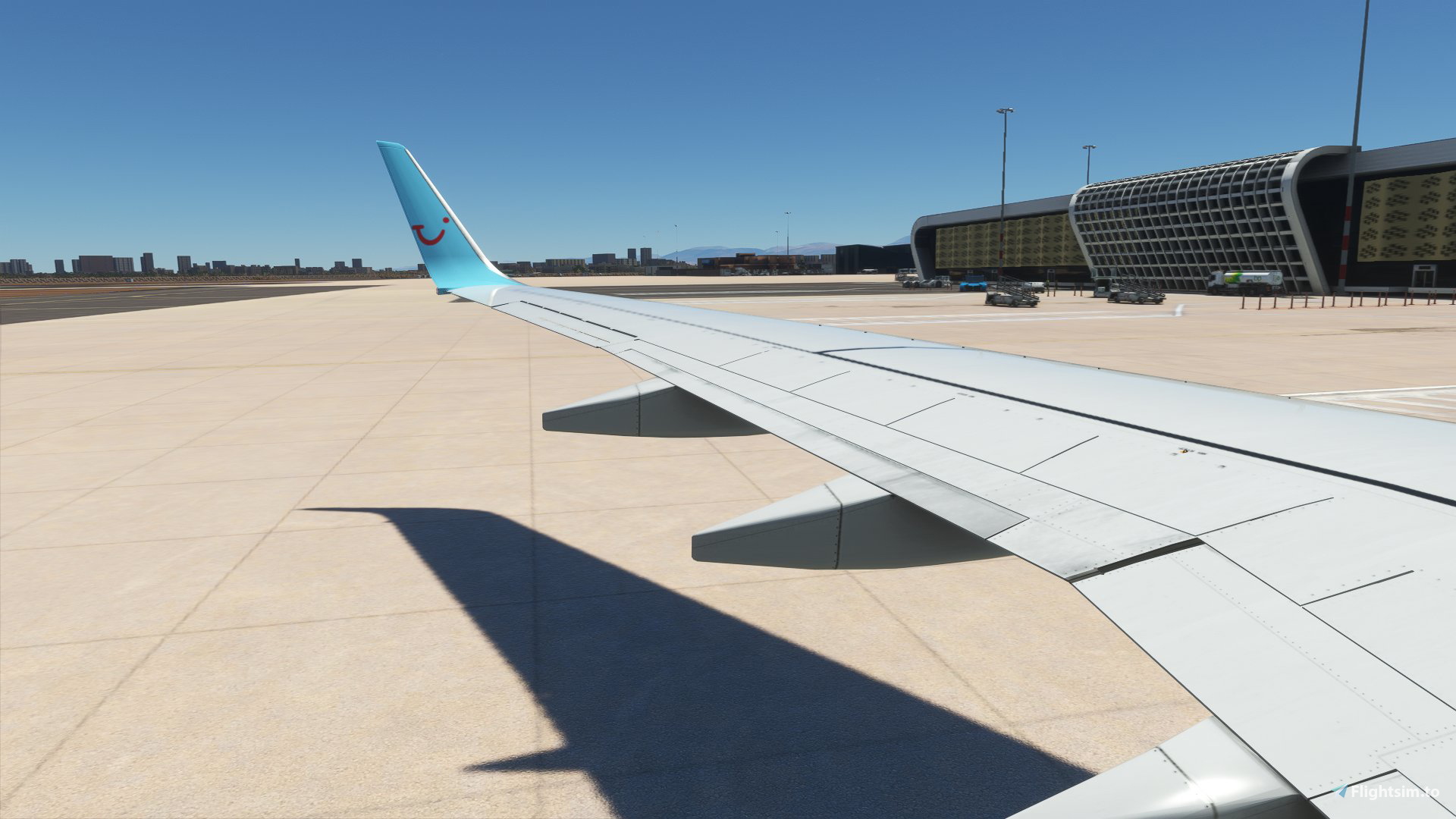
Beschreibung
I'm regularly asked how to set Custom Camera Views for various aircraft, and have made some detailed tutorials showing you step-by-step how to do it too - which many have found helpful!
Generic Tutorial - https://youtu.be/pdDIfbg2or0
Aerosoft CRJ Specific - https://youtu.be/cWc25EkHqc4
I've also decided it would be rather nice to share the files with you (though I am missing a few as I have had to reinstall Windows and MSFS so had to set new ones). They won't necessarily work - but should work if you put them in the right places. These are all the views you see when I'm streaming live!
Please:
- Read the Readme included
- Backup the Original Files
- Read the Readme ;)
Included in this Pack:
- PMDG 737
- Kuro B787-8
- Fenix A320
- Leonardo Maddog X for MSFS
- JustFlight BAe146-100 and -300 varients
- Aerosoft CRJ550/700/900/1000
- flybywire A32nx
- Boeing 787-10 (works with the HeavyDivision Mod)
- Headwind A330-900
- DC Designs Concorde
- FSS EMB-175
My keybinds are set to Alt+1 through to Alt+0 above the QWERTY for accessing the views.
I'm unable to offer any support with this package beyond the readme. If you get stuck or something doesn't work right on your system then use the links to the tutorials above too and set them again... and a reminder: please back up your original files.
The views are slightly different to the ones in the screenshot - as I said above, they are my current exact config files for the camera views I use when I stream. If they're in a position you don't like - simply move the camera view and resave that specific one
**INSTALLATION**
- Navigate to the MSFS Folder -> Local Cache -> Sim Objects -> Airplanes - then locate the relevant aircraft folders
- Backup the originals in case you wish to put them back in again
- Move the relevant camera.cfg file in the pack into the folders you need them in
Come find me on youtube too! Plenty of tutorials there for all things Microsoft Flight Simulator!
https://youtube.com/britishavgeek
LOTS of Custom Views!
Add-on Summary: Explore a pack of custom camera views for various aircraft in Microsoft Flight Simulator, shared by a seasoned flight simmer. Includes tutorials and camera configuration files for popular aircraft like PMDG 737, Aerosoft CRJ, FlyByWire A32nx, and more. Enhance your in-flight experience and easily switch between different views with the provided keybinds. Remember to back up your original files and follow the installation instructions for a smooth setup.


Nutzerbewertungen
1 Bewertungen
Versionsgeschichte
- Refreshed a number of Custom Views with small changes to B738 etc. - Added new Headwind A330neo views - Added Kuro B787-8 custom views
Ähnliche Addons
Full VATSIM AIG Beta Model Matching
AIG Model Matching covering hundreds of airlines and operators around the world and hundreds of hours of work. After installing all of the required Airlines in AIG's OCI you need THIS to bring it to life in VATSIM. It has taken many many hours so I hope you enjoy it!
von BritishAvgeek
MSFS vPilot Modelmatching
Create a custom VMR model matching file for Microsoft Flight Simulator, tailored to the contents of your own community folder. This comprehensive tool covers a wide range of major airlines for use with VATSIM, including recent Aerosoft CRJ liveries. Easily edit the file to suit your specific liveries and aircraft, with ongoing updates to keep pace with new additions to MSFS. Support the creator by donating or subscribing to their YouTube channel for more aviation content.
von BritishAvgeek on Youtube
PMDG 737NG Summarised Normal Checklist
A Summarised Normal Operations Boeing 737NG Checklist covering all the important checklist items needed during each stage of flight with the PMDG 737-600, PMDG 737-700 and PMDG 737-800 for Microsoft Flight Simulator, created free for all to use and enjoy by British Avgeek.
von BritishAvgeek
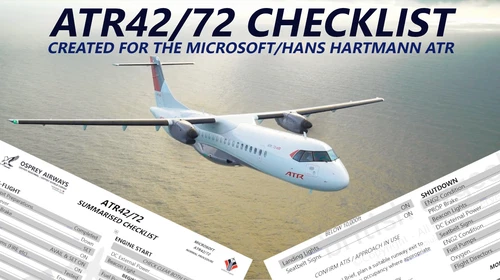
ATR 42/72-600 Normal Checklist
A comprehensive Normal Operations checklist for the ATR 42/72-600 in Microsoft Flight Simulator, designed to assist with "Hotel Mode," takeoff, and landing procedures. Ideal for those looking to familiarize themselves with this new aircraft in the MSFS Expert Series. Stay tuned for future updates and improvements to streamline the checklist process.
von BritishAvgeek
Melden Sie sich an, um an der Diskussion teilzunehmen
AnmeldenKommentare(9)
over 3 years ago
"My keybinds are set to Alt+1 through to Alt+0 above the QWERTY for accessing the views."
For me Ctrl+1 etc. access the views.
over 4 years ago
It`s the same for me - they simply don`t work as they use to do !!!
ALT + 1...0 does not react !!!
I was very happy when i found this at first - I really hope it will be changed to work.
over 4 years ago
I'm having the same problem. Not sure what is up. Perhaps the one for the PMDG 737 just haven't been modified for some reason in the download link since they are the exact same file. I checked.
over 4 years ago
odd as they're the exact ones I use in stream
over 4 years ago
thanks, I looked into it again (had a few issues in the last 24hrs which delayed it) but found the issue and just updated the pack with new file and new installation path
over 4 years ago
Seems to be an MSFS issue, sometimes it works sometimes it doesn't. The camera system is awful
over 5 years ago
For me, I don't get any special views for the 787, no wing view or any view inside the cabin... What am I missing?
over 5 years ago
The engine view does not work like in the pic :(
over 5 years ago
They're not exact - they've been tweaked since but again they should be in a position at least where you can adjust easily to whatever you need. What I have shared is my exact, current custom camera configurations