
![[FBW A32NX] - Brand New Carbon Cockpit - Image 1](https://cdn.flightsim.to/images/25/fbw-a32nx-carbon-cockpit-897-1681331661-PLsS5.jpg)
Beschreibung
I just set up the Carbon with New Cockpit and it looks way better than ever, I hope you are happy with these new features to come. If there are any issues with it just let me know. Added New Coffee Cups as well.
The overhead Panel looks brand New for the Carbon Overhead Panel.
Coming Soon, Version 15 waiting for the full package Sim Update 13 Thank you
Please overwrite the textures in Version 14 thank you
[FBW A32NX] - Carbon Cockpit Has Been Tested Works 100%
Red means not working and Green Means it's working
- Stable Version
- Development
If you are using the FBW stable version, just add it to the community folder if it is not working let me know, If you were using the FBW Development or Experimental Version you need to Download the main file to overwrite the Flybywire Folder.
Enjoy your New Full Package Carbon Cockpit.
- FBW_A32NX_Carbon_Cockpit
Just drag your folder into your community folder.
Please try to understand to do a Backup, it is not working please do an overwrite if you can
[FBW A32NX] - Brand New Carbon Cockpit
Enhance your FBW A32NX experience with a brand new Carbon Cockpit featuring new features and improved visuals. The Carbon Cockpit has been thoroughly tested and is now available for stable version users. Easily install this add-on to enjoy a refreshed cockpit environment.


Nutzerbewertungen
7 Bewertungen
Versionsgeschichte
Fix the brightness tablet.
Ähnliche Addons
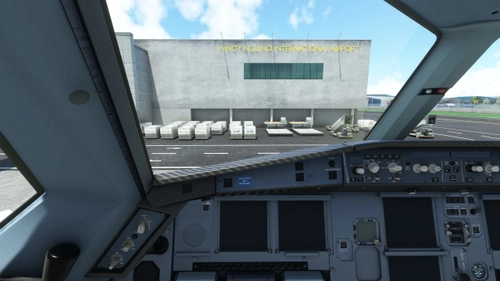
headwindsim A330-900neo - Brand New Carbon Cockpit
Experience the new headwindsim A330-900neo with a sleek carbon cockpit upgrade. Enhance your flight simulation with this stable and tested modification. Simply drag the folder into your community folder and enjoy the brand new features. Get ready for an elevated A330NEO experience.
von CaptRami777
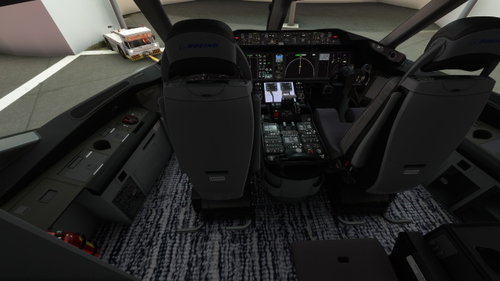
Boeing 787-10_Brand New Carbon Cockpit
Experience a brand new Carbon Cockpit for the Boeing 787-10 in this mod. Stay tuned for Version 4 with more updates coming soon. Easy installation - simply drag and drop the folder into your Community folder.
von CaptRami777
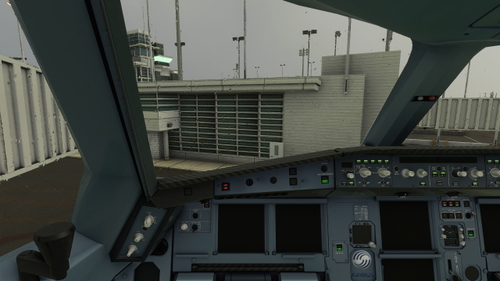
PMP A330-300 - Brand New Carbon Cockpit
Upgrade your PMP A330-300 experience with a cutting-edge Carbon Cockpit. Version 10.0 now available, enjoy the enhanced visuals and functionality. Simply drag and drop the files into your community folder for easy installation. Get ready to take to the skies with the revamped PMP A330-300!
von CaptRami777
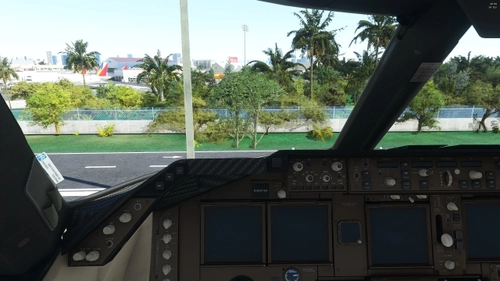
Boeing 747-8i_Brand New Carbon Cockpit
Experience the brand new carbon cockpit for the Boeing 747-8i in this unique add-on. Await the upcoming Version 3 release for full compatibility with Sim Update 13. Simply drag and drop the file into your Community folder for easy installation.
von CaptRami777
Melden Sie sich an, um an der Diskussion teilzunehmen
AnmeldenKommentare(56)
over 2 years ago
about 2 years ago
about 2 years ago
over 2 years ago
over 2 years ago
The installed didn't work. I still have the default cockpit colors. I followed your instructions. Do I need to add the files to a different directory?
almost 3 years ago
about 3 years ago
about 3 years ago
over 3 years ago
Whoaaa, it works like a charm! Thanks mate!
about 4 years ago
I seem not to be able to get it working at stable version
about 4 years ago
is on stable version, Cause I really do not use stable version, But since you mentioned it, I will take a look thank you
over 4 years ago
useless idea, just eating FPS
over 4 years ago
sorry about that I will try my best to get it fixed
over 4 years ago
Thanks
over 4 years ago
Looks great! Got it working with the A32NX experimental version. Just bit confused what the difference between the 3 files are...?
FlyByWire A32NX Carbon Cockpit
FlyByWire A32NX Carbon Full.Black.Cockpit
FlyByWire A32NX Carbon Top.Black.Cockpit
over 4 years ago
Have you ever notices about the cockpit?
One is the original, one is the Top Black so you will have black cockpit by your Autopilot where you set your heading? The Full Black cockpit is just the black color instead of the original color. check it out and try it find which one is best...
over 4 years ago
Thanks, tried out the different versions.
over 4 years ago
Hi, can you make this a standalone?
I have only Carbon Cockpit active via MSFS addon linker but is not working (I don't see any carbon within my cockpit itself)
over 4 years ago
Please Do not use MSFS addon linker, For Carbon Cockpit. I have that to, and it didn't work for me either, so I use that file to use without MSFS addon linker and all my mod works.