
Beschreibung
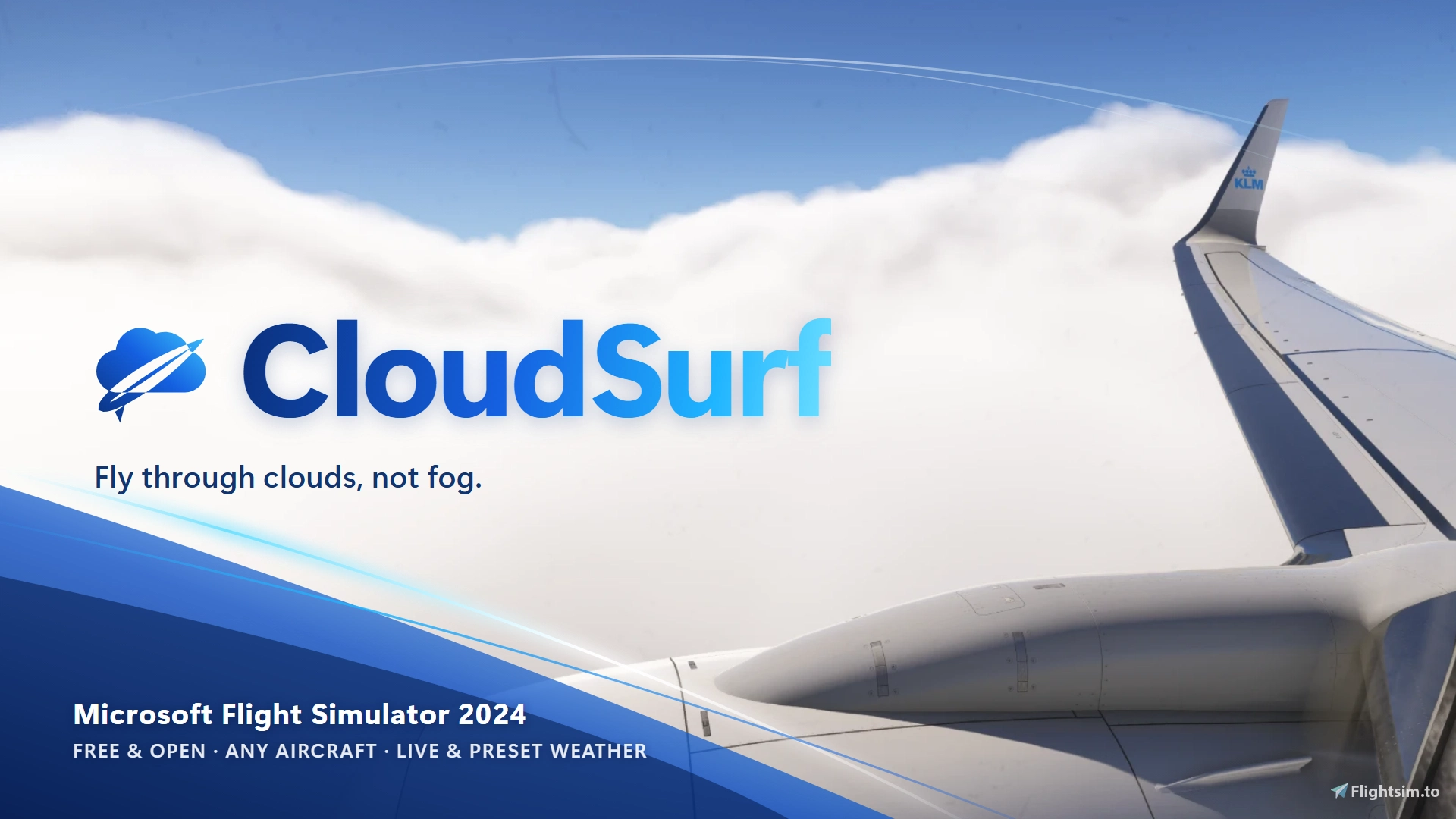
Short description: Fly through clouds instead of sitting in grey fog. Cloud puffs rush past your windows and wings, following the sim's own weather. Any aircraft, live weather and presets. Free and open.
Description
Flying into a cloud in MSFS turns the screen grey, with no sense of speed and nothing streaming past. CloudSurf fixes that. I think this belongs in the sim by default; until it is, here's a free community version.
Note: I'm releasing it now, not fully polished, because I'll be away for quite a while and wanted to share it first. Replies may take a long time. Issues and pull requests on GitHub are the best way to help in the meantime.
While you're in a cloud, CloudSurf places soft cloud puffs at fixed spots in the world ahead of you. They come at you, sweep over the windscreen and wings, and fall behind.
Free and open
The source code, effects and panel are on GitHub: Whisperb0x/cloudsurf: CloudSurf for MSFS 2024: fly through clouds instead of grey fog.
Buy me a coffee: https://buymeacoffee.com/whisperbox
Features
- Sense of speed in IMC: cloud puffs at fixed world positions, coming at you and passing by.
- Wing fade: wisps streaming over the wings, as dense as the cloud you're in.
- Follows the sim's weather:
- density, brightness and number of puffs follow the sim's own cloud density;
- thin cloud gets only a light effect;
- clouds are darker in thick decks and lighter near the top of a deck.
- Stays inside the deck: clouds keep to the cloud layer of the current weather, with no puffs above or below it.
- Entering a cloud: a thin wall of small wisps first, then the full effect.
- Aircraft lights (beta): the idea is that strobes, beacon, nav and landing lights make nearby cloud glow at night. This doesn't really work yet (see Known limitations); the slider is there as a preview.
- Performance presets:
- Auto keeps your FPS in cloud within about 10 % of your FPS just before (at least 35 clouds).
- Performance, Balanced and Quality use a fixed number of clouds.
- Simple panel: four presets plus three sliders:
- Intensity: 100 % is the full effect, 0 is practically off.
- Aircraft lights (beta)
- Wing fade
- Advanced: shows what's automatic, all settings, a Calibrate mode to tune the look per cloud density, and debug tools.
- Weather: works in live weather and weather presets, with any aircraft. It only reads the sim's weather, so other weather sources should work as well (not tested yet).
- No external app: a WASM module plus a toolbar panel. All settings are
L:CLOUDSURF_*variables, so MobiFlight, SPAD.neXt and the like can drive them.
Installation
- Copy the
whisperb0x-cloudsurffolder into your Community folder. - Start the sim and open CloudSurf from the toolbar. If the button doesn't show, enable it in the toolbar settings.
- Open the panel once after loading a flight. It reads the cloud layers of the active weather, so CloudSurf knows where decks start and end. They stay known after you close it.
- Using another in-cloud or wing-fade add-on? Switch that one off, or you get both effects.
Known limitations
- MSFS 2024 only. No, it doesn't work in MSFS2020 as it used the 2024 WASM API. Sorry.
- Tested on a very high-end system only (Ryzen 7 7800X3D, RTX 5090). It's not yet known how it runs on average or older PCs. Auto mode and the Intensity slider keep the cost in check. Reports from other setups are very welcome: FPS before and in cloud, and which preset.
- Tested in many different clouds, but specific weather situations (odd layer setups, storms, very low or very high decks) may still look funky. That's one reason it's open: anyone can report or fix such a case.
- The aircraft lights are beta and basically don't work yet. MSFS doesn't light particles with aircraft lights, and the workaround (clouds that glow by themselves near your lights) isn't there yet. There is no visible landing-light beam in cloud either. It's left in as a preview.
- Does it work perfectly? No. But it's free.
- The sim only reports the cloud you're in, not what's ahead, so the effect starts as you enter a cloud.
- Without opening the panel once per flight, CloudSurf doesn't know the deck top and base. It still works, but puffs aren't kept inside the deck and the colour isn't lighter near the top.
- The brightness is tuned by hand on a limited number of flights. Use Calibrate (under Advanced) to tune your own.
FAQ
Clouds appear out of thin air in front of me. CloudSurf only knows the cloud you are in: the sim reports nothing ahead. So it places clouds ahead of you as you enter, and before a deck you are about to climb or descend into. In scattered cloud that shows. Under Advanced, turn off Clouds before a deck to get clouds only once you are in one, or lower Spawn distance. A version that reads the sim's own cloud volume ahead of you is in the works.
Clouds on the runway. Fixed in 1.1: nothing within 200 ft of the ground.
Does it work with GFX? Yes. Turn off GFX's wing fade (you would get both), keep the rest.
With AtmosphereMod, REX, ActiveSky? They change the sim's weather and clouds; CloudSurf reads the result, so they go together. If the clouds look off, try CloudSurf alone once to tell which is which.
MSFS 2020? No. CloudSurf uses the 2024 WASM API for effects; the module does not load in 2020. Sorry.
The toolbar button is missing. Enable it in the toolbar settings (the pencil icon). Open the panel once per flight so CloudSurf knows the deck.
The clouds are dark or olive. Up to 1.0 they were drawn in the sim's default smoke material, which has dark, brownish colour multipliers. 1.1 uses its own white material. Still too dark? Raise Brightness under Advanced.
Wing fade does nothing. It follows the clouds around you: thin cloud gives little. Raise Intensity or the Wing fade slider; in thick cloud it should be clearly there.
Smoke trails behind AI aircraft on landing? Not CloudSurf: it only spawns its own effects around your aircraft, never on others. Check your traffic add-on's effects.
CloudSurf: fly through clouds
CloudSurf enhances cloud flying in Microsoft Flight Simulator 2024 by adding visual cloud puffs that move past your aircraft, providing a greater sense of speed and immersion in clouds. The effect adapts to live weather and custom presets, reflecting actual cloud density and brightness. It works with any aircraft and features adjustable intensity and performance settings. The add-on is free, open-source, and configurable via a simple in-sim toolbar panel.


Nutzerbewertungen
44 Bewertungen
Versionsgeschichte
Thanks for all the reports. Turns out “clouds appearing out of thin air” is a feature nobody asked for, and “the clouds are dark ” is not a vibe. Both have been dealt with. The clouds now show up the moment you’re in one and stop the moment you’re out, instead of trailing your aircraft around like a sad little smoke machine. The dark tint came from the sim’s default smoke material, which is engine-speak for “your clouds will look like a diesel truck”; we made our own, and it’s white. The wing fade is no longer a just flat sheet, nothing should spawn on the takeoff run anymore, and the panel has been simplified because the old one looked like a cockpit for a cockpit. Everything else lives under Advanced, where you can get messy. Updated in this version: • In and out of cloud at once: clouds around you the moment you are in one, building up over the first few hundred metres; when you leave, nothing new is made, the clouds behind you stay, only the ones still ahead in clear air fade. No more plume behind the aircraft from outside. • Wing fade with depth: a thicker stream of small flakes plus a second layer of big flakes above and below the aircraft, going back more slowly. • Wing fade brightness setting (0.8x by default): flakes close to the camera came out lighter than the clouds. • White cloud material: no more dark or olive clouds (the sim's default smoke material tinted them). Too light? Brightness under Advanced. • No clouds within 200 ft of the ground: nothing on the take-off run in airport fog. • Clouds before a deck can be switched off (Advanced): in scattered cloud you then only get clouds once you are in one. • Cloud phases: spawn distance far ahead in thin cloud, half of that in thick cloud, every cloud fading in by distance so none pops. • Thin cloud is mostly large, light wisps now (Classic + wisps, the default); thick cloud round clouds. • Simpler panel: on/off, the Performance preset and five sliders (wing fade, cloud size, build-up after entering, spawn distance, fade-out after leaving). Advanced sits next to the presets and shows every setting. • Hotkey Ctrl+Shift+C switches CloudSurf on and off. • Smoother fades, a slow spin on the clouds, two wisp textures with hard edges fixed.
Kommentar-Zusammenfassung
Das Community-Feedback zu CloudSurf: fly through clouds ist überwiegend positiv. Viele Nutzer heben hervor, dass der Mod die Realismus- und Immersionserfahrung beim Durchfliegen von Wolken deutlich verbessert. Besonders gelobt werden der Wing Fade Effekt, das realistischere Geschwindigkeitsgefühl sowie die generelle Aufwertung des Simulators. Die Integration mit anderen Add-ons wie GFX, REX Atmos und AtmosphereMod funktioniert nach Erfahrungsberichten meist gut, wobei empfohlen wird, ähnliche Effekte (z.B. Wing Fade) in einer der beteiligten Erweiterungen zu deaktivieren, um Konflikte zu vermeiden. Kritik gibt es regelmäßig für die plötzlich erscheinenden weißen "Wolkenbällchen“ vor dem Flugzeug, die viele Nutzer als störend oder unrealistisch empfinden. Weitere Probleme sind zu helle Lichteffekte der hinzugefügten Wolken, unabhängig von der Umgebung, sowie in Einzelfällen Performanceeinbrüche oder Abstürze. Viele Nutzer fragen nach einer Version für MSFS 2020, jedoch ist das Add-on ausschließlich mit MSFS 2024 kompatibel, da dafür spezielle Schnittstellen notwendig sind. Tipps aus der Community beinhalten beispielsweise die manuelle Anpassung von Helligkeit und Einstellungen sowie die Information, dass CloudSurf üblicherweise nach jedem Ladevorgang über die Toolbar aktiviert werden muss.
Zusammengefasst am 18. Nov. 2026
Melden Sie sich an, um an der Diskussion teilzunehmen
AnmeldenKommentare137
Thank you so much
The one thing I miss from a previous mod I had (mentioning no names 😊) is the contrails. Is there any way, or do you have any plans, to introduce those at all?
Dieser Kommentar wurde gelöscht
merci a toi pour cet addons genial
R5 5600x, RTX3070ti, 32gb 3600mhz ram
1) Currently the added clouds don't seem to follow the lighting of the scene. For example, flying under dark, overcast clouds still produces bright white wisps. I have to manually turn the brightness way down on the generated wisps to make it more realistic.
2) The shape of the added clouds aren't natural looking. Instead of ghostly wisps of condensation, they look like thick cotton balls floating through the air. If I manually turn the thickness/opacity down, it's better but the round shape is still unnatural.
Also, I have a bug to report. Not sure if this happens on the desktop, but in VR occasionally the added clouds show up as pure black. It's a bit disconcerting to suddenly have a pitch black wormhole open up in front of me while flying. :)