
Beschreibung
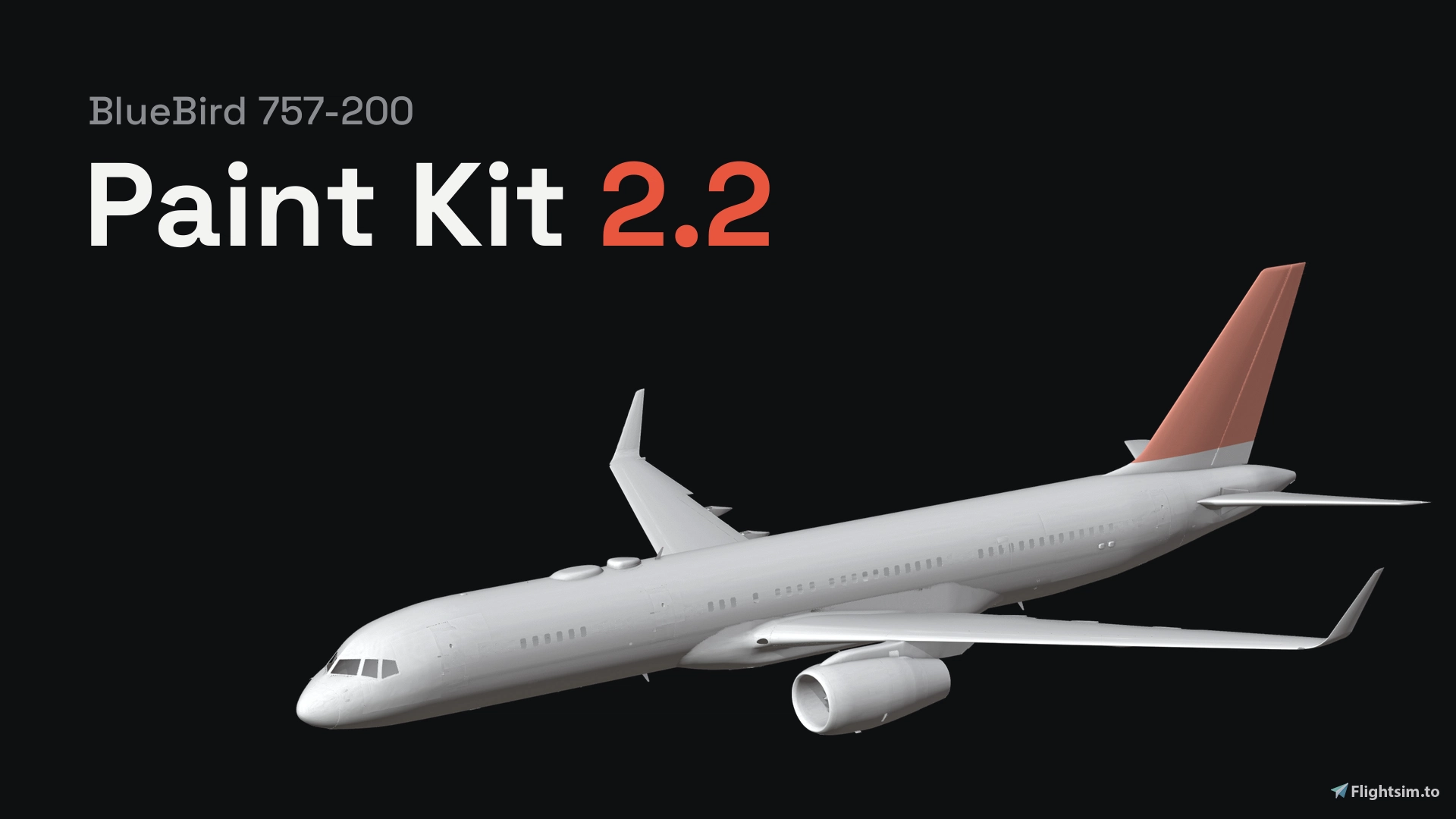
This is a paintkit for painting the BlueBird 757-200, both the RR and the PW. 2.2 version is a full rewrite to solve problems with the previous version. Now It's a Blender add-on.
Install:
To install, drag the zip into Blender (don't unzip it), press N in the 3D view and open the 757 Paint Kit tab.
- Close the sim and hit Set up the kit.
- It reads the 757 from your Community folder and builds the paint project and the pictures on your PC and it takes 10 to 15 minutes the first time.
- None of BlueBird's files are in the download.
Info:
- You can paint right on the plane in Blender, or paint the pictures in the Paint folder in Photoshop, GIMP or Krita. If you use Substance Painter, tick the box before setup and you get a Painter project too, with guides and two of BlueBird's liveries for reference.
- You will still need Blender to make the livery.
- When you're happy with it, type your registration and press Make the livery. Your paint gets merged with BlueBird's textures at full resolution.
- You can build for the
RR, the PW or both + the no-winglet and four-door versions. Your registration and SELCAL go on the cockpit plate, and you can recolor the cargo door plate if you want.
Requirements:
You'll need the BlueBird 757-200, MSFS 2024, Blender 4.2 or newer and about 8 GB of space. There's a beginner guide in the panel under More options and help, and if something breaks, send me the log from there.
This is unofficial, not made or supported by BlueBird. Please share your liveries, not the kit folder or the .blend, since the model and textures are BlueBird's.
Unofficial BlueBird 757-200 Paint Kit 2.2 (Blender add-on, Substance Painter, PNG)
A paint kit for the BlueBird 757-200, RR and PW, that runs inside Blender. It builds itself from your own 757 and turns your paint into a livery for MSFS 2024, including the no-winglet and four-door versions.
Nutzerbewertungen
8 Bewertungen
Versionsgeschichte
Fixed the door variant issues
Melden Sie sich an, um an der Diskussion teilzunehmen
AnmeldenKommentare55
https://ko-fi.com/dashydoggo
https://ko-fi.com/dashydoggo
Thank you!!
Has anyone found a good way to place logos directly on the 3D model without using a stencil and still get them onto the final texture? Or, if you use the stencil, what settings or workflow help you keep the original colors?
If anyone’s willing to walk me through how they do it, I’d really appreciate it. I can share screenshots of my setup and how the logo looks after applying it. Thanks!
I keep getting the following error message when trying to open Blender
"Error: script failed, file: 'C:\PaintKits\Tools\build_blender_project.py', exiting."
Fair play to you for this work though! - Makes life very simple! - thank you.
Hey everyone! I’m working on a TAESA livery for the BlueBird 757 in Blender. I’ve got the base textures painted, but I’m having trouble adding the logos and markings. When I apply a PNG using the stencil, the colors come out noticeably more washed out than in the original image.
Has anyone found a good way to place logos directly on the 3D model without using a stencil and still get them onto the final texture? Or, if you use the stencil, what settings or workflow help you keep the original colors?
If anyone’s willing to walk me through how they do it, I’d really appreciate it. I can share screenshots of my setup and how the logo looks after applying it. Thanks!