
Beschreibung
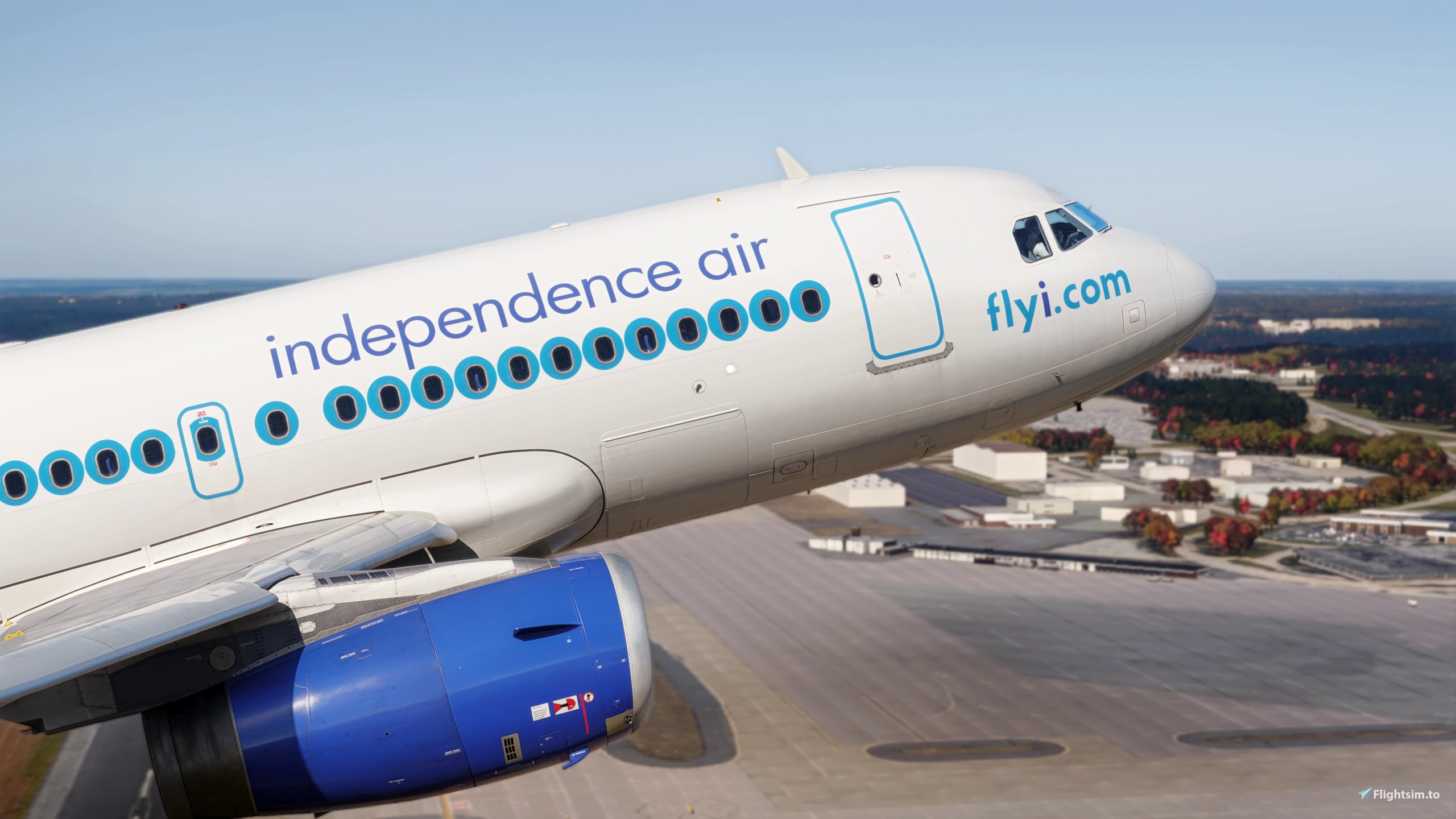
Based off of my previous preset DLSS 5 Ultimate, I have made this ReShade preset in order to enhance the atmospheric lighting via ReShade, and capabilities of DLSS 5 in default MSFS2024. While it is not perfect, I believe it is ready for public release. Feedback is greatly appreciated; I hope you enjoy!
SEE LAST IMAGE FOR DLSS 5 SETTINGS!!!
- REX Atmos Core NOT required.
- Atmosphere Mod recommended (along with AirborneGeek's Preset)
- Recommend Bijan's Seasons Enhanced
- Recommended to set in-sim Exposure Compensation EV to -0.65
- DLSS 5 not required but recommended.
FEATURES:
- Utilized reshade presets to improve the default lighting and color correction in the sim.
- Additional blue hue that now looks more realistic and toned for MSFS2024.
- Adjusted fog depth and coloring to make a more realistic surface depth.
- Color rendering has been tuned to be more vibrant to match DLSS 5 rendering style(s).
INSTALLATION (Follow Steps 2-6 if the First Step Does Not Work):
- Download and extract the .ZIP file and save to any location.
- Launch MSFS2024 and open the ReShade menu using the "HOME" key.
- Under the "Home" tab, press on the small file icon next to the preset name bar.
- From there, you can drop the downloaded "DLSS 5 Ultimate.ini" folder into that MSFS2024 directory.
- Enjoy!
DISCLAIMERS & LIMITATIONS:
- ReShade (with full addon support) already installed and REQUIRED!
- Not tested with MSFS2020.
- NOTE: The effect "CobraMask.fx" may cause flickering when spawning into a flight. To resolve this, restart the sim one or two times after loading into a flight. The flickering should then be resolved for a good while.
- This preset has been configured to use with DLSS 5. Using it is recommended to get the full experience.
- This addon is still being worked on and the current version may not represent the final rendition.
- These modifications are my work. Please do not utilize them in other addons or publish them separately from this addon without my explicit permission!
DLSS X - ReShade
DLSS X - ReShade is a preset designed to enhance atmospheric lighting and color correction in Microsoft Flight Simulator 2024. It introduces a more realistic blue hue, improved fog depth, and vibrant color rendering optimized for DLSS 5 but works without it. The preset requires ReShade and is not dependent on REX Atmos Core. It is recommended to adjust in-sim exposure settings for the best results.
Nutzerbewertungen
3 Bewertungen
Versionsgeschichte
Keine Versionsgeschichte verfügbar.
Ähnliche Addons
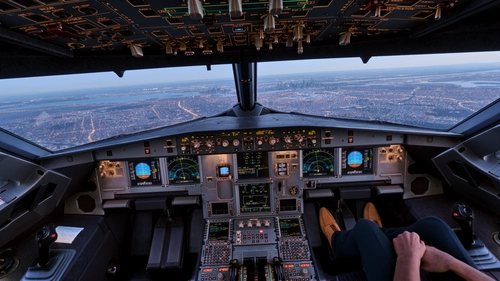
ReShade Preset: DLSS 5 Ultimate
This ReShade preset aims to enhance MSFS2024 by adjusting lighting, color correction, and fog effects for a more vibrant and realistic appearance, optimized for DLSS 5. It does not require REX Atmos Core and is intended for users with ReShade installed. Color rendering is tuned to match the DLSS 5 style, offering improved surface depth and atmosphere. The preset is still in development and may be updated further.
von Zoke_Aye
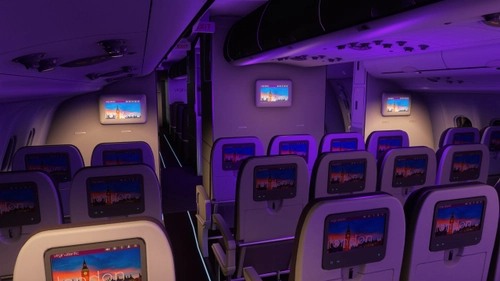
iniBuilds A330 Purple Mood Lighting [-200 & -300]
This add-on introduces purple mood lighting for the cabin of the iniBuilds/Asobo A330-200 and A330-300 aircraft models. It aims to reduce the intensity of the default blue lighting, creating a warmer and more modern atmosphere. The modifications also include adjustments to the galley and reading lights, offering a more pleasant lighting experience for users. Compatibility is limited to specified A330 variants, and installation is straightforward by placing the files in the community folder.
von Zoke_Aye
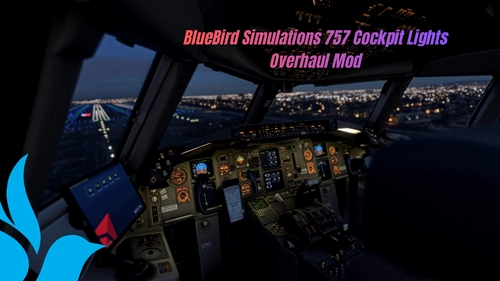
BlueBird Simulations 757 Cockpit Lights Overhaul Mod
This mod enhances cockpit lighting in the BlueBird Simulations 757 by adjusting dome, glareshield, and MCP light colors and intensities to better match real-world references. It works with all BlueBird Simulations 757 variants but does not include panel light or texture improvements. For optimal results, it is recommended to use this mod alongside external texture and lighting addons. Compatibility with MSFS2020 is not guaranteed and further updates may be released based on user feedback.
von Zoke_Aye
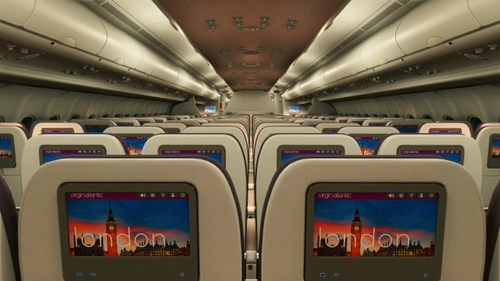
iniBuilds/Microsoft A330 Cabin Light Mod [-200 & -300] - PACK 2
The iniBuilds/Microsoft A330 Cabin Light Mod provides enhanced cabin lighting options for the A330-200 and A330-300 aircraft models, addressing user concerns regarding the default intense blue illumination. This add-on features multiple color options for a more calming atmosphere, along with adjustments to galley and reading light colors for improved ambiance. The mod aims to create a more immersive flying experience by moderating the cabin lighting intensity and aesthetics.
von Zoke_Aye
Melden Sie sich an, um an der Diskussion teilzunehmen
AnmeldenKommentare20
????/