
Flightsim.to
    X-Plane-Style Replay - Image 1

    Beschreibung

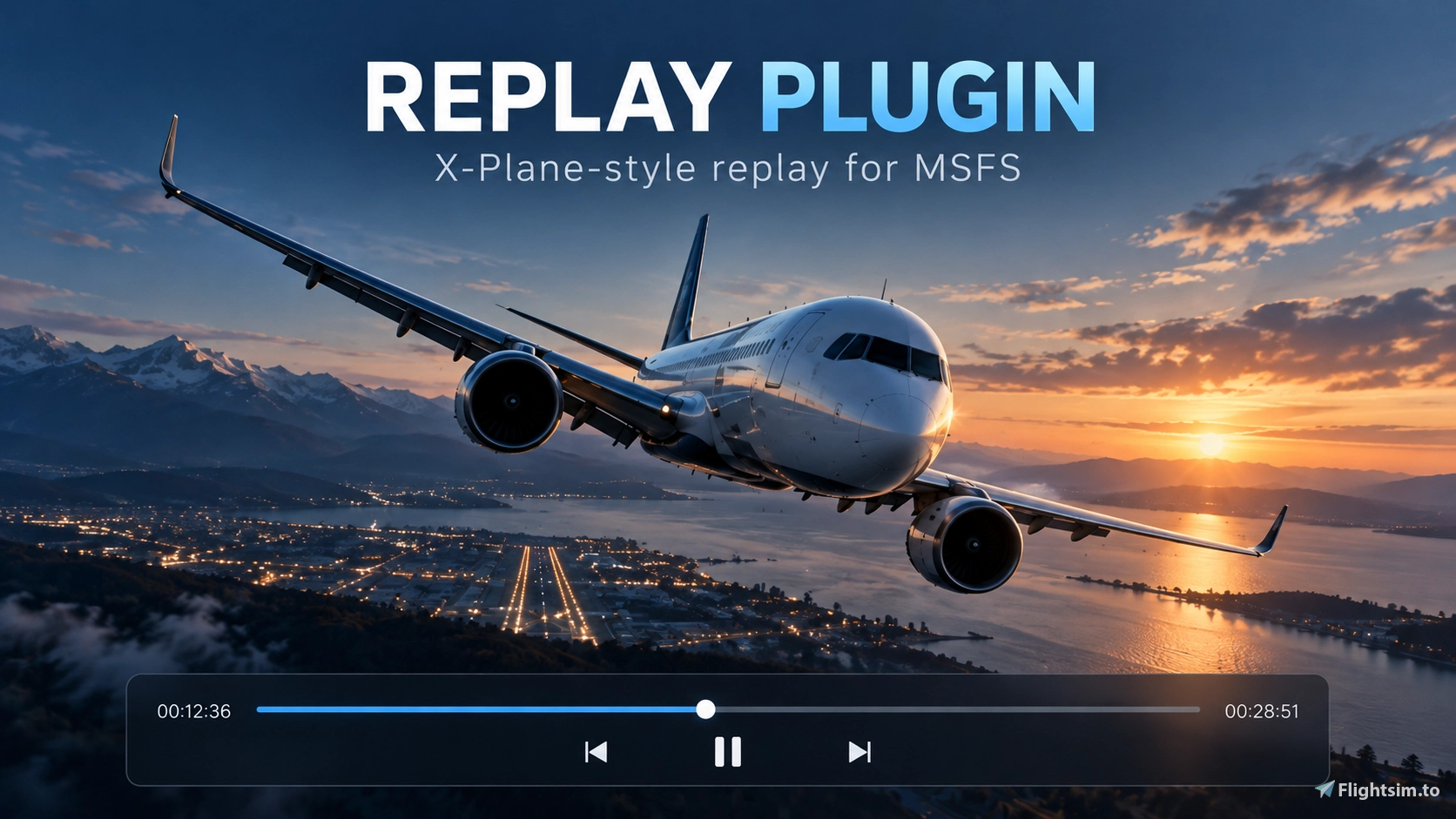
    X-Plane-Style Replay for MSFS

    X-Plane has always had a simple, reliable, and easy-to-use replay system. In MSFS, replay solutions often rely on complicated workarounds that can cause issues or even crash your flight.

    That's why this plugin was created - to bring the simplicity of X-Plane's replay system to MSFS.

    Features:

    1. In-sim replay controls: timeline scrubbing, pause, forward/reverse playback, speed controls, and frame stepping
    2. Easy installation via installer
    3. Replay up to the last 20 minutes of your flight
    4. Simple and straightforward to use

    Replay Mode has two parts:

    - The standalone Replay Mode application is the recorder. It runs quietly in the background while you fly and continuously keeps the latest 20 minutes of your flight in memory. It can start automatically with MSFS, or you can start it manually when needed.
    - The in-game Replay Mode panel is the controller. Open it from the MSFS toolbar to enter replay, scrub the timeline, play forward or backward, change speed, step through the recording, and exit replay to return to the point where you began watching.

    Tested with:

    PMDG 737-800, Fenix, iFly 737, FSS Embraer Series, and default MSFS aircrafts.

    Compatibility & Feedback

    The plugin may not work correctly with every aircraft, especially those using custom systems or animations.

    If you experience any issues, please contact me and let me know which aircraft you're using and what exactly isn't working. Your feedback will help improve compatibility in future updates.

    No unnecessary complexity - just a recorder in the background and straightforward replay controls in the simulator.

    You can support me : https://paypal.me/scarythrash

    Interaktions-Aktivität
    DownloadsKommentareGetrennte Skalen für Downloads und Kommentare
    19. Okt. Downloads: 20 Kommentare: 1 Feedback: 120. Okt. Downloads: 15 Kommentare: 1 Fehler: 121. Okt. Downloads: 12 Kommentare: 022. Okt. Downloads: 19 Kommentare: 1 Frage: 123. Okt. Downloads: 11 Kommentare: 1 Fehler: 124. Okt. Downloads: 14 Kommentare: 025. Okt. Downloads: 6 Kommentare: 026. Okt. Downloads: 10 Kommentare: 027. Okt. Downloads: 9 Kommentare: 028. Okt. Downloads: 9 Kommentare: 029. Okt. Downloads: 13 Kommentare: 030. Okt. Downloads: 9 Kommentare: 1 Fehler: 131. Okt. Downloads: 8 Kommentare: 001. Nov. Downloads: 7 Kommentare: 2 Frage: 1 Allgemein: 102. Nov. Downloads: 2 Kommentare: 1 Fehler: 103. Nov. Downloads: 6 Kommentare: 004. Nov. Downloads: 5 Kommentare: 005. Nov. Downloads: 4 Kommentare: 006. Nov. Downloads: 5 Kommentare: 007. Nov. Downloads: 11 Kommentare: 008. Nov. Downloads: 3 Kommentare: 009. Nov. Downloads: 2 Kommentare: 010. Nov. Downloads: 3 Kommentare: 011. Nov. Downloads: 1 Kommentare: 012. Nov. Downloads: 3 Kommentare: 013. Nov. Downloads: 2 Kommentare: 014. Nov. Downloads: 1 Kommentare: 015. Nov. Downloads: 0 Kommentare: 016. Nov. Downloads: 4 Kommentare: 017. Nov. Downloads: 1 Kommentare: 0
    19. Okt.02. Nov.17. Nov.
    215
    Downloads
    8
    Kommentare
    Letzter Kommentar vor 15 Tagen
    Creator antwortet auf 50% der Kommentare

    Melden Sie sich an, um an der Diskussion teilzunehmen

    Anmelden

    Kommentare33

    ac5Fehler·15 days ago
    Hello scarythrash, thank you very much for your reply,
    but it still does not start automatically.
    I run the Microsoft Store / Xbox MSFS 2024, latest version.
    I have removed the attribute “Run this program as an administrator”.
    Launching ReplayMode.exe manually works perfectly.
    I could not find that EXE.xml you are talking about, though
    I wanted to include a ReplayMode.js.txt. I made, but the System does not allow it…
    Kind Regards, ac5
    tornado77·10 days ago
    me too
    ac5Allgemein·16 days ago
    Hello? Somebody?
    scarythrashAuthor·15 days ago
    Hi AC5

    First, please uncheck “Run this program as an administrator” for ReplayMode.exe - Replay mode doesn’t require admin rights, and that setting can prevent MSFS from launching it automatically.

    With MSFS fully closed, run Setup again and make sure “Start Replay Mode automatically together with MSFS 2024” is checked. Then start MSFS again.

    If it still doesn’t start, could you let me know whether you use Steam or Microsoft Store/Xbox, and whether launching ReplayMode.exe manually works? Please also share the Replay Mode entry from your EXE.xml so I can check the startup configuration.
    ArielWorldCitizenFrage·16 days ago
    does it works with inibuilds 350?
    scarythrashAuthor·15 days ago
    Hi! I haven’t tested it with the iniBuilds A350 yet, but it should work.
    ac5Fehler·18 days ago
    Nice....
    But it just won't start automatically....
    Not even setting the ReplayMode.exe as "run as administrator"
    And of course, the installation community folder is correct,
    in my case: "D:\Games\Microsoft Flight Simulator 2024\Community"
    Any ideas? Kind Regards, AC5
    CuzImMaximusFehler·25 days ago
    Hey,
    so I tried to install it. But I cant even get that far.
    The installer always throws an error at me:
    "error 448 the path cannot be traversed because it contains an untrusted mount point"

    The installer also cant find my community folder.
    He always want to install here:
    C:\MSFS 2024\Community\replay-mode
    And that is not my community folder.
    I am using MSFS 2024 via the XBOX app.

    Help would be nice. Still missing an proper working replay tool. The stuff MS gives us doesnt work.
    scarythrashAuthor·25 days ago
    I've uploaded an alternative installer. Could you give it a try and see if you can install the add-on successfully? Please let me know how it goes.
    CuzImMaximus·25 days ago
    Yeah that went through. Will give it a try. Thank you so much.
    AIRMEDIMEDFrage·26 days ago
    Hello, is your replay tool able to reproduce wingflex animations correctly, as well as thrust reversers, spoilers, lights..?
    scarythrashAuthor·26 days ago
    Hi! Yes, on all the aircraft I've tested so far, wing flex, thrust reversers, spoilers, and lights have been replayed correctly.
    AIRMEDIMED·26 days ago
    i am going to give it a try then ! thank you for your work and for the answer !
    Boeing737DriverFehler·28 days ago
    I've now made several attempts to install this but each time I point the install to my Community folder it comes back with 'this doesn't seem to be a valid community folder address' or words to that affect - but it is. My MSFS is not on the C Drive and I'm unsure as to where your install address comes from. I'm missing something here and I feel it lies in the installation. Bear in mind also that some of us from MSFS2020 have 2 community folders: Community and Community2024. I have tried both to no avail.
    Naruto24k
    Feedback·30 days ago
    great finally a good replay system.
    leomelocwb
    Feedback·about 1 month ago
    What an amazing app! I'm an X-Plane user, and this is exactly the kind of feature I've always missed when comparing it to MSFS. Fantastic work, and congratulations to the developer!

    one trouble i have encontered... for me ctrl+shift+r don`t work
    Boeing737DriverFehler·about 1 month ago
    Not working, I'm afraid (for me, anyway). The program is in Packages>Community, the icon is in the MSFS toolbar but when pressed all I get is a message 'waiting for replay client'..............and 'client' never arrives.
    The blue icon in the notification area is not there - but what has appeared is a green crocodile which says 'couatl'.
    scarythrashAuthor·about 1 month ago
    The green Couatl icon is related to GSX, not my replay plugin. The "Waiting for replay client" message means the standalone recording application isn't running.

    Please try launching the replay client manually. It should appear as a blue icon in the Windows system tray. Client can be found in Community\replay-mode\bin

    You can also enable the option to automatically launch the replay client with MSFS during installation.
    WWCX0927
    ·about 1 month ago
    The work looks very good, but I tried it and it seems to conflict with ChasePlane. Do you have any good solutions? After installing it, my CP doesn't work
    scarythrashAuthor·about 1 month ago
    Thanks for the feedback! ChasePlane stopped working due to the release of Sim Update 7, not because of my replay plugin. You just need to update ChasePlane to the latest version.
    MSFS 2020MSFS 2024

    X-Plane-Style Replay

    This add-on introduces an X-Plane-style replay system to Microsoft Flight Simulator, enabling users to review up to the last 30 minutes of their flight. It features straightforward installation and use, being directly integrated into the simulator. The plugin has been tested with a range of popular aircraft but may have compatibility issues with some models using custom systems. User feedback is encouraged to improve aircraft support in future updates.


    Downloads784
    Version0.7
    Dateigröße1.6 MB
    VeröffentlichtVor 1 Monat
    AktualisiertVor 1 Monat
    Klassifizierung
    Utilities4.9 (7)

    Nutzerbewertungen

    4.9

    7 Bewertungen

    5
    86%
    4
    14%
    3
    0%
    2
    0%
    1
    0%

    Versionsgeschichte

    Added TFDi MD-11 and PMDG 777 animation support: flight controls, spoilers, reversers, landing gear
    Ähnliche Addons