
Beschreibung
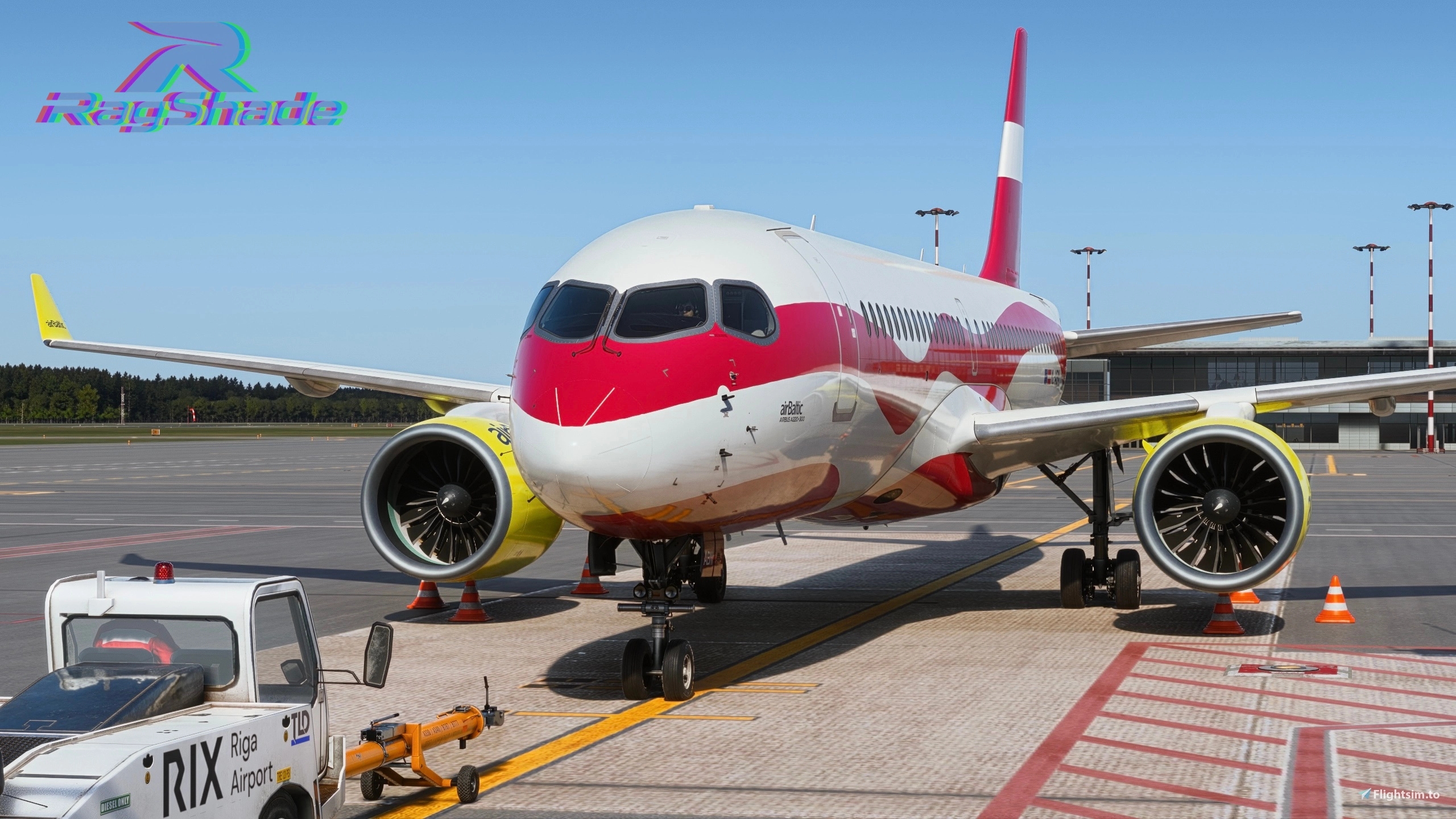
Natural lighting. Realistic colors. A more immersive Microsoft Flight Simulator 2024.
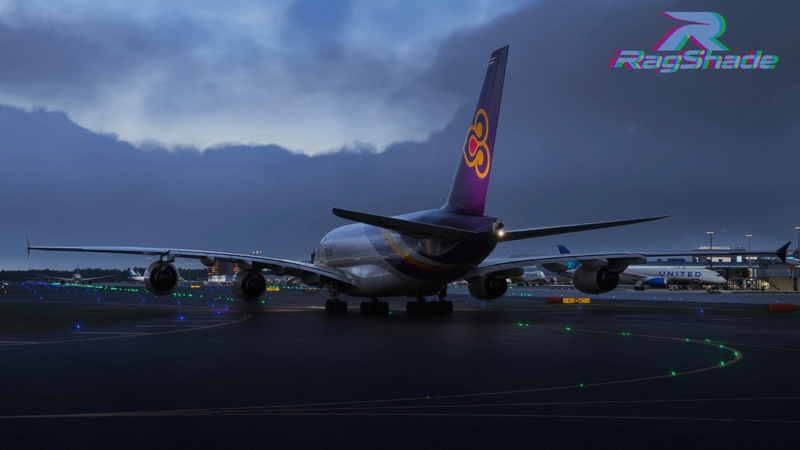
RagShade V2 is a custom ReShade preset designed to enhance the visual realism of Microsoft Flight Simulator 2024, with an emphasis on natural lighting, balanced colors, realistic contrast, and a more photographic appearance.
Rather than introducing excessive saturation, artificial sharpening, or dramatic color grading, RagShade V2 aims to complement the simulator's existing graphics and lighting engine while maintaining a believable visual experience.
The preset has been developed and extensively tested across a variety of aircraft, locations, weather conditions, and times of day.
Features
- Natural, balanced color grading
- Improved lighting and contrast
- Realistic sky and environmental colors
- Carefully tuned highlights and shadows
- Enhanced visual depth without excessive saturation
- Consistent appearance across different weather and lighting conditions
- Developed with NVIDIA DLSS 5 Neural Rendering in mind
- Compatible with standard rendering configurations — DLSS 5 is not required
Designed for All Conditions
RagShade V2 has been tuned for a wide variety of environments, including:
- Sunrise and sunset
- Bright midday conditions
- Overcast and cloudy weather
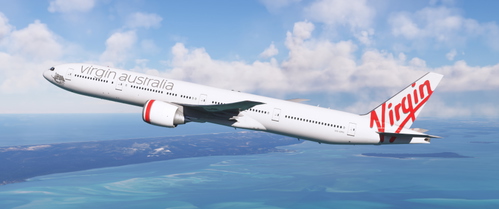
- Tropical and coastal regions
- Desert and mountainous environments
- Urban areas
- Live Weather
The objective is to provide a consistent visual foundation that looks natural whether you're flying through clear skies, approaching an airport in poor weather, or watching the sun rise above the horizon.
Requirements
Required:
- Microsoft Flight Simulator 2024
- ReShade with its standard shader effects installed
Optional:
- NVIDIA DLSS 5 Neural Rendering
- REX Atmos CORE for additional atmospheric customization
The included ReShade preset is designed to function independently of DLSS 5 and REX Atmos CORE.
Optional REX Atmos CORE Integration
RagShade V2 is a standalone ReShade preset that can be installed and used independently.
For users who also own REX Atmos CORE, I have developed complementary atmospheric configurations designed to work alongside RagShade V2. These provide additional control over sky coloration, atmospheric haze, and scattering.
The companion profiles can be found through REX Atmos CORE's built-in preset library:
Enviro: RagV2
Atmos:
- RagV2 Crystal Clear
- RagV2 Standard
- RagV2 Humid Haze
- RagV2 Urban Dust
These optional profiles are not included in the download and are not necessary for the ReShade preset to function. They are recommended for recreating the complete visual setup shown in certain screenshots.
Installation
Detailed installation instructions are included in the download.
Additional Notes
- DLSS 5 is optional and is not distributed with this preset.
- No additional third-party ReShade shader packs should be necessary.
- Visual results may vary depending on monitor calibration, HDR configuration, graphics settings, weather, and other modifications.
- RagShade V2 does not alter the simulator's underlying meteorological conditions.
- Additional atmospheric configurations can be used to customize the visual experience further.
Final Thoughts
RagShade V2 represents my effort to create a realistic, versatile visual preset for MSFS 2024 that enhances the simulator without compromising its existing visual identity.
It is designed to look natural across different aircraft, environments, and lighting conditions, providing an enjoyable and consistent visual experience.
I hope you enjoy flying with it!
Feedback, screenshots, and suggestions are always welcome!.
RagShade V2 [DLSS5-READY]
A custom ReShade preset designed to enhance the visual realism of Microsoft Flight Simulator 2024, with an emphasis on natural lighting, balanced colors, realistic contrast, and a more photographic appearance.
Nutzerbewertungen
3 Bewertungen
Versionsgeschichte
Keine Versionsgeschichte verfügbar.
Melden Sie sich an, um an der Diskussion teilzunehmen
AnmeldenKommentare9