
Beschreibung
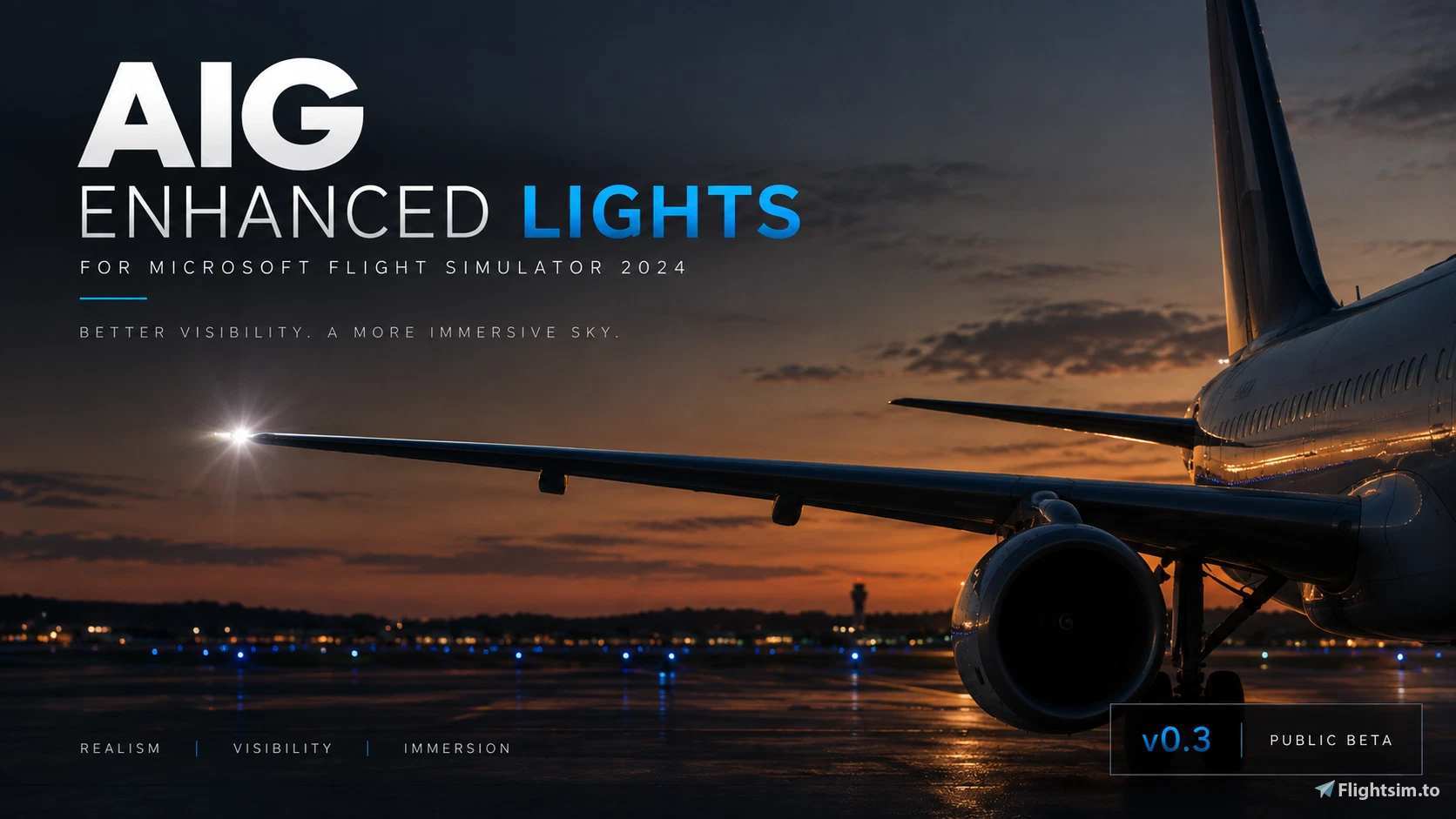
AIG Enhanced Lights — MSFS 2024
More visible AI aircraft. More convincing lighting. A more immersive virtual sky.
AIG Enhanced Lights is a lighting enhancement for AIG AI traffic aircraft in Microsoft Flight Simulator 2024, developed to improve the visibility and appearance of aircraft lighting, particularly at medium and longer viewing distances.
The project originally focused on improving strobe visibility, making approaching, departing and cruising AI aircraft easier to identify without introducing excessively bright or unrealistic flashes.
With v0.4 Public Beta 2, the project takes another step forward, expanding aircraft-specific improvements and introducing further refinements to strobes, beacons and landing lights.
What's new in v0.4 Public Beta 2?
This update builds on the previous v0.3 Public Beta and includes several rounds of development and targeted testing.
Expanded aircraft lighting improvements
Additional strobe adjustments have been introduced for several aircraft families, including:
- Airbus A220, A300, A330, A340 and A350
- Airbus A321-200 with standard wingtips
- Boeing 757 and 777 families
- Boeing 737 MAX 8
The primary focus is improving the visibility of the actual strobe flash on the aircraft, particularly in cases where ground illumination is visible but the strobe itself is difficult to distinguish.
Landing light refinements
Experimental adjustments to selected Airbus A320-family and Boeing 737-family landing lights aim to reduce excessive light cones while retaining a clearly visible light source.
Beacon improvements
Selected red beacon effects have been adjusted to improve their visibility while maintaining a balanced appearance.
Installation and backup improvements
The included installer provides a backup procedure and additional checks to help prevent incomplete installations.
What does this add-on change?
AIG Enhanced Lights modifies lighting effect files used by supported AIG AI aircraft.
It does not modify aircraft models, liveries, flight dynamics or model-matching rules.
The goal is not simply to make every light brighter. Instead, the project aims to achieve a better balance between:
- Visible strobe flashes and subtle glow
- Aircraft recognition at distance
- Realistic landing-light appearance
- Beacon visibility
- Environmental illumination without excessive bloom
Installation
- Close Microsoft Flight Simulator and any active traffic clients.
- Extract the complete downloaded ZIP archive.
- Read the included instructions and run the provided installer.
- Follow the prompts to locate your existing AIG effects installation.
- Keep the automatically created backup in case you want to restore your previous files.
Important: Do not run the installer directly from inside a compressed archive. Extract the complete package first!!!!
This update is intended to replace the previous AIG Enhanced Lights version. You do not need to install the earlier development builds individually.
Compatibility
Designed primarily for Microsoft Flight Simulator 2024 using the supported AIG AI traffic effects library.
The modification is intended for AIG aircraft lighting effects.
MSFS 2020 compatibility has been validated by users.
Public Beta — Your feedback matters!
AIG Enhanced Lights remains an actively developed public beta.
While several improvements have been introduced, not every aircraft variant or lighting condition has been fully tested. Some models may still display weak or missing strobes, unexpected light behaviour or excessive ground illumination.
The community is an important part of this project.
If you encounter an aircraft with unusual lighting, please share:
- Aircraft type and airline
- Exact AI model name, if available
- Approximate viewing distance
- Daytime or nighttime conditions
- Whether the issue affects strobes, beacons or landing lights
- A screenshot or short video, if possible
Feedback from VATSIM users, offline AI traffic users and other simmers is equally welcome.
Thank you to everyone who has tested, reported issues and helped improve the project.
Enjoy the skies!
— Yebbert
AIG Enhanced Lights - MSFS 2024
AIG Enhanced Lights for MSFS 2024 is a modification focused on improving strobe light visibility and realism for AIG AI aircraft. The add-on enhances recognition of AI planes at medium and longer distances, balancing flash intensity and glow without altering existing models or liveries. It is released as a public beta to refine effects across various aircraft types. Installation is managed by an included installer with backup and restoration options.
Nutzerbewertungen
10 Bewertungen
Versionsgeschichte
**v0.4 Public Beta 2.1 — Installer Hotfix** - Fixed an installer limitation affecting users with redirected or non-standard Desktop locations. - Backups now default to the Windows Documents folder. - Added the option to select a custom backup location. - Improved backup verification before installing. - Improved error handling for backup directory failures. - All lighting effects remain unchanged from v0.4 Public Beta 2. **This is an installer-only update. No changes to aircraft lighting effects.**
Melden Sie sich an, um an der Diskussion teilzunehmen
AnmeldenKommentare(39)
about 2 months ago
Manual installation
If you prefer not to use the included installer, you can install AIG Enhanced Lights manually:
1. Close Microsoft Flight Simulator and any traffic/model-matching applications such as vPilot.
2. Locate your AIG effects package:
...\Community\aig-aitraffic-effects
3. Make a backup of the complete original aig-aitraffic-effects folder first. Store this backup somewhere outside your Community/MSFS folders, for example on your Desktop.
4. Open the manual installation / replacement files included with AIG Enhanced Lights names: aig-aitraffic-effects
5. Copy the supplied files/folders into:
...\Community\aig-aitraffic-effects
6. When Windows asks, choose Replace the files in the destination.
7. Start MSFS again.
To uninstall manually:
Delete the modified aig-aitraffic-effects folder and restore your original backup to the Community folder.
⚠️ Do not delete your original backup until you're sure everything is working correctly.
about 3 hours ago
about 4 hours ago
Dieser Kommentar wurde gelöscht
about 4 hours ago
about 3 hours ago
2 days ago
AIG Enhanced Lights v0.4 - PUBLIC BETA 2
This will BACK UP the existing AIG effects package before installation.
Full path to your existing aig-aitraffic-effects folder: G:MSFS 2024 Data\Community\aig-aitraffic-effects
ERROR: Could not create backup directory. Nothing changed.
Press any key to continue
1 day ago
Thanks for reporting this, and sorry for the inconvenience!
The installer is failing while trying to create the backup folder, before the actual installation starts. This may be related to your Windows Desktop location, OneDrive configuration or folder permissions.
Could you check whether your Desktop is managed by OneDrive or stored in a custom location?
In the meantime, you can install the update manually by backing up your existing `aig-aitraffic-effects` folder and copying the contents of the included `Package\aig-aitraffic-effects` folder into it, replacing the corresponding files, including `layout.json`.
I'll also improve the installer to handle different Desktop locations more reliably in the next update.
Thanks again for bringing this to my attention!
If its easier for you, you can also message on discord.
Username: bladeje
1 day ago
4 days ago
4 days ago
Just make sure to copy the complete package, including `layout.json`, and overwrite the corresponding files in your existing AIG effects folder.
If you're only copying individual `.fx` files instead, regenerating the layout may be necessary to keep the file references and sizes consistent.
Thanks for asking, and enjoy the lights! :)
8 days ago
7 days ago
Updates still to come!
22 days ago
22 days ago
about 1 month ago
about 1 month ago
about 1 month ago
about 1 month ago
about 1 month ago
In regards of FSLTL i believe the light effects are allready better then AIG in general.
about 1 month ago