
Beschreibung
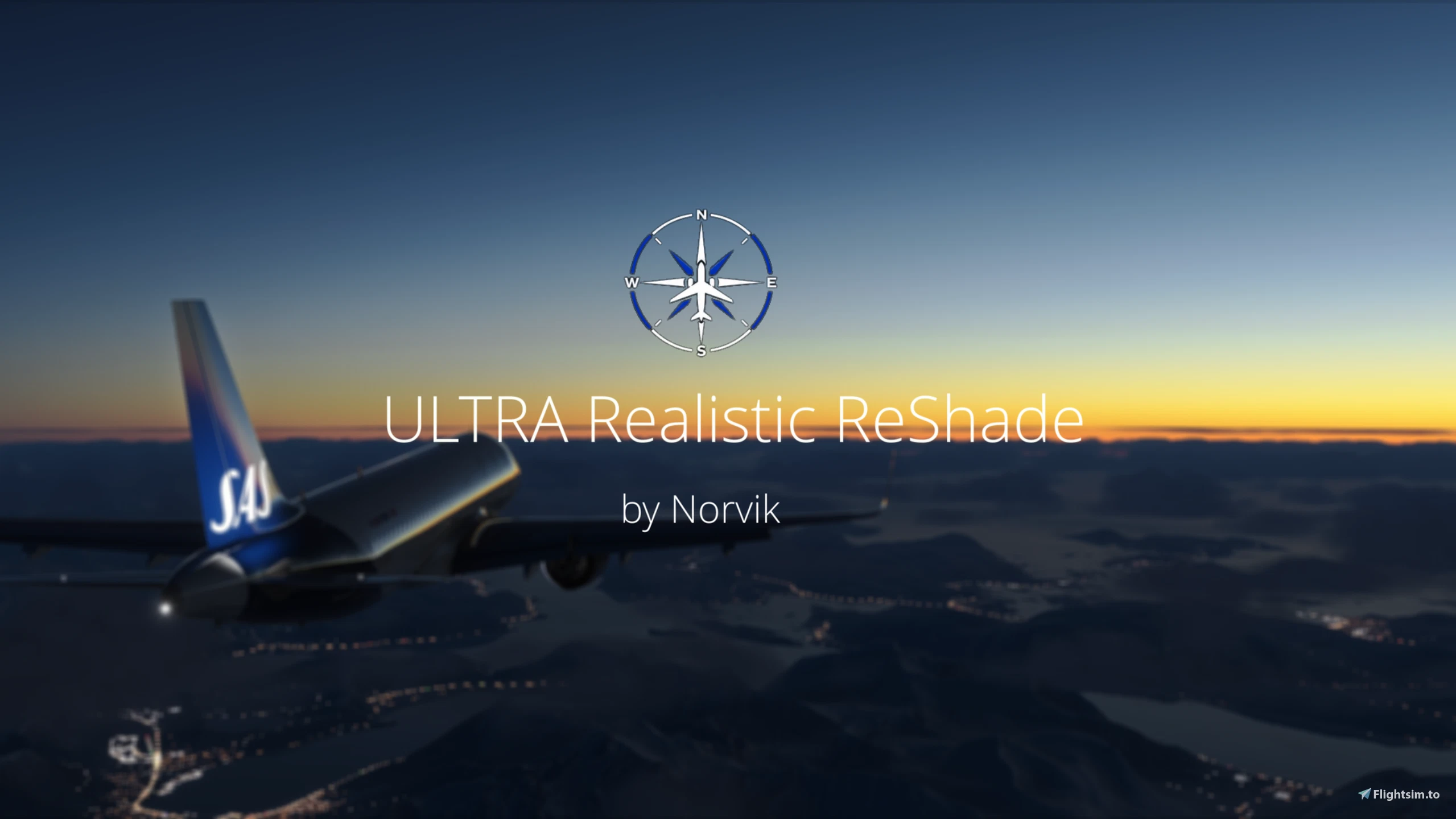
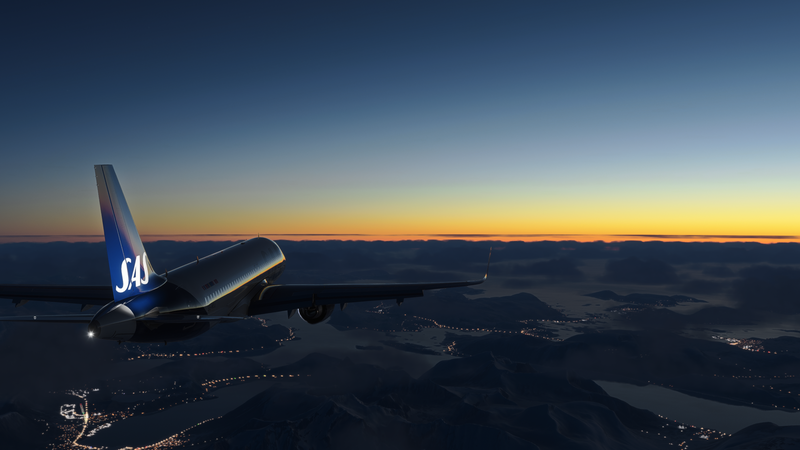
This ReShade preset was created with one main goal in mind: to make Microsoft Flight Simulator 2024 look as close to real life as possible.
Instead of going for an exaggerated look, the colors, contrast, lighting and overall image balance have been carefully adjusted by hand and by eye, using real-life lighting conditions and real-world weather as references.
The idea behind this preset is to recreate the way the world actually looks, from natural daylight and overcast conditions to sunsets, atmospheric haze and different weather situations. Every setting has been fine-tuned with realism in mind, rather than simply making the image brighter, more saturated or more dramatic.
The result is a natural, realistic and immersive visual experience that aims to stay as close to real-world appearance as possible while still looking great inside Microsoft Flight Simulator 2024.
No FPS Loss
This ReShade preset is designed to have no noticeable FPS loss. The preset has been optimized to provide the visual improvements while keeping performance impact to a minimum, so you can enjoy a more realistic image without sacrificing your FPS.
Installation
Click to expand
1. Install ReShade
Download and install the latest version of ReShade from the official ReShade website.
During the installation, select your Microsoft Flight Simulator 2024 executable and follow the installation instructions. ReShade supports modern Direct3D versions, including Direct3D 12. (reshade.me)
2. Install the required effects
During the ReShade setup, install the shader/effect packages required by the preset.
If ReShade is already installed, make sure that all effects used by this preset are available in your ReShade shader folders. ReShade presets are .ini files that reference the effects and their settings. (reshade.dev)
3.Install the preset
Place the downloaded .ini preset file into your ReShade/game directory.
Start Microsoft Flight Simulator 2024 and open the ReShade overlay using the Home / Pos1 key.
At the top of the ReShade interface, select this preset from the preset dropdown. ReShade will then load the configuration. (reshade.me)
Optional – Additional Camera Effects
For an alternative visual perspective, you can also enable the following effects:
- Border FX – adds a cinematic border/letterbox effect.
- Curved Monitor – creates a curved-screen style perspective.
These effects are completely optional and can be enabled if you want to experiment with different viewing angles and visual styles.
Please Respect the Creator
This preset is my own work and has been carefully created and fine-tuned over a significant amount of time.
DO NOT re-upload this preset.
DO NOT upload it under a different name.
DO NOT redistribute, modify and publish it as your own work.
DO NOT include this preset in another package or upload it to another platform without permission.
If you want to share this preset with someone else, please share the original download page instead of re-uploading the files.
Please respect the time and effort that went into creating and testing this preset.
Thank you for using the preset and enjoy a more realistic Microsoft Flight Simulator 2024 experience!
NOTE: This ReShade preset works perfectly without Atmos Core and does not require Atmos Core to funktion
ULTRA Realistic ReShade Preset
This ReShade preset for Microsoft Flight Simulator 2024 is designed to deliver visuals that closely match real-life lighting, colors, and weather conditions. Each setting has been manually fine-tuned for accuracy and realism, avoiding artificial enhancements or exaggerated effects. The preset aims to maintain system performance, ensuring no noticeable FPS loss. Optional camera effects such as cinematic borders and curved screens are also included for additional customization.
Nutzerbewertungen
2 Bewertungen
Versionsgeschichte
Update – New Main Download - Fixed an issue where the wrong file was set as the main download. - Uploaded the correct and latest version as the new main download. - All available effects are now enabled in the uploaded version. Sorry for the confusion, and thanks for your patience!
Melden Sie sich an, um an der Diskussion teilzunehmen
AnmeldenKommentare13