
Beschreibung
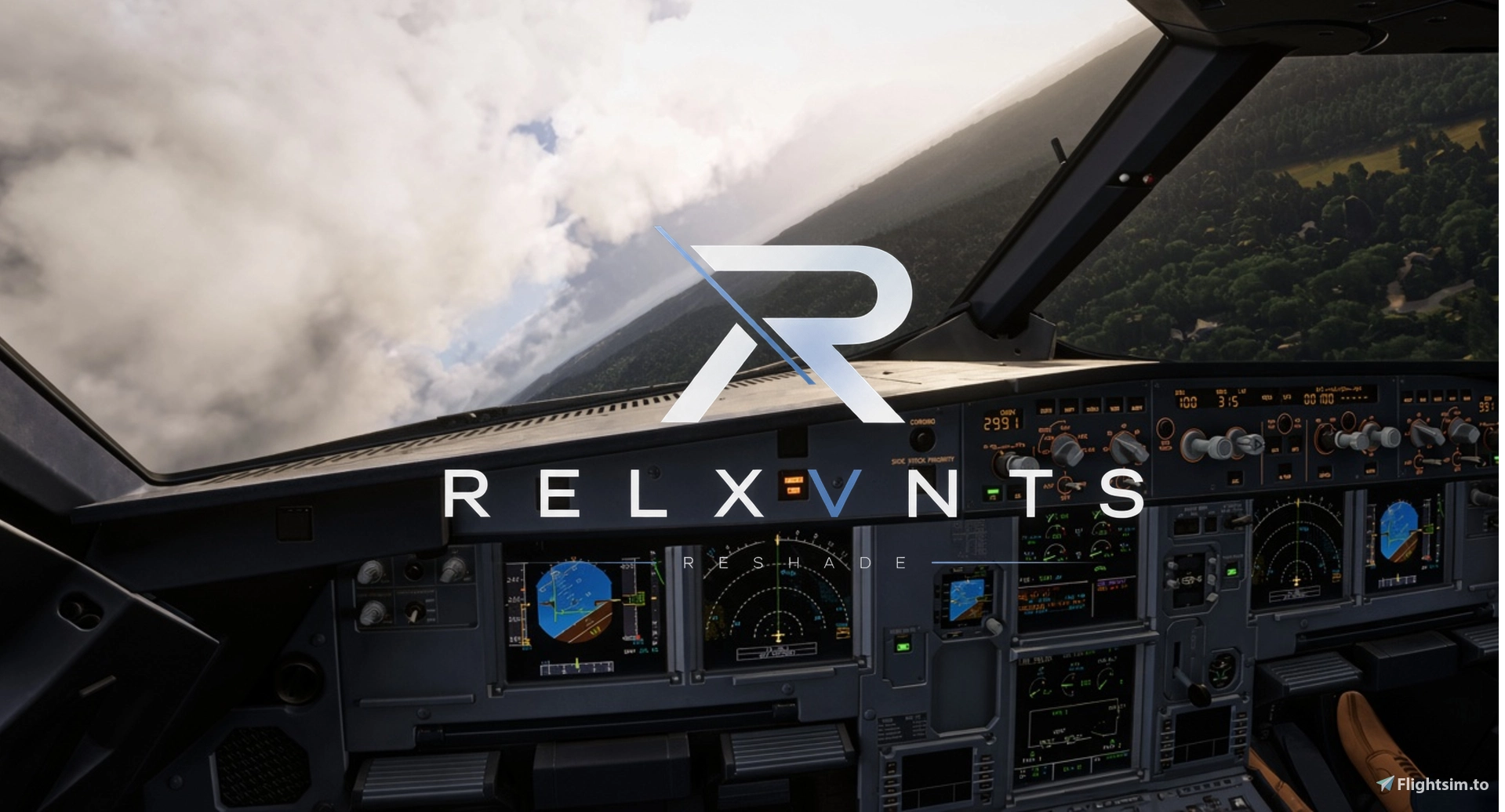
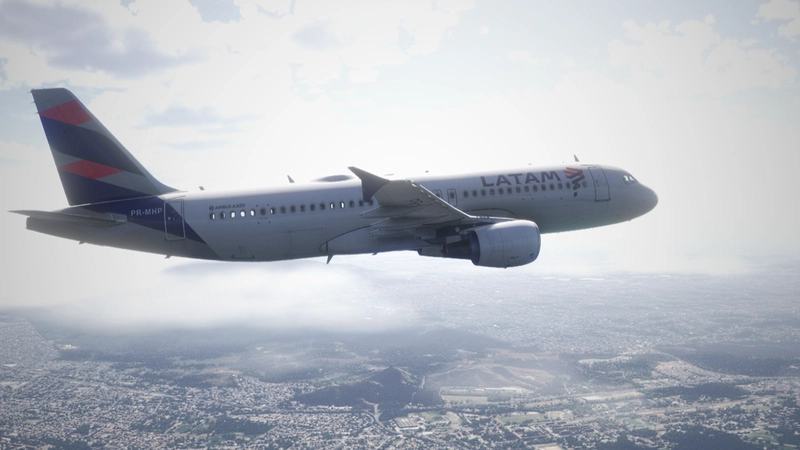
Enhance your flight simulation experience with this custom-built ReShade preset designed specifically for Microsoft Flight Simulator 2024. This preset aims to eliminate the default washed-out look, bringing true-to-life colors, improved atmospheric depth, and crisp textures to your virtual cockpit and landscapes. ⚠️ATTENTION ⚠️ - IT IS HIGHLY RECOMMENDED TO LOWER YOUR EXPOSURE TO -0,35 IN THE SIM ⚠️
Whether you are flying high above the clouds or navigating a low-level VFR flight, this preset delivers a balanced, immersive, and natural visual upgrade.
⚠️ATTENTION ⚠️ - IT IS HIGHLY RECOMMENDED TO LOWER YOUR EXPOSURE TO -0,35 IN THE SIM ⚠️
📦 How to Install
- Download and install the latest version of ReShade (with full add-on support recommended).
- Select Microsoft Flight Simulator 2024 (FlightSimulator2024.exe) during setup.
- Choose the DirectX 12 rendering API.
- Download this preset file and drop it into your main MSFS 2024 installation folder (where the .exe is located).
- Open ReShade in-game (usually the
Homekey) and select this preset from the drop-down menu.
📝 Important Notes-
This preset was calibrated using the default in-game graphic settings and HDR/SDR monitors.
- ⚠️ATTENTION ⚠️ - IT IS HIGHLY RECOMMENDED TO LOWER YOUR EXPOSURE TO -0,35 IN THE SIM ⚠️
-
Relxvnts Reshade
Relxvnts Reshade is a custom ReShade preset for Microsoft Flight Simulator 2024 designed to address the default washed-out visuals. It enhances color accuracy, atmospheric depth, and texture clarity for a more natural appearance in both cockpit and landscapes. The preset is calibrated for standard in-game graphics settings and is compatible with both HDR and SDR monitors. Users are advised to lower the in-sim exposure to minus 0.35 for optimal results.

Versionsgeschichte
Fixes

Melden Sie sich an, um an der Diskussion teilzunehmen
AnmeldenKommentare(2)
about 1 month ago
about 2 months ago