
Beschreibung
(NOTE)
Since the file name has been changed, if you have version ver1.7 installed, please delete that file before installing this one.(ver1.8)Additionally, RJBE Terminal2, which was previously released separately, has been integrated into this update, so please delete it from your community folder if you have it installed.
The parking radius for AI traffic has been configured so that aircraft park only at spots 3–7 and 11–15.
Thanks to Yusuke's cooperation, the 2024 version of Terminal 2 has been completed.https://flightsim.to/addon/91396/rjbe-kobe-airport-terminal2
How to use
Unzip the downloaded file and install it into the community folder.
Key Features
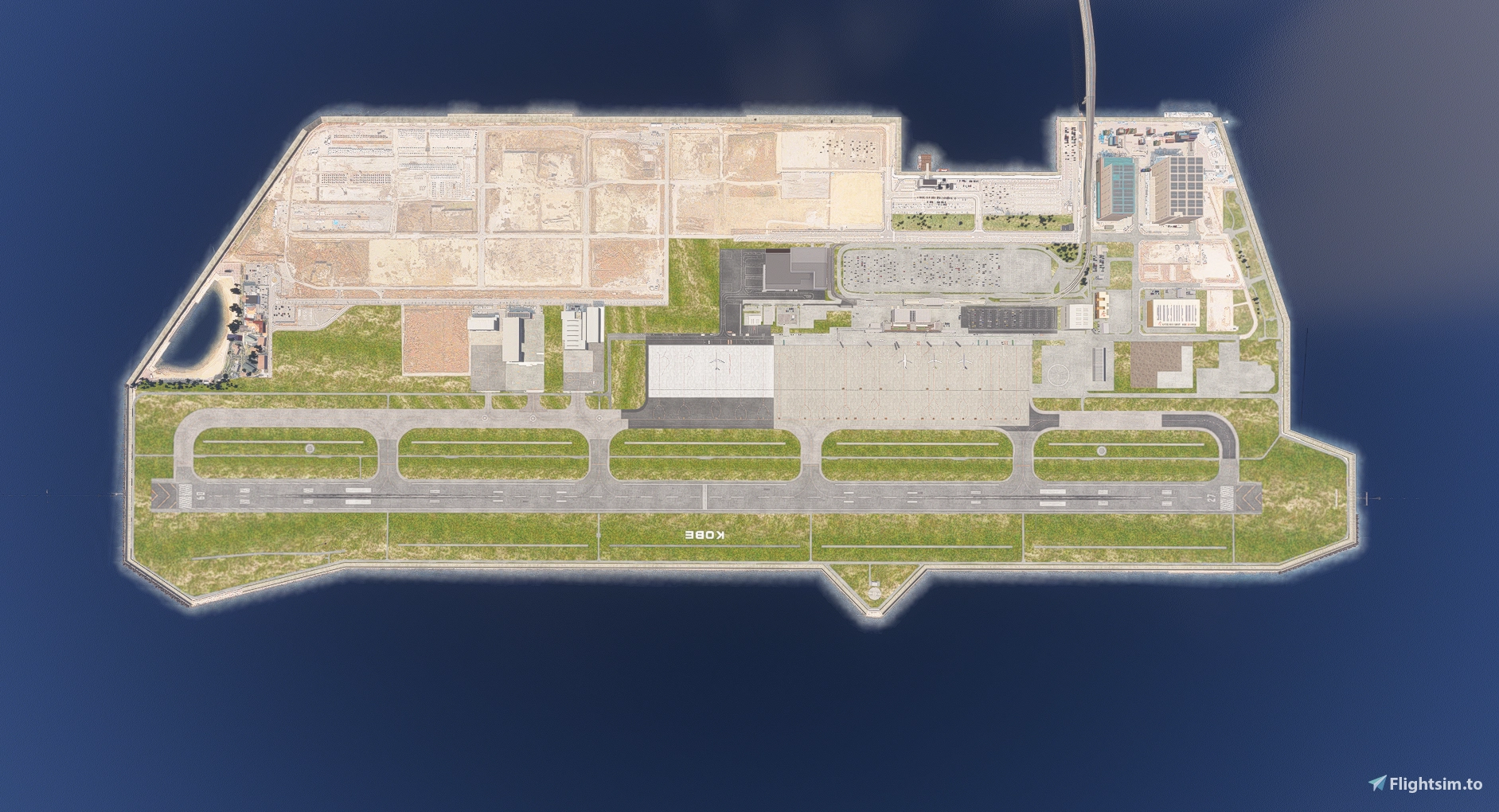
- Created based on aerial photographs
- Added international flight apron and spots 11-15
- Completely redesigned domestic flight apron.
Created markings as accurately as possible
- Added Terminal 2
- Added spot signs 3, 11, 12, 13
- Removed default apron lights and added KRC apron lights (adjusted to actual height)
- Added ground markings for TOKI Air's parking locations
- Added runway exit taxiway centerline lights
- Placed runway centerline lights according to the chart
- Removed unnecessary photogrammetry
- Added third parking lot
- Added fences
- Added several other custom lights
Future Updates & Feedback
I will continue to provide updates as I notice areas for improvement.
I am open to feedback—please let me know if you have any suggestions or find any issues!
KAZE Kobe Airport Addition and Enhanced.(BATC)
This add-on updates Kobe Airport RJBE with high-resolution aerial imagery and an expanded Intel Apron, featuring compatibility with BeyondATC.


Mitwirkende
Nutzerbewertungen
1 Bewertungen
Versionsgeschichte
Changed the SALS rabbit color to white. Adjusted the SALS light intensity. Changed the grass texture.
Ähnliche Addons
RJTT Tokyo International Airport Enhanced
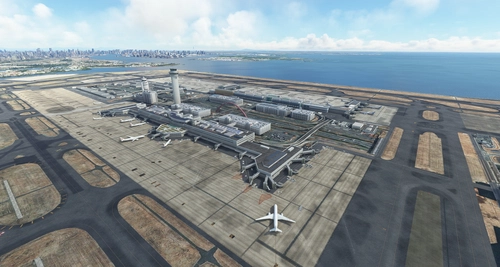
Enhance Tokyo International Airport with this add-on, which aligns runways, taxiways, and taxiway names based on the new airfield map. Make various fixes and additions, with the option to disable certain elements like airport equipment and taxiway signs. Ensure compatibility by following instructions, and experience VDSG implementation based on LOD specification for realistic plane positioning.
von karuchie
RJCC-NewChitoseAirport-JAPAN
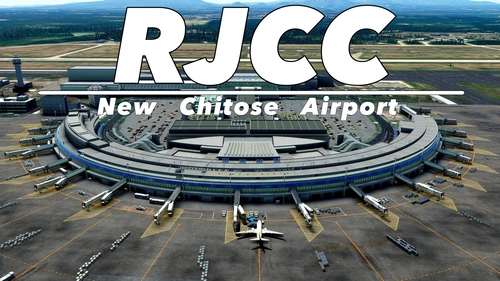
🗾JAPAN-RJCC-NewChitoseAirport-Made by KAPI_Design.
von KAPI_
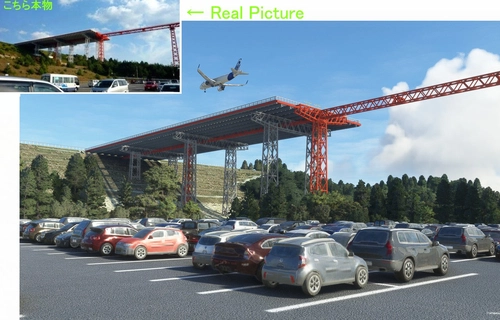
(RJOA) Hiroshima Intl Airport
Experience Hiroshima International Airport in Microsoft Flight Simulator with this detailed add-on created over seven months. Version 1.6 includes updated jetways, custom center lines, and added realism with dirt effects. Take note of recent issues regarding unauthorized copying and selling of this scenery, with the creator providing it for free to the community. Explore the changes made in this update for an enhanced flying experience.
von KAZE
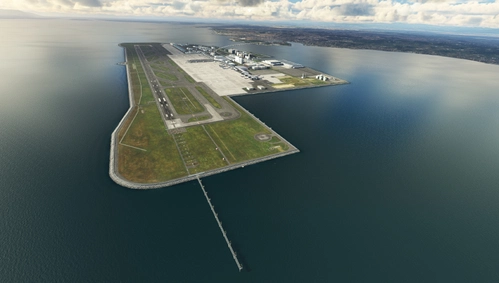
Nagoya Chubu Centrair Int. Airport - RJGG
Experience the beauty of Nagoya Chubu Centrair Int. Airport with this freeware add-on for Microsoft Flight Simulator. Enjoy accurate rendering of RJGG, custom modeled buildings, animated jetways, and more. Download now and explore this stunning airport in detail.
von Franzlhuber
Melden Sie sich an, um an der Diskussion teilzunehmen
AnmeldenKommentare(2)
3 months ago
3 months ago