
Beschreibung
Introduction
I’m excited to share something special with the community —
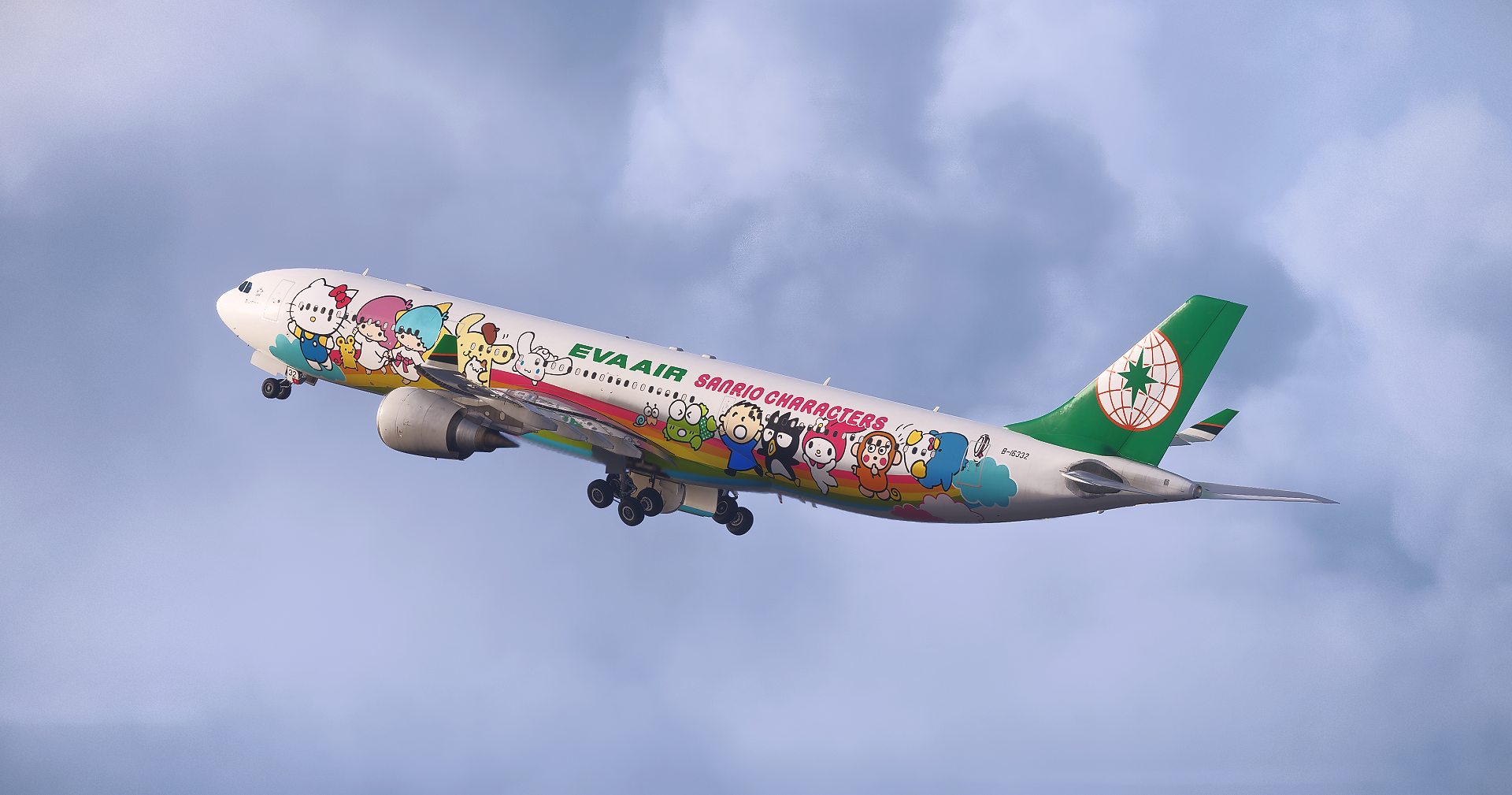
the EVA Air A330-300 B-16332 “Joyful Dreams” livery for the iniBuilds / Microsoft A330 in Microsoft Flight Simulator 2024.
This is the very first EVA Air Sanrio special livery ever released for the iniBuilds / Microsoft A330 in MSFS 2024.
B-16332 “Joyful Dreams” is also the second aircraft in EVA Air’s third-generation Sanrio Family Jet series.
Created with great care and attention to detail, this project is my way of bringing one of EVA Air’s most iconic and beloved special liveries into the simulator for fellow aviation fans to enjoy.
Features
• 14 custom Sanrio Family decals,
, with carefully tuned colors to match the real aircraft as closely as possible
• Fully customized cabin details, including:
• IFE screens
• Headrest covers
• Pillows
• Safety instruction cards
• Additional custom textures, including:
• Cockpit textures
• Engine textures
• Cabin textures
• Wing textures (Through the use of a submodel, the aircraft registration has also been added beneath the left wing for enhanced realism)
Compatibility
• Microsoft Flight Simulator 2024
• Designed for the iniBuilds / Microsoft A330
Installation
Unzip the ZIP file and place it into your MSFS 2024 Community folder.
Special Thanks / Contributors
• Customize extremely detailed decals using submodels: Ranehwa
• Pillow model: Valexyo
Support
Creating so many special liveries is truly not easy.
Each one takes a lot of time, effort, and passion.
If you think my work is great, feel free to make any support here:
PayPal: Ken940016@gmail.com
Any amount is welcomed and sincerely appreciated.
Disclaimer
• Copies, modifications, or any re-upload of the included files are strictly prohibited.
EVA AIR Sanrio “Joyful Dream” (B-16332) w/Cabin | Inibuilds/Microsoft A330-300
This add-on features the EVA Air A330-300 B-16332 Joyful Dream Sanrio livery for the iniBuilds and Microsoft A330 in Microsoft Flight Simulator 2024. It includes 14 custom Sanrio Family decals with accurate color matching, fully customized cabin details such as IFE screens and headrest covers, as well as enhanced cockpit, engine, cabin, and wing textures. The package is designed specifically for compatibility with MSFS 2024 and offers increased realism through detailed submodels.

Nutzerbewertungen
6 Bewertungen
Versionsgeschichte
Keine Versionsgeschichte verfügbar.
Ähnliche Addons
Eva Air 787-10
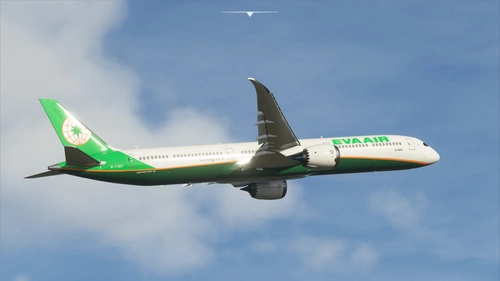
Enhance your Microsoft Flight Simulator experience with a realistic repaint of EVA Airs B-17801 using real-world photos and data. This add-on features high-quality 4k textures, including all decals and logos, for a more immersive flying experience. Utilizing a mix of 3D and 2D painting techniques, this repaint ensures smoother lines and precise logo placement on the Default Asobo 787-10 aircraft. Simply drag the provided folder into your community folder to install.
von Ryanosaurus13
PMDG 777-300ER EVA AIR B-16739(W/Custom cabin texture)
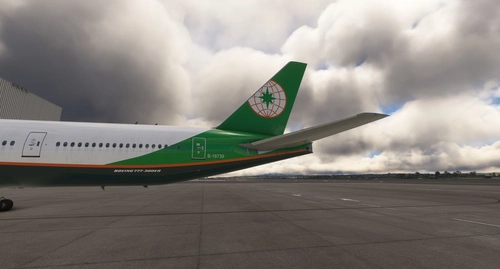
Repaint of EVA Air B-16739 for PMDG 777-300ER with default cabin textures. Install via PMDG Operation Center for a realistic flight experience. Future updates to include custom textures. Share feedback or report bugs in the comments.
von Gaku
![Horizon Sim 787-9 | EVA Air B-17881 [8K]](https://cdn.flightsim.to/images/26/horizon-sim-787-9-eva-air-b-17881-164932-1699841603-y4dnG.jpg?width=500)
Horizon Sim 787-9 | EVA Air B-17881 [8K]
Experience flying the first-ever Boeing 787 delivered to EVA Air, the 2nd flag carrier of Taiwan, in stunning 8K resolution with the Horizon Sim 787-9 add-on.
von slsim
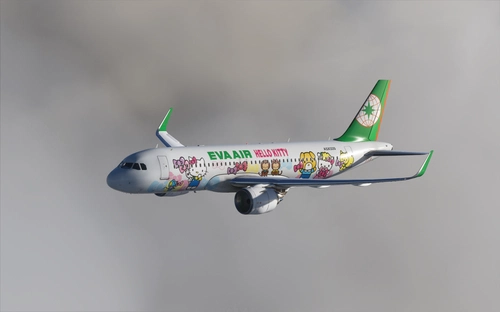
Eva Air Hello Kitty
Fly in style with the Eva Air Hello Kitty livery for MSFS2020. This add-on features a complete repaint in Blender with higher quality images and accurate details of the popular Japanese character. Compatible with the latest 1.10.7.0 patch, this livery will add a touch of cuteness to your virtual flights. Simply unzip and install in the Community folder to enjoy this adorable livery.
von 1Maple
Melden Sie sich an, um an der Diskussion teilzunehmen
AnmeldenKommentare(15)
about 1 month ago
2 months ago
2 months ago
To install it, simply extract the downloaded file and place the extracted folder into your Community folder.
Best regards,
Kuei
2 months ago
2 months ago
There are a couple of things you could check:
1. Folder structure
After extracting the ZIP, open the livery folder. It should directly contain folders/files like:
ContentInfo
SimObjects
layout.json
manifest.json
If there is an extra folder (for example, inibuilds A330 EVA AIR B-16332 Joyful Dream (twice)) and those files are inside it, MSFS will not detect the livery.
2. Livery selection
Have you opened the Livery menu in the aircraft selection? Also, are your other custom liveries showing up correctly in MSFS 2024?
Please let me know, and I'll be happy to help you troubleshoot further.
2 months ago
6 months ago
6 months ago
6 months ago
6 months ago
6 months ago
6 months ago
6 months ago
6 months ago
Dieser Kommentar wurde gelöscht
6 months ago
Dieser Kommentar wurde gelöscht