
Beschreibung
KINL- Falls International Airport-Einarson Field
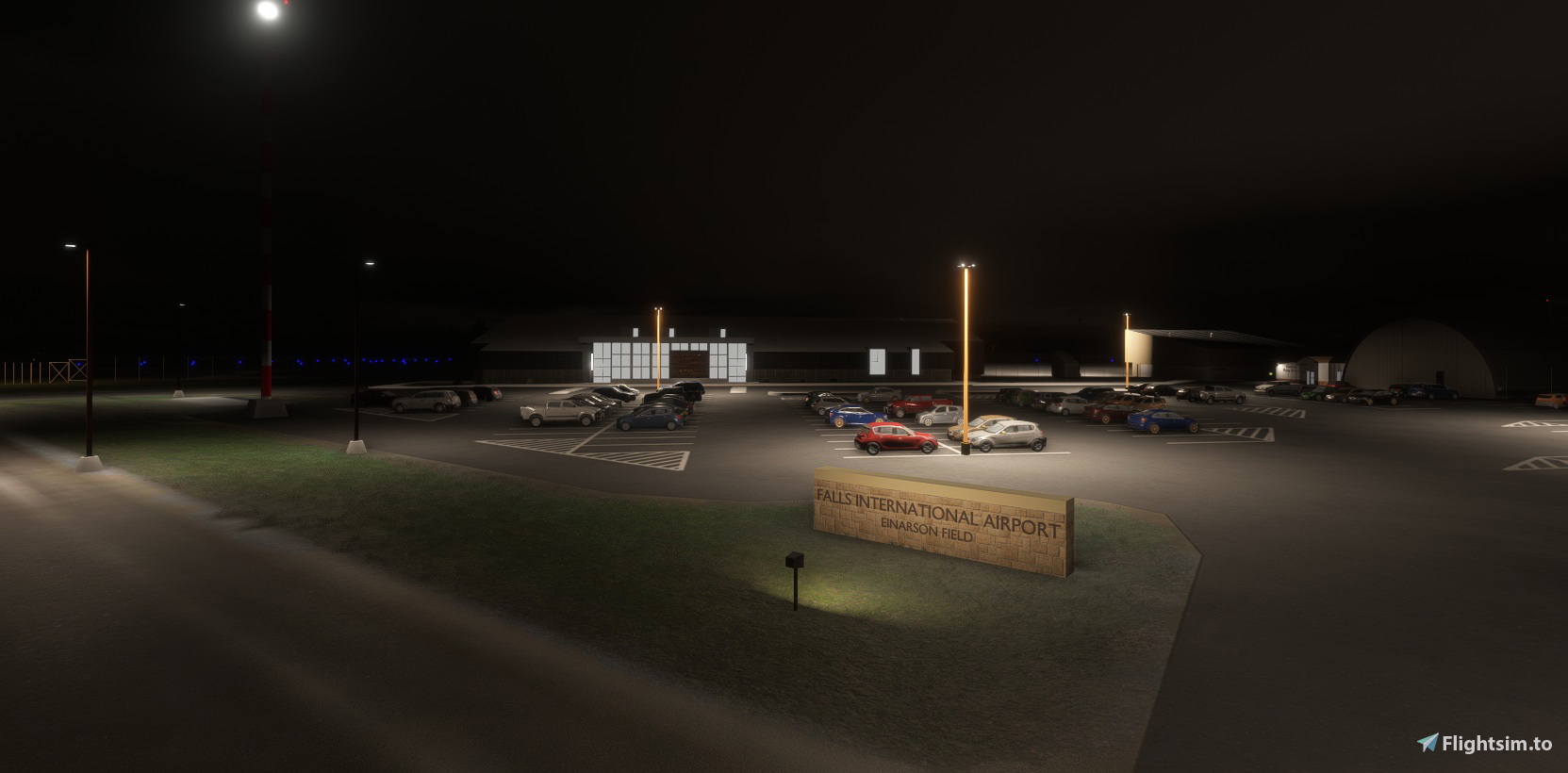
Falls International Airport is located near the Canadian Border, and is a Port of Entry with a main runway of 7400 feet. It was established after World War II, with a 3000 foot runway, which has been expanded in increments to its’ current length in 1969.
Three Terminal Buildings have been built over the years, the current building having been completed and opened in the summer of 2019. In the same year, a project began to replace the main runway in phases over a 5 year period. In order to maintain Corporate Jet access, taxiway A has a shoulder added, increasing the width from 60 to 100 feet, allowing it to be used as a temporary runway. The NOAA Weather Station was relocated as part of this project, since it was only about 133 feet from the centerline of the temporary runway.
Notes About this Scenery
With the data we have at the moment, the B1 intersection feeding the start of runway 22 has been left in place. The original plans say this is to be removed, but as of May 2024, it is still there.
Moving the fuel farm is also mentioned in planning documents, and a Street View from May 2024 clearly shows that a new Fuel Farm area has been established next to the Airport Services hangar/building. We cannot prove if the original farm next to the ARFF building is gone.
All building heights are guesswork. No 3D information is available from Google Earth, and pictures and videos from air-side do not seem to exist online, except for the new terminal.
As with all small airports, the Jetway is smaller than the Asobo rendition, and an extension of the type used at this airport does not exist. Scaling Jetways doesn’t seem to work, so the Jetway shown is static.
INSTALLATION
There are two files to this build. Please install them all in your community folder. One, the master contains the unique airport scenery. The mgc-oneMNSDModellib file replaces all the previous libraries we have used.
The following files can be removed from your community folder when you install mgc-oneMNSDModellib.
Mgc-groundmarkings,mgcscenery-modellib-tsassets, mgc-streetandbldLighting,mnsd-modellib-airport-models or modellib-airport-models-24.
Location
KINL - Falls International Airport, Einarson Field, Minnesota
Falls International Airport Einarson Field is a detailed rendition of KINL, near the Canadian border in Minnesota, featuring its 7400-foot runway and updated terminal opened in 2019. The add-on reflects ongoing airport developments, including temporary use of taxiway A and recent changes to fuel farm locations. Custom models include snow piles, animated beacon, windsocks, and fences, with attention to the airport’s evolving infrastructure. Installation requires three files for full functionality, including lighting and unique airport elements.


Nutzerbewertungen
3 Bewertungen
Versionsgeschichte
City Update 15 Compatible Single Library File
In Sammlungen enthalten(1)

Ähnliche Addons
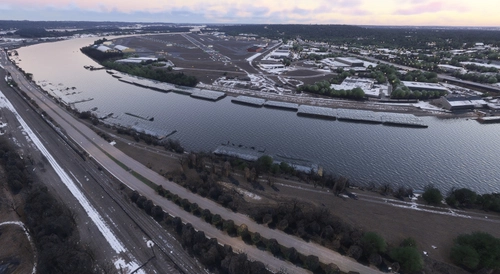
KMSP - Minneapolis St Paul International
Add-on summary: Exciting updates and improvements for Minneapolis St Paul International (KMSP) Airport, with detailed enhancements for various terminals, parking areas, lighting, and ground markings. Explore realistic textures, redesigned structures, and optimized AI traffic flow. Keep your experience alive with each version release, bringing a dynamic and evolving airport environment.
von Martin Connor (connomar)
KDLH - Duluth International Airport - Duluth, Minnesota
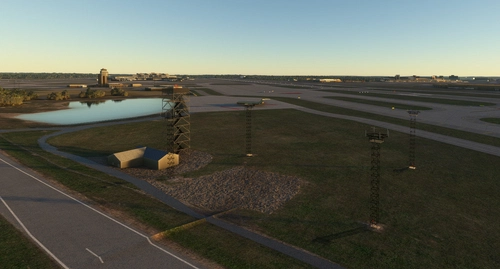
Enhance Duluth International Airport with this beta add-on, incorporating updates from a multi-year project to modernize taxiways and introduce new GA Hangar spaces. Delve into a detailed rendition featuring over 40 models, including changes such as enhanced hangars, airport services modifications, and improved lighting elements. Stay tuned for upcoming releases to further refine this evolving airport scenery.
von MNSceneryDesign
KSTP - St. Paul Downtown - Holman Field - St. Paul, MN - 3.1
Explore KSTP - St. Paul Downtown/Holman Field in Minnesota with this detailed add-on. Discover the top reliever airport, business hangars, Blackhawk helicopter operations, and more. Updates include CHS Field landmark, accurate taxi signs, enhanced lighting, and detailed tower complexes. Created by MNSceneryDesign, this add-on elevates your flight simulation experience.
von MNSceneryDesign
Sky Harbor Airport, Duluth, Minnesota
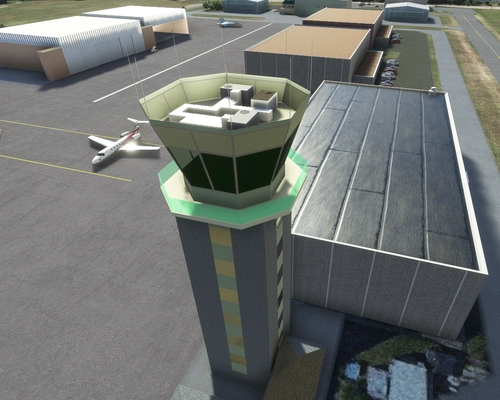
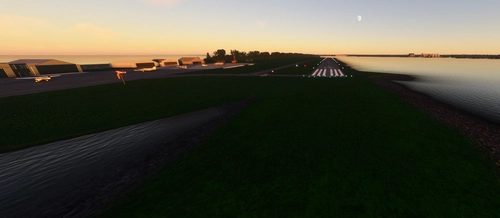
Explore Sky Harbor Airport, KDYT in Duluth, Minnesota with this MSFS model featuring a newly built runway and detailed airport features like lit windsocks, waterways for float planes, reflective markers, and a rotating beacon. Experience added realism with the main hangar door that opens during the day, immersive effects with Grain Silos and Ore Handling buildings, and a ship sailing in the canal. Join the aviation community and enhance your flight simulation experience at this historic airport.
von MNSceneryDesign
Melden Sie sich an, um an der Diskussion teilzunehmen
AnmeldenKommentare12
I have added the taxi line where I think it goes, but a decent satellite image to prove that would be nice. GSX is a mystery to me. I don't own it, so I have no clue about creating profiles for it. Sorry about that.