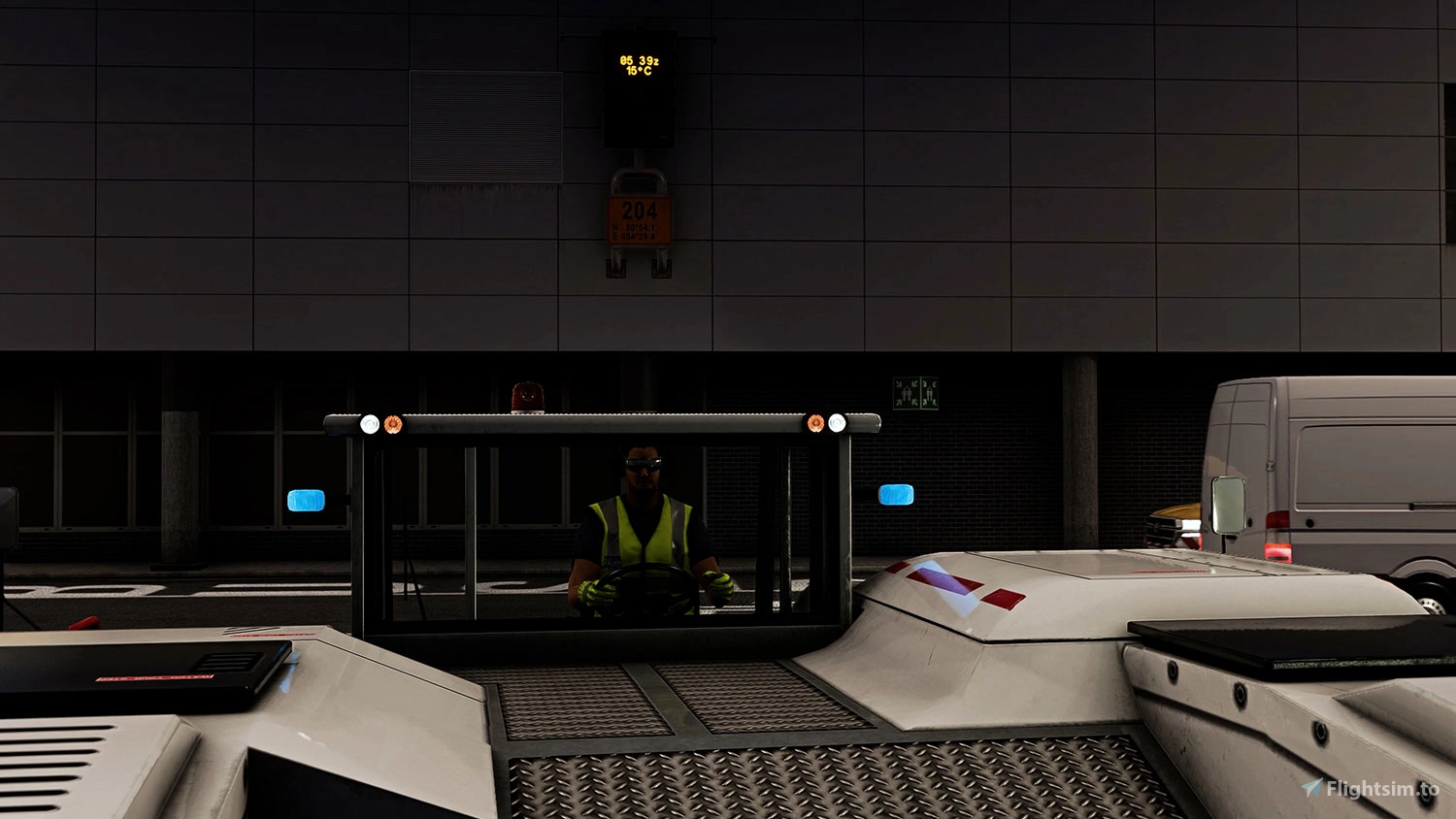
About this addon
Plan your pushback conveniently in the simulator while you prepare your aircraft or tow your aircraft out of the maintenance hangar to carry out a test flight. All options are available to you: pushback, push-in and towing. Operation of all functions is possible via keyboard and mouse, VR controller or Xbox controller.
Toolbar Pushback Pro is the further development of the well-known freeware Toolbar Pushback. The Pro version has been re-developed from the ground up to be up-to-date for the future and to simplify further developments.
The audio playback was switched to Wwise and the texts have been completely re-recorded. Depending on the language setting and the selected location, the accent of the interactive text changes. The tool's operation has been optimized in many areas to speed up time-critical processes and ensure full compatibility with VR hardware and Xbox controllers.
The "automatic mode" of Toolbar Pushback Pro now also supports towing (forward) in addition to the standard pushback (backward), offering a whole lot of options for getting your aircraft out of a parking position.
| FEATURE | FREEWARE | PRO |
| Pushback (backward) - automatic mode | ✓ | ✓ |
| Towing (forward) - automatic mode | ✕ | ✓ |
| Pushback Pre-Planning | ✓ | ✓ |
| Manual Pushback | ✓ | ✓ |
| Pushback Audio | — (Legacy) |
✓ (Wwise) |
| Xbox Support (Marketplace Version only) | ✕ | ✓ |
| VR compatibility | ✕ | ✓ |
| Compatibility with airplane add-ons | — | ✓ |
| Several menu languages | ✓ | ✓ |
| Ground crew and pilot voices in different languages and accents | ✕ | ✓ |
| Ground service, apron and aircraft controls | ✓ | ✓ |
| Visual feedback from the Tool | ✕ | ✓ |
| Improved flow for time-critical virtual air traffic flights (z.B. VATSIM) | ✕ | ✓ |
| Product updates | — | ✓ |
| Product support | ✕ | ✓ |
| Compatibility for seaplanes (*) | ✕ | ✓ |
| New 3D objects (*) | ✕ | ✓ |
| Connectivity for Aerosoft VDGS (*) | ✕ | ✓ |
✓ = Available, — = Limited availability
(*) = Feature planned but will not be in the first release
User Reviews

Frntsk13
VerifiedJul 28, 2026
Totally Worthless
Fabio.Mazzini
VerifiedJun 30, 2026
Terrible, a complete waste of money. Every time I try to connect to the aircraft and start the pushback, it says the tug isn't available. I've uninstalled and reinstalled it about seven times, and it still doesn't work. I want to know if I'm going to get a refund????
flatcoated
VerifiedFeb 14, 2026
This is my second buying from aerodoft, my first doesn't work, aerosoft refund. This tool ... hm, installed, visible in My Library as installed, but not shown on in Game Toolbar. I deinstall, reinstall in my own AddOn Folder on drive D:\ not visible, so I am very sad, but the support doesn't help me out, in other words: this is you mistake with MSFS2024 installation .... no words. What (from my pint) is very bad, you can't get a zip file, install by yourself in e.g. own AddOn folder, you have to install a aerosoft 'manager' software fpr install, deinstall
LJulien
VerifiedJun 25, 2024
Somewhat disappointed . I thought the problem I had with the freeware would be solved. The same erratic pushback problem exist and I only use the manual pushback mode until I find a solution or that an update is available
Are you talking about the issue in which your aircraft just starts doing crazy spins? Becuase I'm experiencing the same issue...
I have the same problems its junk
jorgeono
VerifiedApr 3, 2024
It doesn't work well.
Aerosoft Toolbar Pushback Pro
Enhance your aircraft operations with Toolbar Pushback Pro, a premium version of the popular freeware Toolbar Pushback. This tool allows for easy pushback, push-in, and towing options, with support for various controllers and VR hardware. Enjoy new features such as towing (forward) in automatic mode, improved audio playback, and full compatibility with Xbox controllers and VR for a seamless experience.
Instant digital delivery • Secure payment
Requirements
Additional Requirements
Installation and Updates run via Aerosoft One, this requires an internet connection and an Aerosoft user account! You cannot use this product without Aerosoft One, and agreeing to Aerosoft's Terms of Service during account creation is requirement for the installation and use of this product.
- Microsoft Flight Simulator 2020 or 2024
- OS: Windows 10 / 11
- Processor: Intel i5-4460 | AMD Ryzen 3 1200 or better
- Graphics: NVIDIA GTX 770 | AMD Radeon RX 570 or better
- DirectX: DirectX 11
- Video Memory: 2 GB VRAM
- Memory: 12 GB RAM
- Free hard disk space: 100 MB
More by this publisher

FlightSim Studio - Airfield Ganderkesee
Airports
€ 10,12

FlightSim Studio - B727 Freighter
Aircraft
€ 40,62
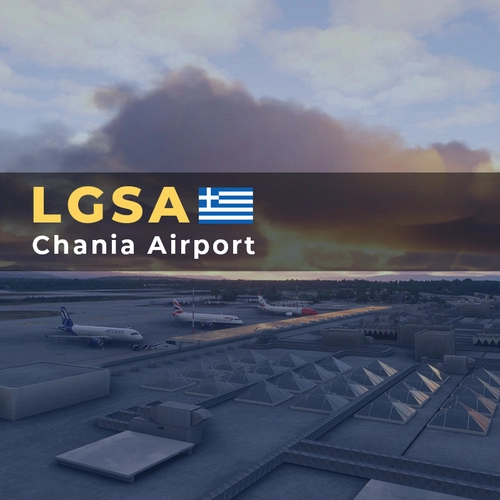
29Palms - LGSA - Chania Airport
Airports
€ 19,36
Aerosoft Offshore Landmarks: North Sea - MSFS 2024
Scenery Enhancements
€ 17,28
Aerosoft Antarctica Vol. 1 - British Rothera and Beyond
Scenery Enhancements
€ 15,20
Details
- Category
- Utilities
- Release Date
- Feb 21, 2024
- Last Updated
- Mar 7, 2024
- Reviews
- 5
- Compatibility
- MSFS2020/24